AI Tools for Small Business: The Complete Guide for 2026
The complete 2026 guide to AI tools for small business: support, automation, marketing, branding and visuals in one lean toolkit.
Key takeaways
- Small businesses can now run support, marketing, and operations with a handful of affordable AI tools instead of hiring for every role.
- Tools like Chatling, n8n, Copymatic and SocialPilot cover the highest-leverage jobs first: answering customers, automating busywork, and publishing content.
- Start with one painful workflow, prove it saves hours, then expand — do not buy a dozen tools on day one.
- Branding and visuals no longer require a designer on retainer; AI handles logos and product images at a fraction of the cost.
- The winning approach is a small, connected stack where each tool does one job well and hands off cleanly to the next.
The fastest way for a small business to benefit from AI in 2026 is to automate one expensive, repetitive workflow first — usually customer support or content publishing — and only then expand the stack. Most owners fail not because the tools are weak, but because they buy ten subscriptions, never integrate them, and abandon the lot within a month. A lean, deliberate toolkit beats a sprawling one every time. This guide walks through the five jobs where AI delivers the clearest return for a small team, the specific tools worth trying, and the order in which to adopt them so you see savings within weeks rather than quarters.
What is an AI toolkit for small business?
An AI toolkit for small business is a deliberately small set of software tools — typically four to six — that each automate or accelerate a single recurring job a small team would otherwise do by hand or hire for. The categories that matter most are customer support, back-office automation, marketing content, social media scheduling, brand identity, and product visuals. Unlike enterprise AI platforms, these tools are designed to be set up by a non-technical owner in an afternoon, priced for tight budgets, and useful immediately rather than after a long implementation. The goal is not to replace your judgment; it is to remove the dozens of small, draining tasks that quietly eat your week so you can spend time on customers and growth.
Where AI delivers the clearest return
The highest-return use of AI for a small business is almost always the work you currently do at night or on weekends because there is no time during the day. Answering the same customer questions, posting to social media, writing product descriptions, and chasing routine admin are the classic culprits. These tasks share three traits: they are frequent, they follow predictable patterns, and they do not require deep human creativity. That combination is exactly what current AI handles well. A chatbot trained on your FAQs can resolve most first-contact questions instantly. A scheduler can fill a month of posts in an hour. A writing tool can turn a rough outline into a usable draft in seconds. None of these are flashy, but stacked together they can give a solo owner back a full day each week.
Building a stack that connects, not a pile of subscriptions
The difference between a toolkit that pays for itself and one that becomes a money pit is integration. A tool that lives in isolation forces you to copy and paste between systems, which reintroduces the manual work you were trying to remove. The fix is to pick tools that either talk to each other natively or can be wired together through an automation layer. When a new lead fills out a form, the ideal stack captures it, adds it to your list, sends a personalised reply, and notifies you — all without a human touching it. You do not need to engineer this on day one, but you should choose tools with that future in mind, favouring ones with open integrations over closed black boxes.
Best AI tools for small business
| What you need | Best tool to start with |
|---|---|
| Answer customer questions 24/7 | Chatling |
| Automate repetitive back-office workflows | n8n |
| Write marketing and website copy | Copymatic |
| Schedule and manage social media | SocialPilot |
| Create a professional logo and brand kit | LogoAI |
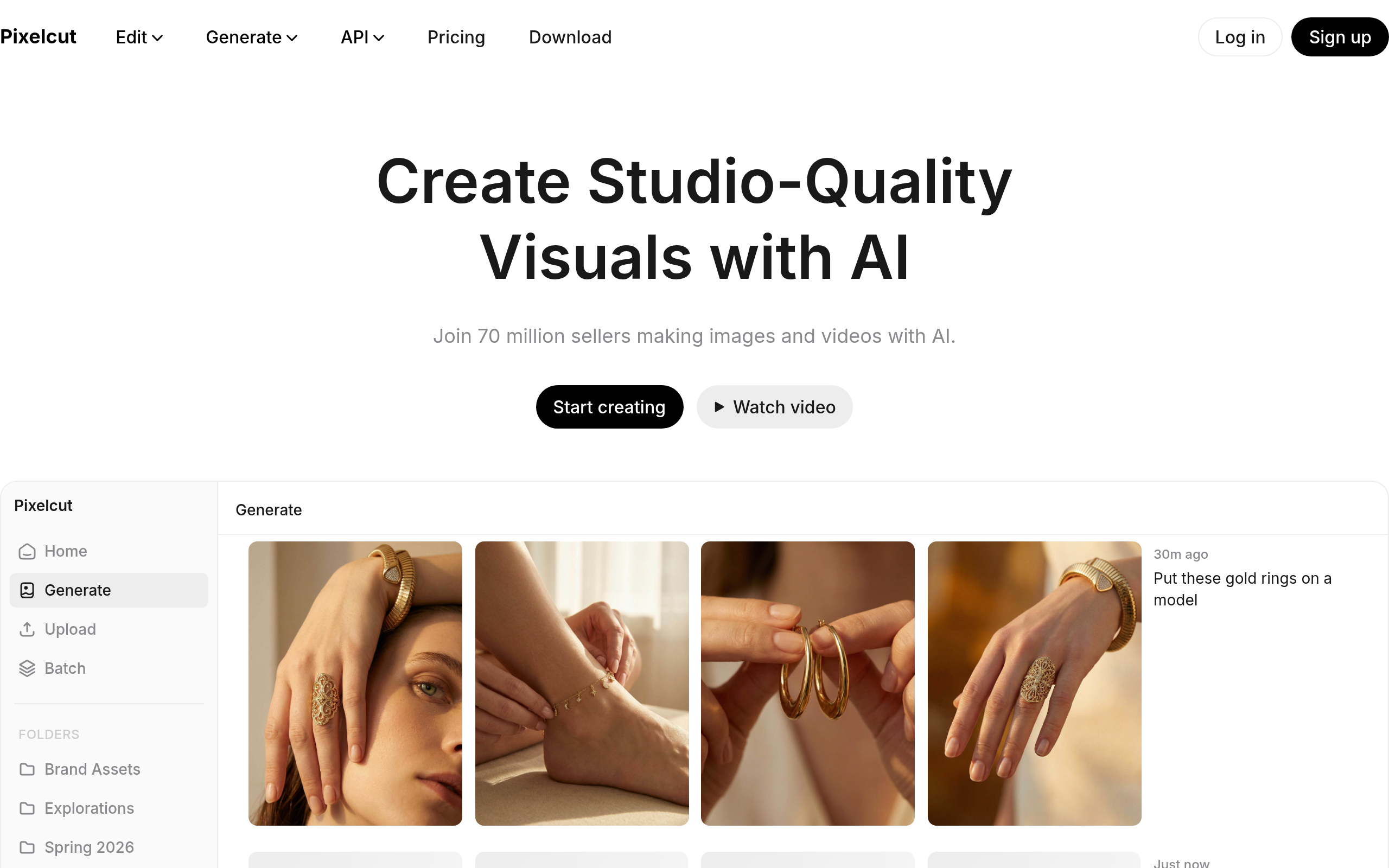
| Produce clean product and marketing images | Pixelcut |
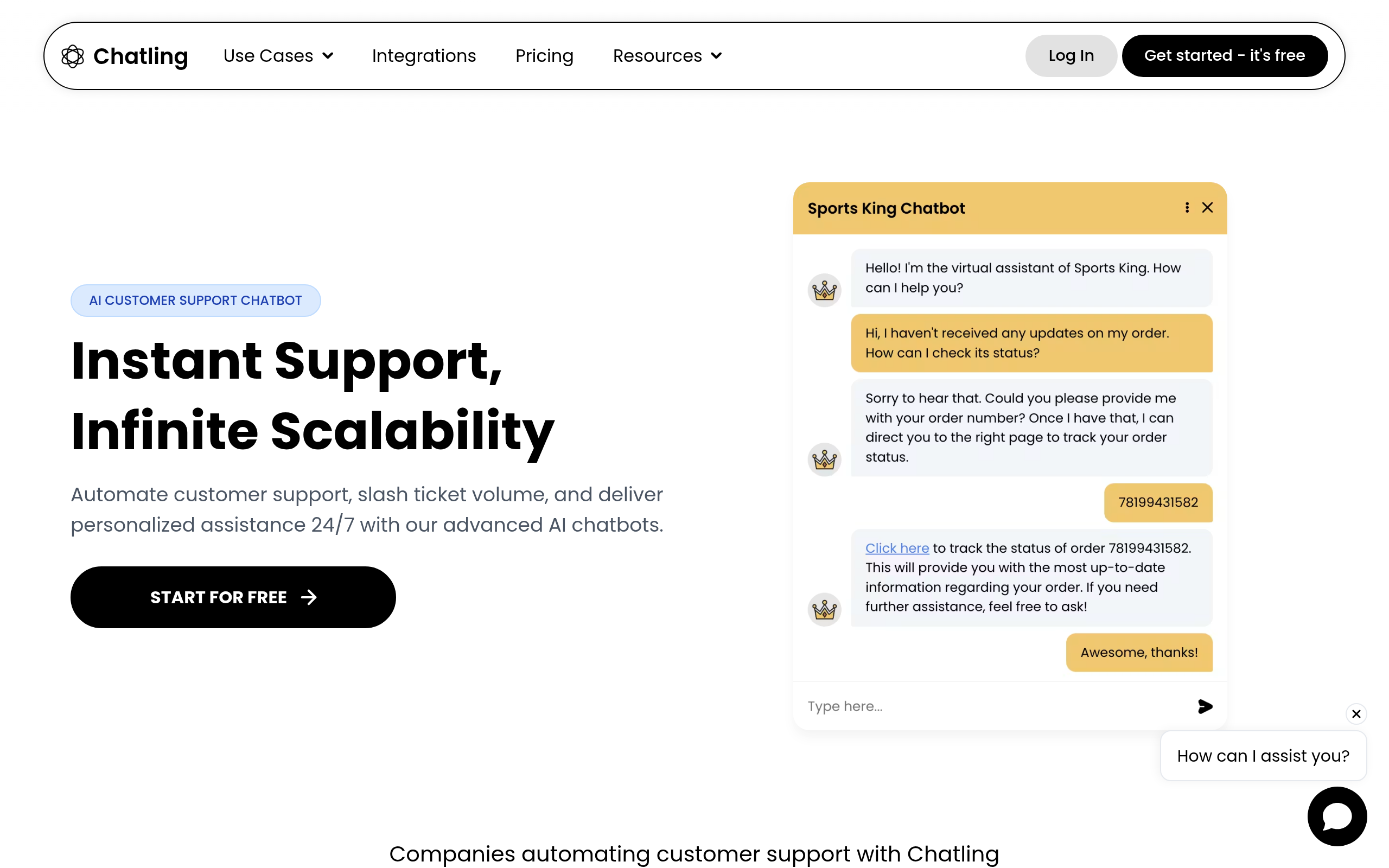
Chatling is a strong starting point for support because it lets you build a chatbot trained on your own website, documents and FAQs without writing code, so it answers in your business's voice rather than with generic replies. n8n is the automation backbone of the stack — it connects the apps you already use and runs multi-step workflows, which is where a lot of hidden admin time disappears. For words, Copymatic drafts product descriptions, ads and landing-page copy quickly, giving you a usable first version to edit rather than a blank page. SocialPilot handles the publishing side, letting you queue and schedule posts across platforms from one place. On the brand front, LogoAI generates logos and matching brand assets, and Pixelcut cleans up and creates product visuals so your storefront looks professional. If you are earlier in your journey, the guide to AI tools for startups covers founder-stage priorities, and our guide to automating customer support with AI goes deeper on the support workflow specifically.
How to build your AI stack (step by step)
- List the three tasks that cost you the most time each week and pick the single most painful one to tackle first.
- Choose one tool for that job — for support that is often Chatling, for content Copymatic — and set it up properly before adding anything else.
- Feed it your real material: actual FAQs, real product details, your existing brand voice, so its output reflects your business.
- Run it for two weeks and measure the hours saved or questions deflected, not just whether it "feels" useful.
- Once it earns its keep, add the next tool — automation with n8n or scheduling with SocialPilot — and connect it to the first.
- Review the whole stack monthly and cut any tool that is not clearly saving time or money.
Why a lean AI stack matters now
Small businesses have never faced more pressure to do more with less. Larger competitors automate aggressively, customer expectations for instant replies keep rising, and hiring is expensive and slow. AI closes part of that gap by giving a two-person shop capabilities that used to require a marketing hire, a support agent and a designer. The reason to act now rather than later is compounding: every week you delay automating a recurring task is another week of paying for that task in your own time. A lean stack is also far easier to maintain than a bloated one — fewer logins, fewer subscriptions to track, fewer places for things to break. The owners who win with AI in 2026 are not the ones with the most tools; they are the ones who picked a few well and actually used them.
Common mistakes to avoid
The most common mistake is buying tools before defining the problem. An owner reads about a shiny AI product, subscribes, and then tries to find a use for it — which almost never sticks. Start from the painful task, then find the tool. The second mistake is never feeding tools your real data; a chatbot trained on nothing useful gives nothing useful back, and generic AI copy that ignores your actual products reads as filler. The third is skipping the measurement step, so you cannot tell which subscriptions are worth renewing. Finally, many owners try to launch everything at once and burn out on setup. Add one tool at a time, get it working, and let each small win fund the energy for the next. Treat AI as a series of focused upgrades, not a single overwhelming transformation.
The bottom line
You do not need a big budget or a technical background to put AI to work in a small business — you need focus. Start by automating the one task that costs you the most time, prove it pays off, then grow the stack deliberately. A practical 2026 starting point is Chatling for support, n8n for automation, Copymatic for copy, SocialPilot for social, and LogoAI with Pixelcut for brand and visuals. Pick one, make it real, and let the time it saves fund the next step.
Disclaimer: This guide is for general informational purposes only and reflects the landscape as of 2026. Tool features, pricing and availability change frequently — always confirm current details on each provider's official site before subscribing, and choose tools based on your own testing rather than this article alone.
Tools mentioned in this guide
Pricing, features and model availability can change over time. Always verify current details on each tool's official website before deciding.
Frequently Asked Questions
How many AI tools does a small business actually need?
How many AI tools does a small business actually need?
Which AI task should a small business automate first?
Which AI task should a small business automate first?
Do I need technical skills to set these tools up?
Do I need technical skills to set these tools up?
Can AI tools really save a small business money?
Can AI tools really save a small business money?
How do I stop my AI stack from becoming a money pit?
How do I stop my AI stack from becoming a money pit?
Should a small business use one all-in-one AI tool or several specialised ones?
Should a small business use one all-in-one AI tool or several specialised ones?
Don't just pick a tool — get the whole workflow
Tell Comparee your goal and get a complete step-by-step AI workflow with the right tool for every step.