Suno vs Udio: Which AI Music Generator Is Better in 2026?
Suno vs Udio compared: features, vocals, pricing, and use cases in 2026. Find out which AI music generator is the better choice for your workflow.
- Suno delivers polished, radio-quality songs from a single text prompt — the fastest route from idea to finished, shareable track.
- Udio offers more creative control: build songs section by section, extend tracks, and explore niche genres with more structural freedom.
- Both offer free tiers with credit limits and require a paid subscription for commercial licensing.
- Neither Suno nor Udio is currently listed in the Comparee catalog — top catalog alternatives in this space include AirMusic Voice Cloning, Resemble AI Voice Creation, and Voicv.
- Comparee's verdict: choose Suno for speed and mainstream polish; choose Udio for musical depth and creative experimentation.
If you have ever typed a genre, a mood, and a few keywords into a text box and received a fully produced song with vocals, hooks, and instrumentation within seconds, you have probably encountered either Suno or Udio. These two tools have redefined what it means to make music with AI, and in 2026 they remain the most-discussed options in the space. The question creators keep asking is simple: which one actually makes better music?
The short answer: Suno wins on polish, speed, and consistency. Udio wins on creative control, structural depth, and experimental range. But that summary only gets you halfway there — the right tool depends entirely on your workflow and what you are trying to make. This guide breaks down both platforms across every dimension that matters.
What Are Suno and Udio?
Suno (from Suno AI Inc.) is a text-to-music platform that generates complete, fully produced songs from a short text prompt. You describe the sound you want — genre, mood, instruments, vibe — and Suno returns a polished track with vocals, lyrics, and mixed instrumentation in under a minute. It is designed with non-musicians in mind: no music theory knowledge required, no DAW skills needed.
Udio launched in 2024 as a direct competitor and takes a slightly different approach. While Udio also generates full songs from text prompts, its interface is built for iteration. You can generate individual song sections — intro, verse, chorus, bridge — and stitch them together. You can extend tracks, retry specific segments, and input custom lyrics section by section. It rewards creators who want to stay hands-on rather than hand everything off to the AI.
Both tools are trained on large music datasets, support a wide range of genres from pop to folk metal to ambient electronica, and have been at the center of ongoing music industry copyright debates. That legal uncertainty is worth factoring in before committing to either platform for serious commercial work.
How Does Each Tool Generate Music?
Understanding the generation pipeline helps you predict what each tool will and will not let you control — and sets realistic expectations about the creative process.
| Aspect | Suno | Udio |
|---|---|---|
| Input method | Text prompt + optional style tags | Text prompt + custom tags + optional reference audio |
| Song structure control | Limited — full track generated in one pass | High — generate by section, extend, and stitch |
| Custom lyric input | Yes, before generation (full lyrics) | Yes, per section (verse, chorus separately) |
| Instrumental-only mode | Yes | Yes |
| Output length | Up to ~4 minutes per generation | Longer tracks possible via section extension |
| Mobile app | iOS and Android | Web-first, limited mobile support |
Suno is a one-shot generator: give it a strong prompt and it delivers a finished track. Most of the creative work happens before you press generate. Udio is more of an iterative studio: the creative work continues after the first generation, as you refine sections and build toward the final composition. Neither approach is objectively better — they suit different working styles.
Suno vs Udio: Full Feature Comparison
Here is a side-by-side look at how the platforms compare across the features that matter most to creators.
| Feature | Suno | Udio |
|---|---|---|
| Vocal quality (mainstream genres) | Very polished, radio-ready, clean mix | Variable — can be more expressive or rougher |
| Genre range | Wide, strongest on pop and mainstream styles | Wide, stronger on niche and experimental styles |
| Custom lyrics | Yes — full lyrics before generation | Yes — per section during build |
| Song extension / remix | Basic extend feature | Full section-by-section building and extension |
| Stem separation | Not available | Not available |
| API access | Available on higher-tier paid plans | Available (limited rollout) |
| Community and discovery | Public feed, song sharing, trending tracks | Discovery feed with curated outputs |
| Speed of generation | Very fast — seconds per track | Fast, slightly slower on extended builds |
| Copyright on output | Users own output on paid plans; training lawsuits ongoing | Users own output on paid plans; training lawsuits ongoing |
Pricing and Free Tier — What Do You Actually Get for Free?
Both platforms use a credit-based model where each song generation costs a set number of credits. Free tiers exist on both, but they come with non-commercial restrictions and daily or monthly credit caps. Here is how they compare in broad terms — always verify current pricing on each platform's official site, as these numbers change frequently.
| Plan level | Suno | Udio |
|---|---|---|
| Free tier | Daily credits for personal, non-commercial use | Monthly credits for personal, non-commercial use |
| Entry paid plan | Monthly subscription: more credits, commercial license included | Monthly subscription: more credits, commercial license included |
| Higher tiers | More credits, priority generation queue, API access | More credits, faster generation |
| Annual billing discount | Yes | Yes |
The free tiers are useful for experimenting and getting a feel for each tool. For anything you plan to publish or monetize, you will need a paid plan on both platforms to get commercial use rights. This is a hard requirement, not a soft suggestion — using free-tier output in commercial contexts violates both platforms' terms of service.
If you need voice-based audio tools with more flexible pricing, the Comparee catalog has strong options: Voicv and Luvvoice both offer free access tiers for voice creation work. Explore all options at Comparee's Voice, Audio & Music category.
Which AI Music Generator Produces Better Vocals?
Vocals are the single biggest differentiator between Suno and Udio in practical listening tests, and the difference is consistent enough to matter when choosing.
Suno's vocals sound clean, well-tuned, and commercially mixed. They sit naturally in the track, the pitch correction is smooth, and the overall presentation is what you would expect from a professionally produced pop or hip-hop record. The tradeoff is that Suno's voice can feel slightly generic — technically flawless, but lacking the distinctive quirks of a real singer.
Udio's vocals are more variable. At their best, they carry genuine emotional texture and feel more human. At their worst, they can be rougher or less predictable in pitch and delivery. For many genres — bedroom pop, indie, lo-fi, experimental — that variability is actually a creative asset. The output sounds less like a stock voice and more like a specific artist with a point of view.
Practical rule: for clean, commercial vocals in pop, EDM, hip-hop, or R&B, use Suno. For expressive, characterful vocals in alternative, indie, or niche genres, give Udio a try. Neither platform gives you control over the individual voice style in the way a dedicated voice cloning tool does.
If your actual need is voice cloning — recreating a specific voice for music or audio production — look at catalog tools. Resemble AI Voice Creation and AirMusic Voice Cloning are purpose-built for this use case and represent the best options in the Comparee catalog for custom voice work in music contexts.
Which Is Right for You? Best-For Use Case Matrix
| Use case | Best tool | Reason |
|---|---|---|
| Quick tracks for TikTok, Reels, social media | Suno | Fast, polished output; mobile app available |
| Background music for YouTube videos or podcasts | Either (use instrumental mode) | Both produce strong instrumentals |
| Songs with specific structure you want to control | Udio | Section-by-section building and extension |
| Niche or experimental genre exploration | Udio | More adventurous model outputs in niche styles |
| Jingles and branded audio content | Suno (paid plan) | Reliable commercial-quality consistency |
| Game soundtrack or film score prototyping | Udio | Longer structural builds, more cinematic range |
| Voice cloning for music or audio | AirMusic Voice Cloning or Resemble AI Voice Creation | Purpose-built catalog tools for this specific task |
| Text-to-speech and voice synthesis (non-music) | Voicv, Luvvoice, or AnyVoice | Catalog tools optimized for voice rather than music generation |
What Are the Best Alternatives to Suno and Udio?
Neither Suno nor Udio is currently listed in the Comparee catalog, but the Voice, Audio & Music category includes several strong tools for related use cases. Here are the top catalog options and where they fit:
- AirMusic Voice Cloning — the catalog tool most directly relevant to music. Combines audio generation capabilities with voice cloning, making it a strong choice for creators who need both musical output and custom voice work. Offers a free trial.
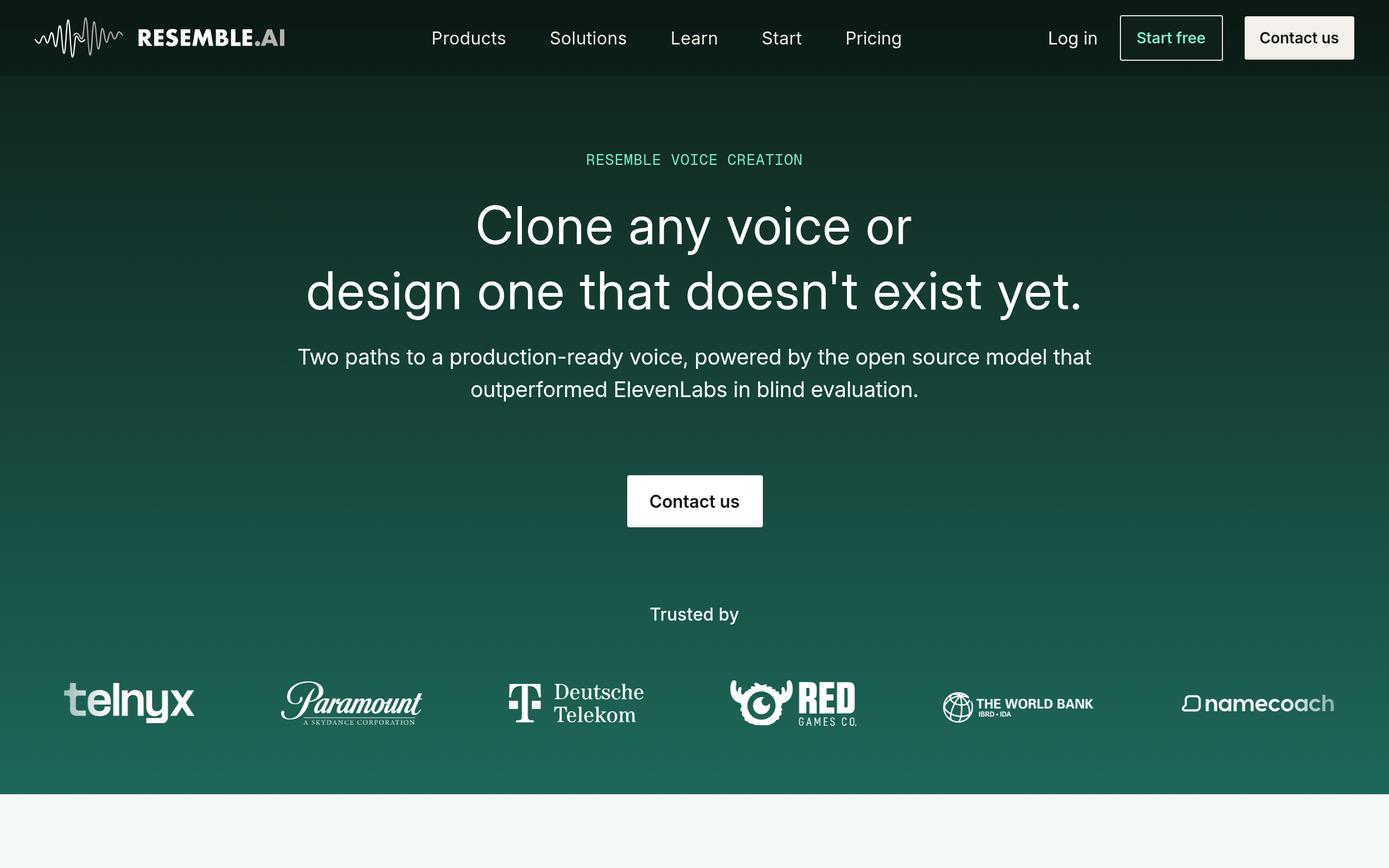
- Resemble AI Voice Creation — one of the highest-scoring tools in the Comparee catalog for professional voice synthesis. Ideal if you need to build or clone a voice for music production, voiceover, or interactive audio. Free tier available.
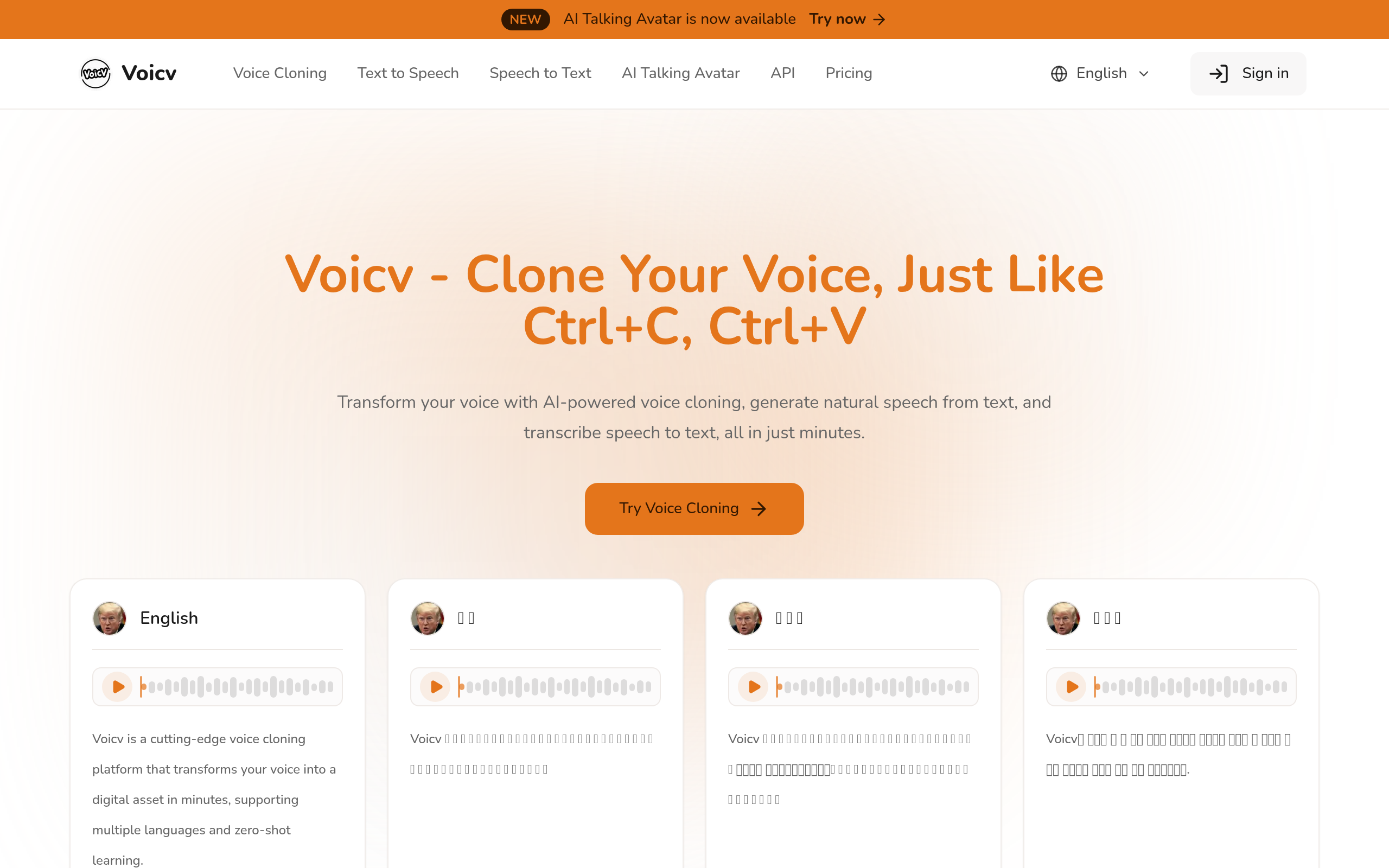
- Voicv — top-rated in the Comparee Voice, Audio & Music category by Comparee score. Clean, accessible AI voice generation with a free tier, suited for content creators who need consistent voice output.
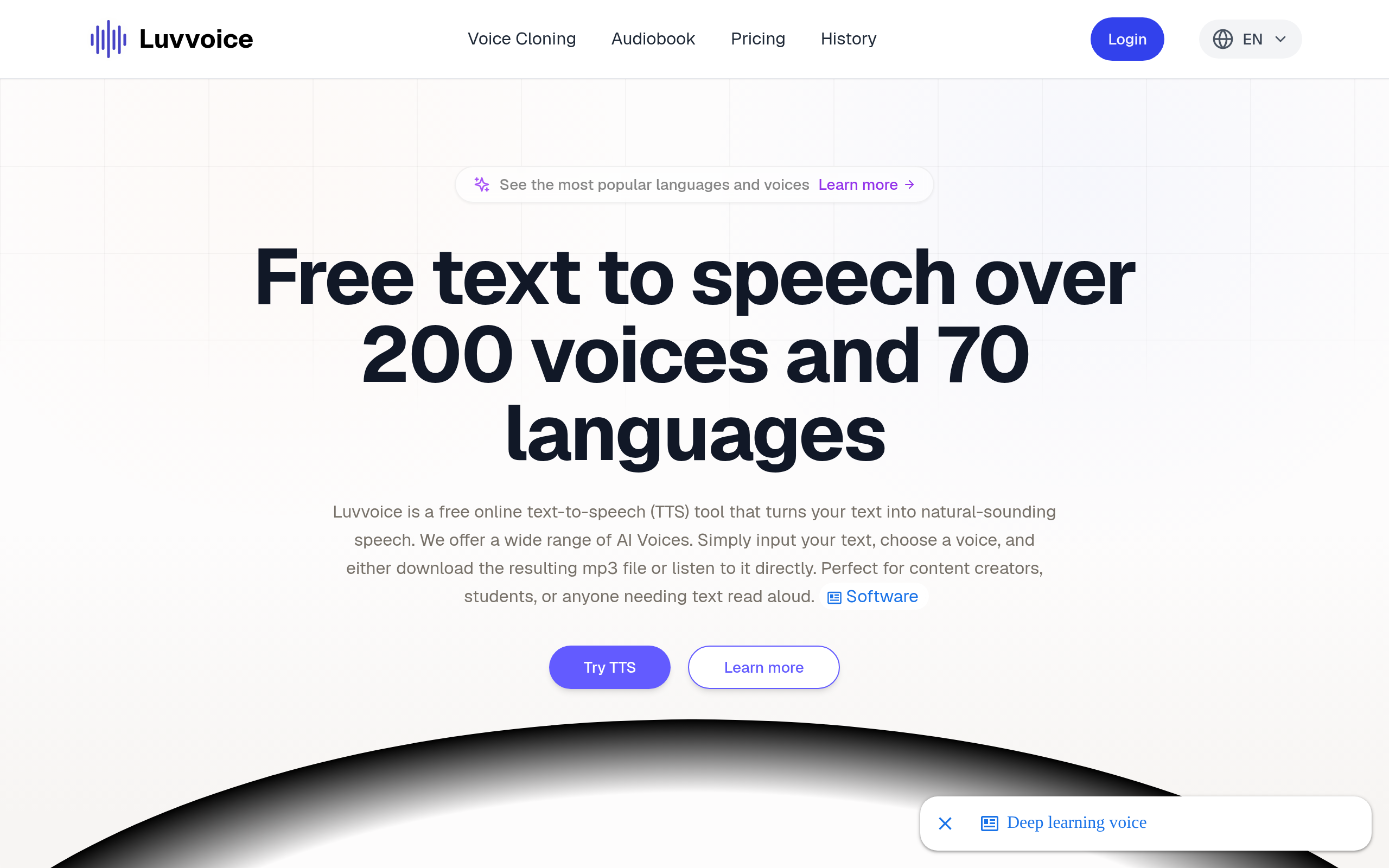
- Luvvoice — AI voice platform focused on natural-sounding output for music, content, and media production. Free access available.
- AnyVoice — multi-voice AI platform with trial access, covering voice creation across music, video, and multimedia projects.
These catalog tools fill a different niche than Suno and Udio — they are stronger when you need controllable voice synthesis rather than end-to-end AI song generation. Depending on your project, you might use Suno or Udio for the music and a catalog voice tool for narration or character voices in the same workflow.
Comparee's Verdict: Suno or Udio in 2026?
Comparee's verdict: Suno is the best AI music generator for creators who need fast, reliable, commercial-quality output — social media producers, marketers, content creators, and non-musicians who want a finished track with minimal effort. Suno's consistency, mobile accessibility, and polished results make it the default choice for most users most of the time.
Udio is the better pick for musically inclined creators who want actual creative control over song structure and are willing to spend more time in the tool to get a more distinctive result. If you are building a longer composition, experimenting with genre hybrids, or want your AI-generated music to have more personality and less of a polished-template feel, Udio is worth the extra effort.
If your primary need is voice cloning, custom vocal synthesis, or text-to-speech for music and media — skip both Suno and Udio and go directly to purpose-built catalog tools. Resemble AI Voice Creation and AirMusic Voice Cloning are the Comparee catalog's strongest options for that use case, and they are already live and reviewed.
Bottom line: both Suno and Udio are genuinely excellent tools. Neither is obviously better across all use cases. Pick based on your workflow, not on which one has more social media buzz this week.
Tools mentioned in this guide



Pricing, features and model availability can change over time. Always verify current details on each tool's official website before deciding.
Frequently Asked Questions
Is Suno or Udio better for beginners?
Is Suno or Udio better for beginners?
Can I use Suno or Udio music commercially?
Can I use Suno or Udio music commercially?
Does Suno or Udio make better instrumentals?
Does Suno or Udio make better instrumentals?
Which AI music generator has a better free tier?
Which AI music generator has a better free tier?
Can Suno or Udio clone my voice for music?
Can Suno or Udio clone my voice for music?
How do Suno and Udio compare to traditional music production software?
How do Suno and Udio compare to traditional music production software?
Is AI-generated music from Suno or Udio copyright safe?
Is AI-generated music from Suno or Udio copyright safe?
What is the best AI music generator overall in 2026?
What is the best AI music generator overall in 2026?
Don't just pick a tool — get the whole workflow
Tell Comparee your goal and get a complete step-by-step AI workflow with the right tool for every step.