Best AI Tools for Expense Management & Reporting in 2026
Compare the best AI tools for expense management in 2026 — Navan, Zeni, QuickBooks, Shoeboxed, Tipalti, Synder, Puzzle, and Baselane. Honest verdicts inside.
- AI expense tools in 2026 go far beyond receipt scanning — they auto-categorize transactions, flag policy violations in real time, and generate audit-ready reports with minimal manual input.
- Navan is the top pick for teams that combine travel and expense in one workflow; Zeni and Puzzle are standouts for venture-backed startups that need real-time books without a full finance team.
- Shoeboxed remains the easiest option for freelancers and small teams buried in paper receipts — it even lets you mail in receipts for processing.
- Synder is the clear winner for e-commerce businesses reconciling revenue across multiple platforms; Baselane is purpose-built for landlords and real estate investors.
- Pricing varies widely — many tools charge per active user or per transaction volume, not a flat fee. Factor total cost carefully before committing.
- All tools reviewed integrate with major accounting platforms — pick based on your workflow and industry, not just name recognition.
If your finance team is still manually keying receipts, reconciling credit card statements line by line, or chasing employees for missing expense reports, you are leaving serious time and money on the table. The best AI tools for expense management in 2026 handle receipt capture, smart categorization, policy enforcement, and reporting automatically. This guide compares eight real tools side by side — with honest, specific verdicts on who each one is actually built for.
What makes an AI expense management tool genuinely useful in 2026?
Optical character recognition for receipts is table stakes now — every major tool does it. What separates the real AI expense platforms from glorified scanning apps is what happens after the receipt is captured:
- Intelligent categorization that learns from your chart of accounts and improves over time, not just pattern-matching on merchant names.
- Policy enforcement that flags out-of-policy expenses automatically before they reach the approval queue — saving managers hours of back-and-forth.
- Multi-source ingestion that unifies credit cards, bank feeds, corporate cards, invoices, and reimbursements into one view.
- Audit-ready output — reconciled records that map cleanly to your accounting system, not just a CSV dump.
- Deep integrations with your existing stack: accounting software, ERP, HR tools, and corporate cards.
The eight tools below meet most or all of these criteria. Where they differ is in depth, target user, and how far the AI actually goes beyond basic automation.
Which AI expense management tools are the best in 2026?
| Tool | Best for | Core AI strength | Pricing model |
|---|---|---|---|
| Navan | Mid-market & enterprise travel + expense | Unified T&E, real-time policy enforcement at point of booking | Per user / custom |
| Tipalti AI Invoice Processing | AP teams with high invoice volume | End-to-end AP automation, multi-entity, multi-currency | Custom / enterprise |
| QuickBooks | SMBs already in the QuickBooks ecosystem | Auto-categorization, mileage tracking, receipt capture built into accounting | Subscription tiers |
| Zeni | VC-backed startups needing CFO-level reporting | AI bookkeeping + human accountant review layer | Subscription (scales with spend) |
| Shoeboxed | Freelancers, consultants, small teams | Receipt scanning (including physical mail-in), mileage, expense reports | Free tier + paid plans |
| Puzzle | Early-stage startups doing their own books | Automated categorization, real-time P&L, self-serve accounting | Subscription |
| Baselane | Landlords & real estate investors | Property-level expense tracking, Schedule E auto-categorization | Free tier + paid plans |
| Synder | E-commerce & multi-channel sellers | Multi-platform sync, revenue reconciliation across Shopify, Amazon, Stripe, and others | Subscription (transaction-based tiers) |
How does each AI expense tool work — and where does it actually shine?
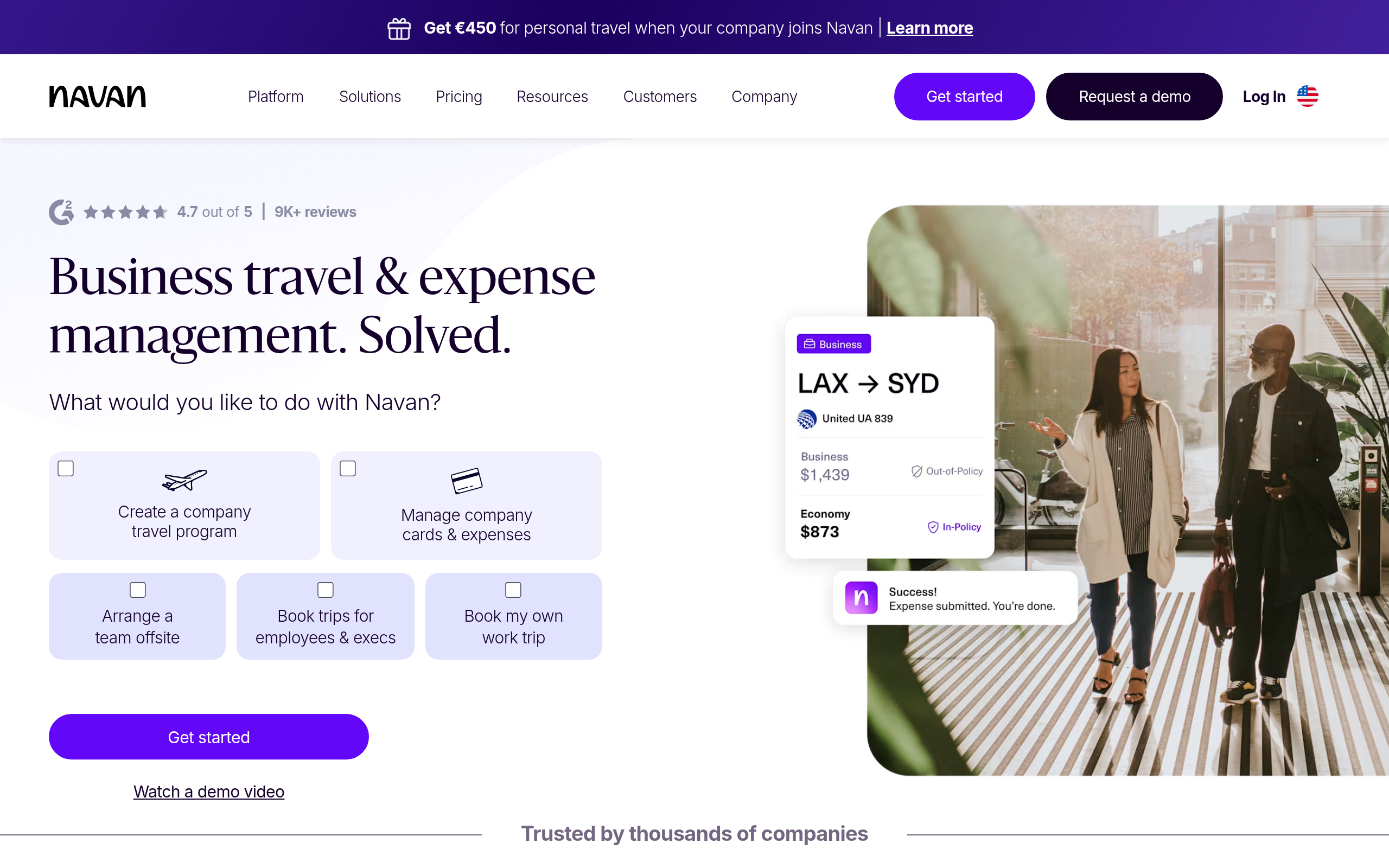
Navan
Navan is the closest thing to a complete travel and expense platform built from the ground up with AI. Unlike older T&E tools that retrofitted an AI layer, Navan was designed to manage the entire employee spend lifecycle: booking travel, issuing corporate cards, capturing receipts, applying expense policies in real time, and routing for approval. The standout feature is that policy enforcement happens at the point of booking — the system prevents out-of-policy spend rather than flagging it after the fact. That shift from reactive to proactive is a genuine reduction in finance team workload. Navan is best suited for companies with frequent business travel and sizeable teams. Smaller operations may find it more than they need.
Tipalti AI Invoice Processing
Tipalti AI Invoice Processing targets the accounts payable side of the house. If your pain point is processing large volumes of vendor invoices — across multiple currencies, legal entities, and payment methods — Tipalti's AI extracts, validates, and routes invoices with minimal human intervention. It handles supplier onboarding, tax form management, payment execution, and compliance checks automatically. This is not a tool for individual employee expenses; it is a purpose-built AP automation platform for finance teams at companies processing significant invoice volumes. If that matches your situation, few tools come close.
QuickBooks
QuickBooks needs little introduction, but its AI expense capabilities deserve honest evaluation. The platform automatically categorizes bank and card transactions, tracks mileage via mobile GPS, captures receipts through the mobile app, and generates expense reports ready for tax time. For small businesses already living in QuickBooks, the integrated expense workflow is genuinely convenient — no separate expense tool needed. The AI categorization improves as it learns your business patterns. The limitation: QuickBooks is a general accounting tool, not a dedicated expense platform, so advanced approval workflows or complex policy enforcement require add-ons or workarounds.
Zeni
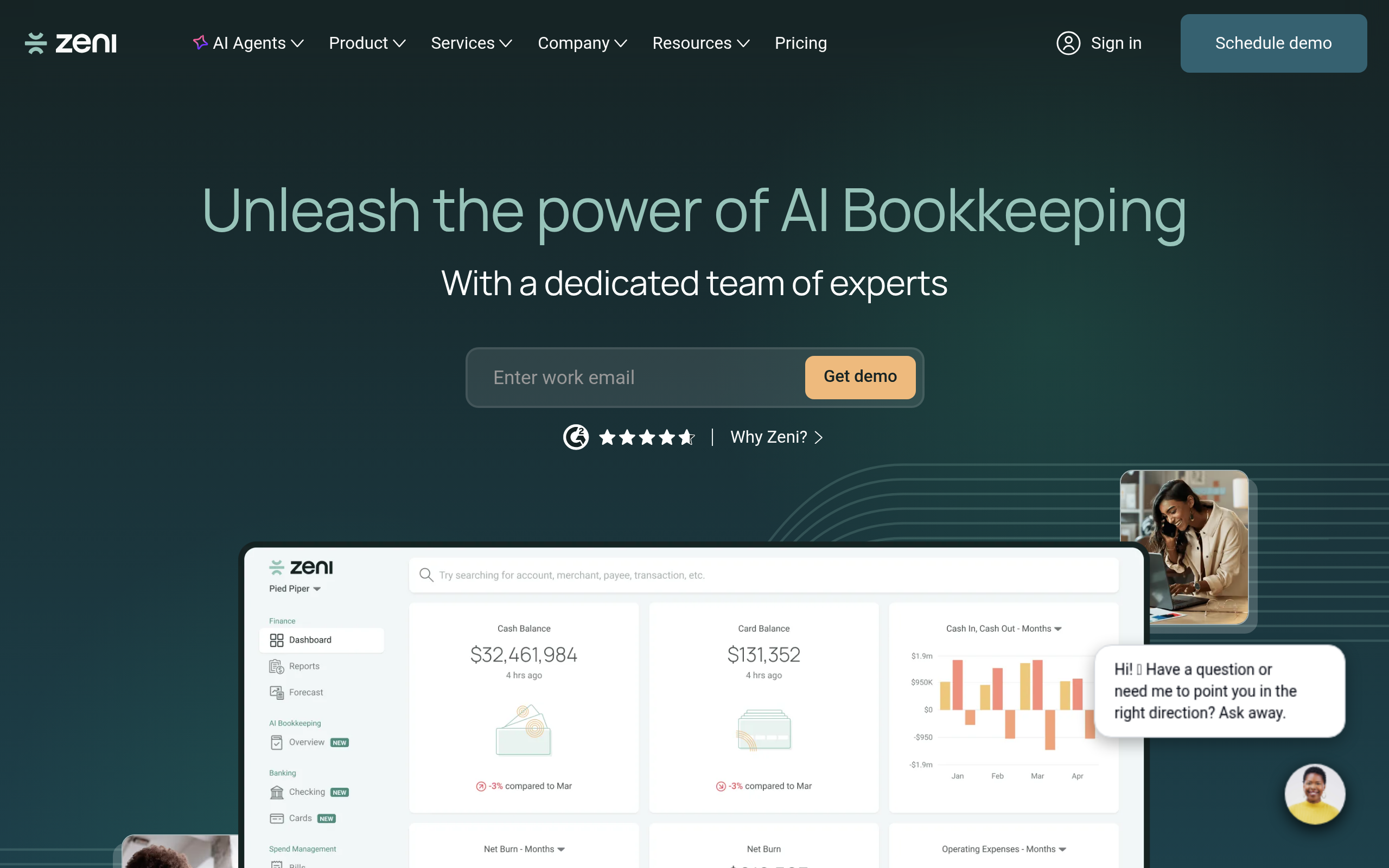
Zeni takes a hybrid approach that sets it apart: AI handles the heavy lifting on transaction categorization and bookkeeping, but a team of human accountants reviews and verifies the books before they reach the founder. For venture-backed startups that need investor-grade financial reporting but cannot yet justify a full-time CFO, this model works well. The AI categorizes transactions in near real time, surfaces anomalies, and generates reports. Zeni connects bank accounts, credit cards, and payroll into a unified financial view — something most startup founders simply do not have otherwise. The trade-off is cost: Zeni is not cheap, and the human review layer is what justifies the premium.
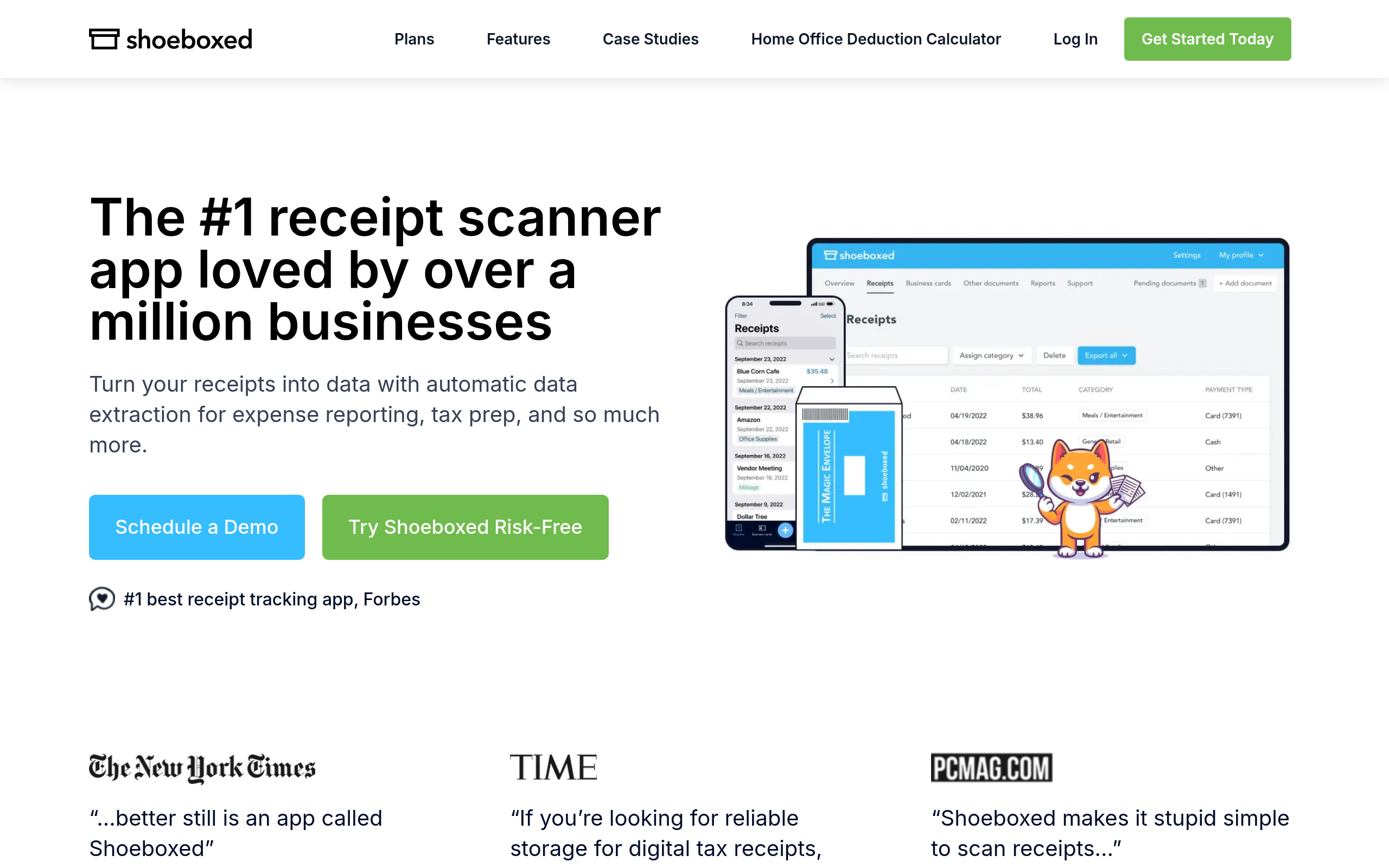
Shoeboxed
Shoeboxed is the go-to for anyone overwhelmed by physical receipts. You can mail in paper receipts (they scan and process them), use the mobile app to photograph receipts, or forward digital receipts by email. The AI extracts vendor, date, amount, and category, then generates IRS-accepted expense reports. A mileage tracker is built in. Shoeboxed is not designed for complex AP workflows or multi-entity accounting — its strength is simplicity and speed for individuals, freelancers, and small businesses that need clean records without a learning curve. The physical mail-in option is genuinely unique and useful for businesses dealing with years of backlogged paper.
Puzzle
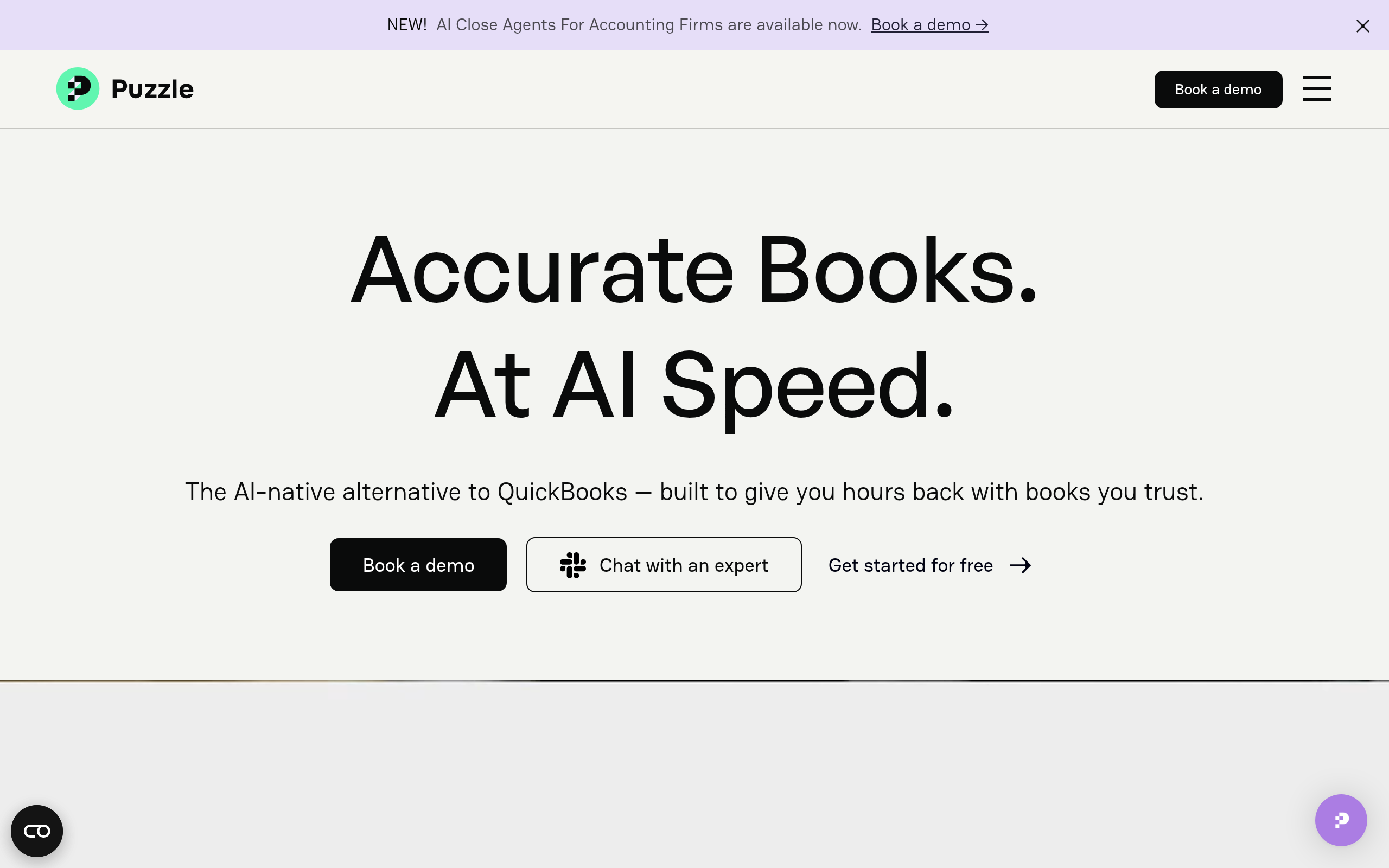
Puzzle positions itself as automated accounting software for startups — particularly those that find QuickBooks overwhelming for their stage. The AI auto-categorizes transactions from connected bank and card accounts, builds a real-time profit and loss statement, and flags anything that needs attention. Founders who have been managing books in a spreadsheet often find Puzzle a natural upgrade. It is lighter than Zeni — no human accountant layer, fully self-serve — but more accounting-specific than a pure expense tool. For early-stage companies that want real financial visibility without hiring a bookkeeper, Puzzle hits a useful sweet spot.
Baselane
Baselane is purpose-built for real estate investors and landlords, a niche that mainstream expense tools serve poorly. It combines business banking, rent collection, and expense tracking in one platform. The AI auto-categorizes property expenses using Schedule E tax categories, making tax prep significantly cleaner for landlords with multiple properties. If you are managing rental properties and need to track expenses by individual unit, Baselane's property-level organization is something no generic tool replicates without painful custom setup. The free tier makes it accessible to landlords just starting to professionalize their finances.
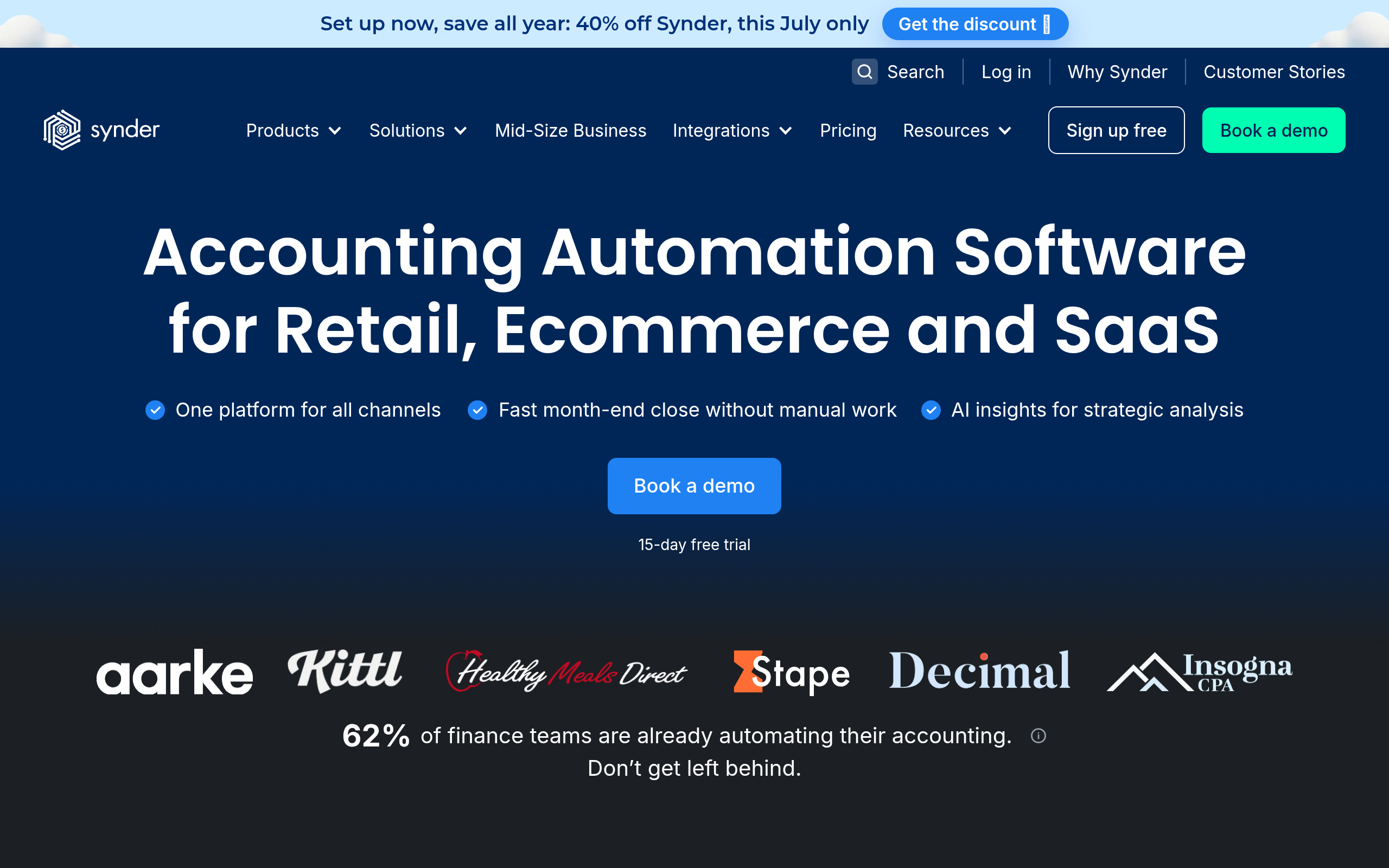
Synder
Synder solves a specific and painful problem: reconciling sales and payouts from multiple e-commerce channels — Shopify, Amazon, PayPal, Stripe, WooCommerce, and others — into a single accounting view. The AI matches transactions, handles fees and refunds, and syncs everything to QuickBooks or Xero without manual entry. For online sellers, this eliminates hours of monthly reconciliation. Synder is not a general expense management tool; it does not replace a full accounting platform. But for its target user — e-commerce businesses with multi-platform revenue — it handles a workflow that would otherwise require a specialist accountant or significant spreadsheet time every month.
How do these tools compare on the features that matter most?
| Feature | Navan | Tipalti | QuickBooks | Zeni | Shoeboxed | Puzzle | Baselane | Synder |
|---|---|---|---|---|---|---|---|---|
| Receipt OCR / capture | Yes | Yes | Yes | Yes | Best-in-class (incl. mail-in) | Yes | Yes | No |
| AI auto-categorization | Yes | Yes | Yes | Strong | Yes | Strong | Property-level | E-com specific |
| Real-time policy enforcement | Strong | Partial | No | Yes | No | No | No | No |
| Multi-entity / multi-currency | Yes | Strong | Limited | Yes | No | No | No | Yes |
| Native corporate card / banking | Yes (cards) | No | No | No | No | No | Yes (banking) | No |
| Accounting software sync | Yes | Yes | Native | Yes | Yes | Native | Yes | Core feature |
| Human accountant review | No | No | No | Yes | No | No | No | No |
| Free tier available | No | No | No | No | Yes | No | Yes | No |
Which expense management tool fits your business size and type?
| Business profile | Recommended tool(s) | Why |
|---|---|---|
| Freelancer / solo consultant | Shoeboxed, QuickBooks | Low complexity, free or low-cost entry, fast setup with no accounting background needed |
| Early-stage startup (pre-Series A) | Puzzle, Zeni | Automated books and investor-ready reporting without hiring a bookkeeper |
| VC-backed startup (Series A+) | Zeni, Navan | Real-time financials with human review plus T&E policy enforcement as the team scales |
| SMB (10–100 employees) | QuickBooks, Navan | Familiar tooling with a scalable expense workflow that does not require a new platform |
| Mid-market / enterprise | Navan, Tipalti AI Invoice Processing | Complex approval chains, multi-entity support, and high invoice volume handling |
| E-commerce / multi-channel seller | Synder | Multi-platform revenue reconciliation is Synder's core purpose — nothing else does this as well |
| Landlord / real estate investor | Baselane | Property-level expense tracking with Schedule E categories built in from day one |
| AP-heavy finance team | Tipalti AI Invoice Processing | End-to-end AP automation with supplier management, compliance, and multi-currency payouts |
How does AI expense categorization actually work — and can you trust it?
Most AI expense tools use a combination of machine learning trained on transaction data (merchant name, amount, timing, merchant category codes) and natural language processing on receipt text to assign expense categories. The models are trained on millions of transactions across similar businesses, which means out-of-the-box accuracy is typically high for common categories like travel, meals, and software subscriptions. Where it gets harder:
- Split expenses — a hotel bill covering room, meals, and parking at different rates. Fewer tools handle split categorization automatically without user input.
- Industry-specific categories — real estate Schedule E, R&D tax credits, construction job costing. Generic models struggle here; specialist tools like Baselane and Zeni are trained on these specific patterns.
- Learning from corrections — the best tools improve when you override a categorization. Weaker implementations treat every correction as a one-off rather than feeding it back into the model.
The honest verdict: for routine business expenses, AI categorization from any of the top tools is accurate enough to dramatically reduce manual review. For tax-sensitive or complex categorization, a human review layer (as Zeni provides) or careful custom category setup is worth the effort upfront.
What should you look for in AI receipt capture before choosing a tool?
Receipt capture quality varies more than most tools admit in their marketing. Evaluate these factors before committing:
- Mobile app quality — does it reliably handle low-light photos, crumpled receipts, and non-English text? Test this with your actual receipts before signing a contract.
- Email forwarding — can you forward digital receipts and have them automatically parsed and matched to a transaction?
- Physical mail scanning — Shoeboxed uniquely lets you mail in physical receipts for human-assisted scanning, which is genuinely useful for older paper records or high-volume retail businesses.
- Auto-matching to card transactions — the best tools match a receipt photo to the corresponding card charge automatically, eliminating duplicate data entry entirely.
- Attachment to accounting records — receipts should link directly to the accounting transaction, not sit in a separate folder detached from your books.
Comparee's verdict: which AI expense tool should you actually choose?
Here is the honest breakdown — no hedging:
- Best overall for companies with business travel: Navan. If your team travels regularly and you want real-time policy enforcement, native corporate cards, and expense management in a single platform, Navan is the clear answer. The pre-trip enforcement model is a genuine step change from after-the-fact flagging.
- Best for startups that need real books fast: Zeni if you want a human safety net and investor-ready reporting; Puzzle if you are comfortable with a fully automated, self-serve approach at a lower price point. Both beat trying to force QuickBooks to work without accounting expertise.
- Best for AP automation: Tipalti AI Invoice Processing. If you are processing dozens or hundreds of vendor invoices monthly across entities and currencies, this is purpose-built for that workflow in a way no general expense tool is.
- Best for receipt cleanup and simple expense reporting: Shoeboxed. It is not glamorous, but it solves the receipt problem reliably and has a genuine free tier for light users. The mail-in option is a differentiator no competitor matches.
- Best for e-commerce: Synder — not a close call. The multi-channel reconciliation it handles automatically would take hours each month to do manually or require a specialist.
- Best for landlords: Baselane. No other tool on this list was designed with property-level expense tracking in mind. The Schedule E category mapping alone makes it worth using over any generic alternative.
- Best if you are already in the QuickBooks ecosystem: Use QuickBooks native expense features first. The integration friction of a separate expense app often outweighs the marginal feature improvement for businesses already running QuickBooks end-to-end.
For a broader view of AI tools in the finance space, explore the Finance & Accounting category on Comparee.
Tools mentioned in this guide

Pricing, features and model availability can change over time. Always verify current details on each tool's official website before deciding.
Frequently Asked Questions
What is the best AI tool for expense management in 2026?
What is the best AI tool for expense management in 2026?
Can AI expense management tools replace a bookkeeper or accountant?
Can AI expense management tools replace a bookkeeper or accountant?
How accurate is AI expense categorization?
How accurate is AI expense categorization?
What is the difference between expense management and accounts payable (AP) automation?
What is the difference between expense management and accounts payable (AP) automation?
Which expense management tools work best for startups?
Which expense management tools work best for startups?
Is QuickBooks good enough for expense management, or do I need a dedicated tool?
Is QuickBooks good enough for expense management, or do I need a dedicated tool?
What expense management tool is best for freelancers and consultants?
What expense management tool is best for freelancers and consultants?
Do AI expense tools integrate with Xero, NetSuite, or Sage?
Do AI expense tools integrate with Xero, NetSuite, or Sage?
Don't just pick a tool — get the whole workflow
Tell Comparee your goal and get a complete step-by-step AI workflow with the right tool for every step.