How to Automate Your Accounting Workflow with AI (2026)
Learn how to automate bookkeeping, invoicing, and reporting with AI in 2026. Compare QuickBooks, Zeni, Bench, Puzzle, Synder, and more — find the right fit.
- AI can handle the heavy lifting of bookkeeping, invoicing, reconciliation, and reporting — giving you back hours every week.
- QuickBooks and Bench Accounting are the safest starting point for most small businesses; Zeni and Puzzle are purpose-built for startups.
- For ecommerce, Synder solves the multi-channel reconciliation nightmare. For AP/invoicing at scale, Tipalti AI Invoice Processing is the specialist pick.
- Expense management is where Navan shines; board-ready automated reporting is where ScaleXP earns its keep.
- No AI tool fully replaces a human accountant for tax strategy, audits, or complex financial decisions — it handles the data, you handle the judgment.
- Start with one workflow (e.g., bank reconciliation or invoicing), automate it fully, then expand — don't try to overhaul everything at once.
Yes, you can automate the majority of your accounting workflow with AI in 2026 — and you don't need to be a tech company to do it. The right combination of tools handles bank reconciliation, invoice matching, expense categorization, and financial reporting automatically, often within minutes of a transaction occurring. The hard part is choosing which tools fit your specific business model, team size, and accounting complexity. This guide cuts through the noise with concrete recommendations.
What Accounting Tasks Can AI Actually Automate?
Not all accounting tasks are equal candidates for automation. AI excels at high-volume, rule-based, repetitive work — the stuff that burns your time without requiring much judgment. Here's what's genuinely automatable today:
- Bank and credit card reconciliation — matching transactions to records, flagging mismatches, auto-categorizing spending patterns.
- Invoice processing and AP automation — capturing invoice data via OCR and machine learning, matching purchase orders, routing for approval, scheduling payments.
- Expense management — categorizing expenses, enforcing policy rules, flagging out-of-policy spend, auto-generating expense reports.
- Revenue recognition and channel sync — especially critical for SaaS or ecommerce, syncing sales from multiple platforms into clean ledger entries.
- Financial reporting — generating P&L statements, cash flow summaries, and board decks from live, reconciled data.
- General bookkeeping — categorizing transactions, maintaining the general ledger, preparing tax-ready records.
Where AI still struggles: interpreting genuinely unusual transactions, applying complex or jurisdiction-specific tax law, making strategic financial calls, and handling anything that requires deep business context. That judgment layer still needs a human — ideally a CPA for anything consequential.
Which AI Accounting Tool Is Right for Your Business?
The answer depends on your stage, industry, and biggest pain point. Here's the quick-verdict matrix to orient you before we go deeper:
| Tool | Best For | Business Stage | Key Strength |
|---|---|---|---|
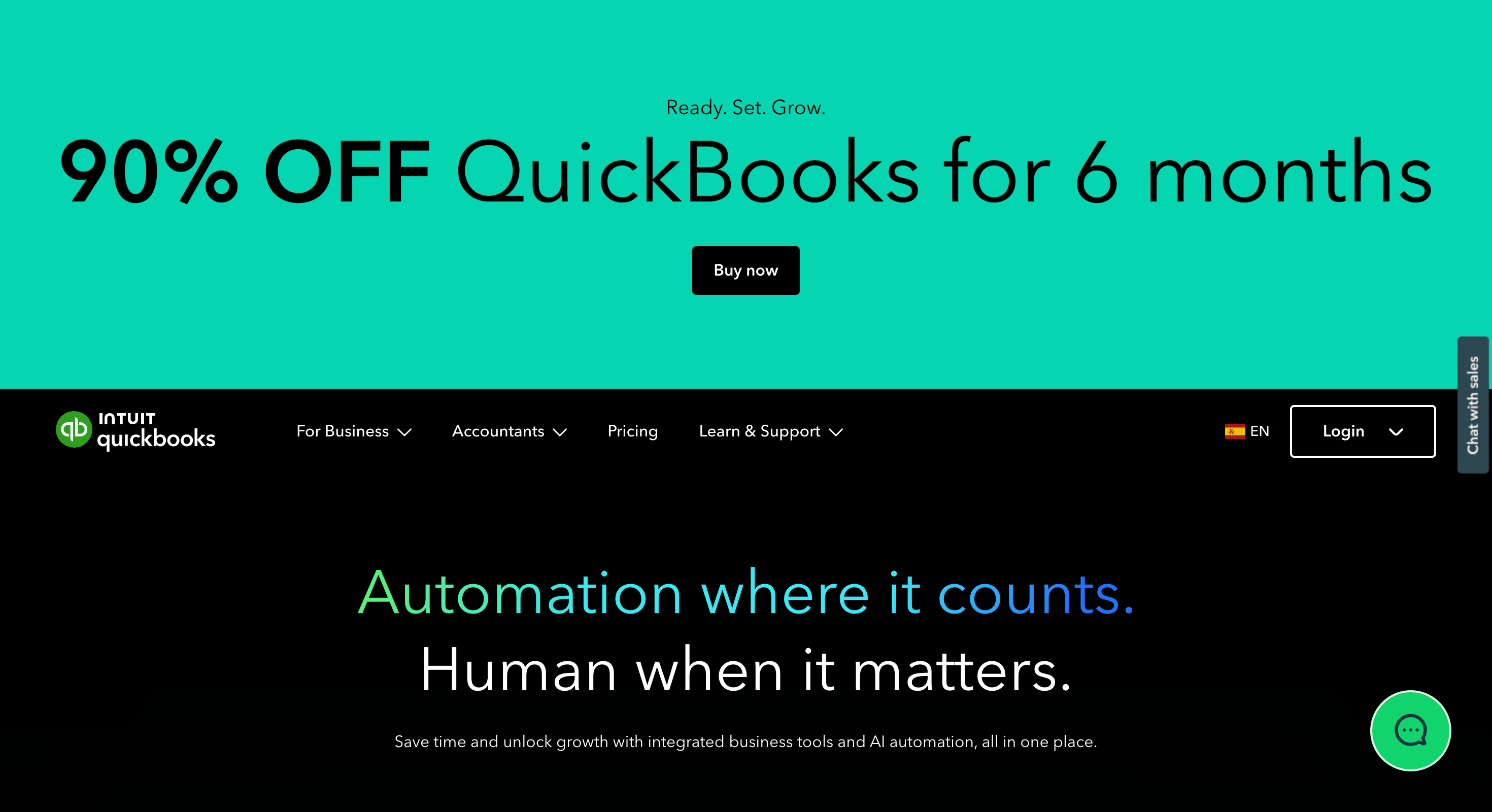
| QuickBooks | Established SMBs, service businesses | Any | Full-featured accounting with AI-assisted categorization and a deep integration ecosystem |
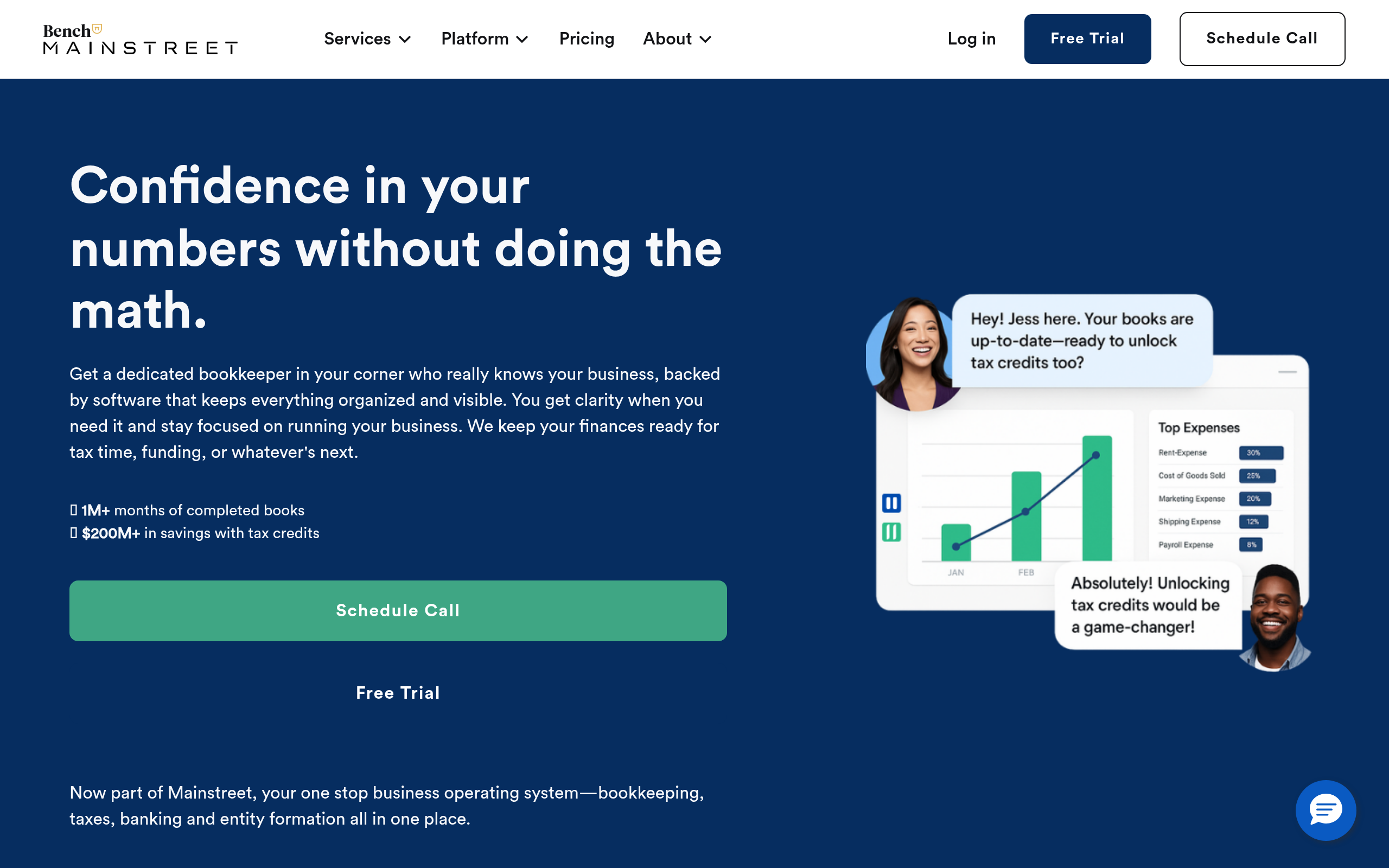
| Bench Accounting | Solo founders and small businesses with no bookkeeper | Early / growth | Human + AI hybrid bookkeeping that delivers tax-ready financials monthly |
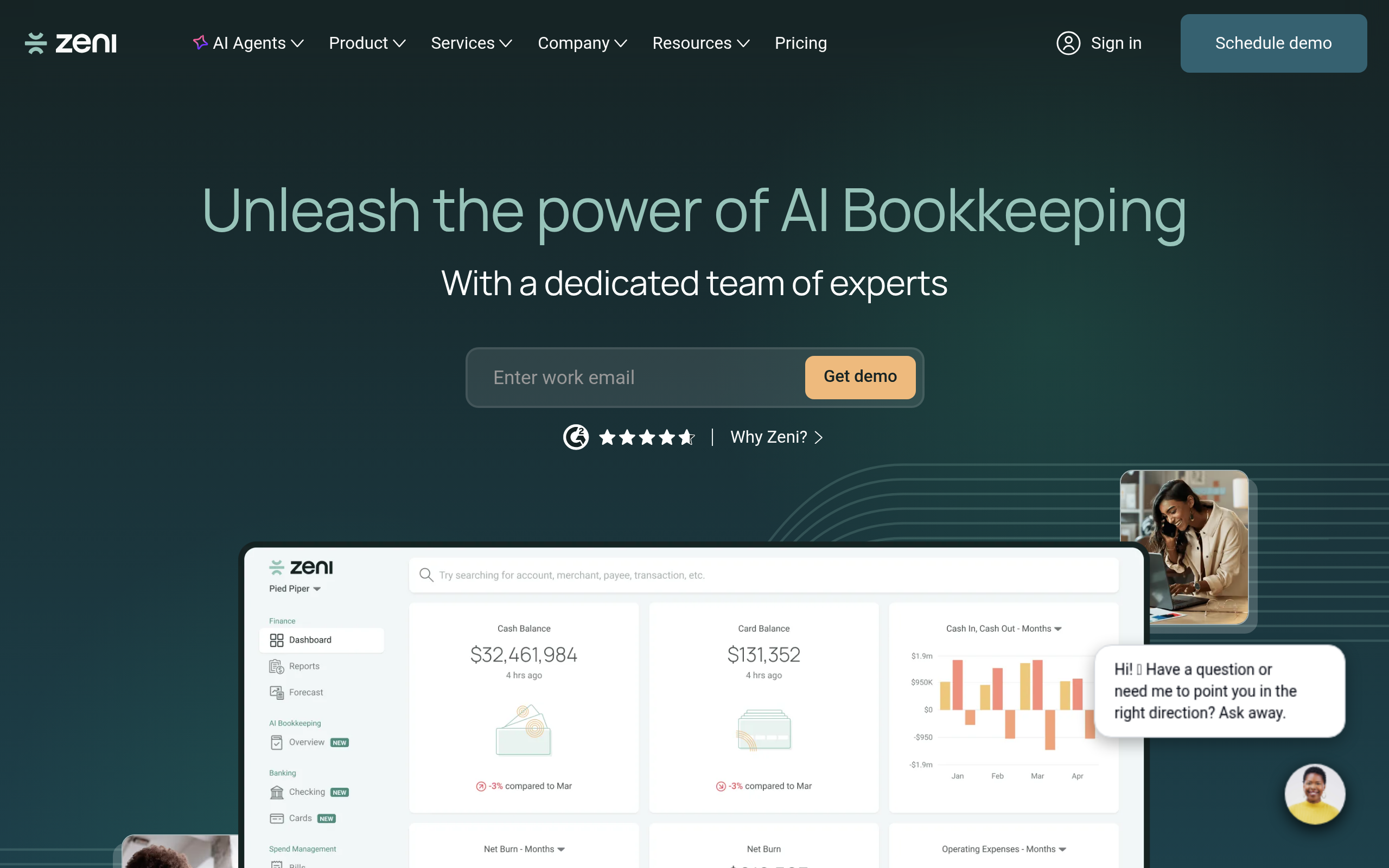
| Zeni | VC-backed startups and fast-growth teams | Startup / scale-up | Real-time AI books paired with an included finance team for CFO-grade reporting |
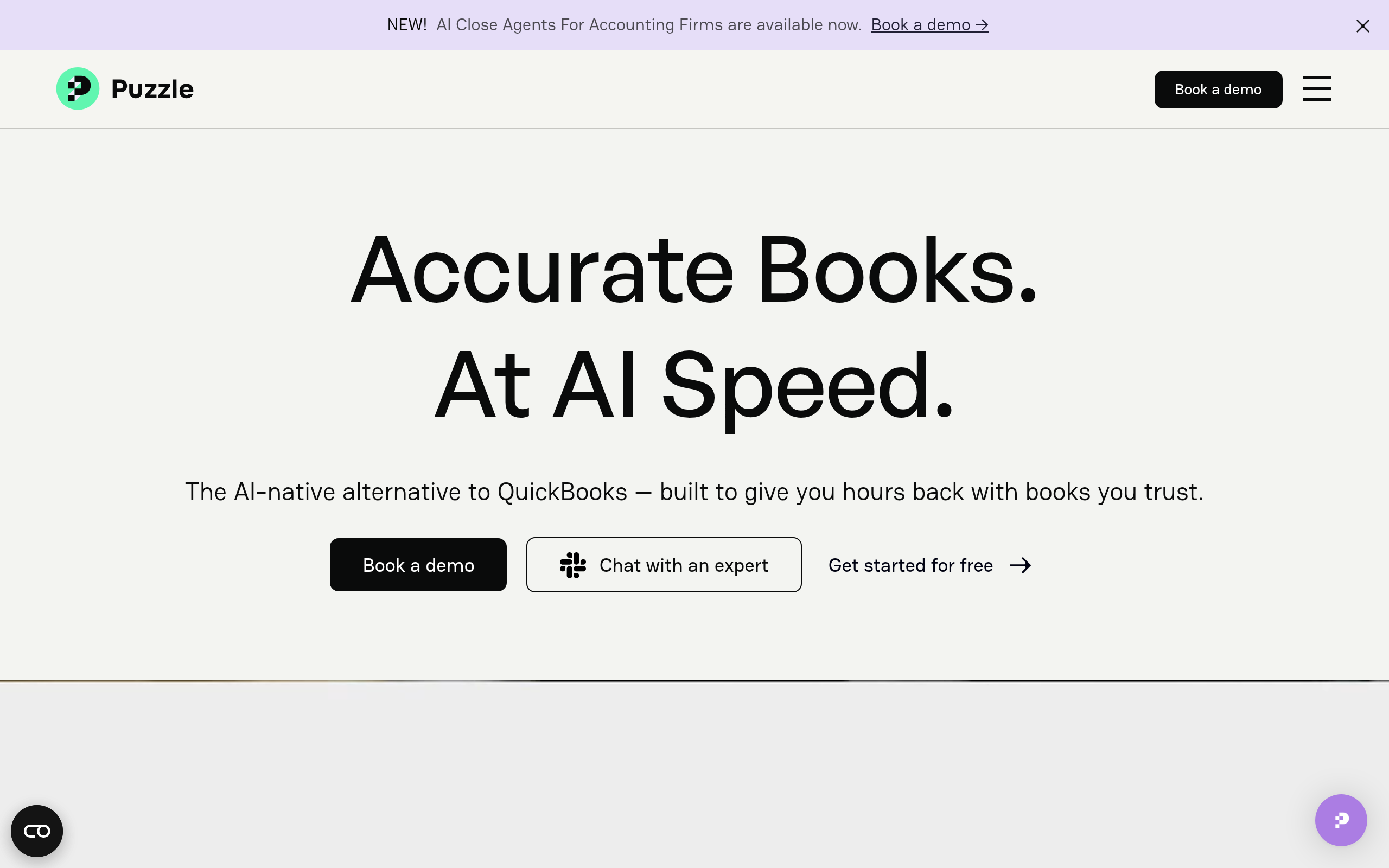
| Puzzle | Early-stage startups (pre-revenue to Series A) | Pre-seed / seed | Founder-friendly interface that produces clean GAAP books automatically |
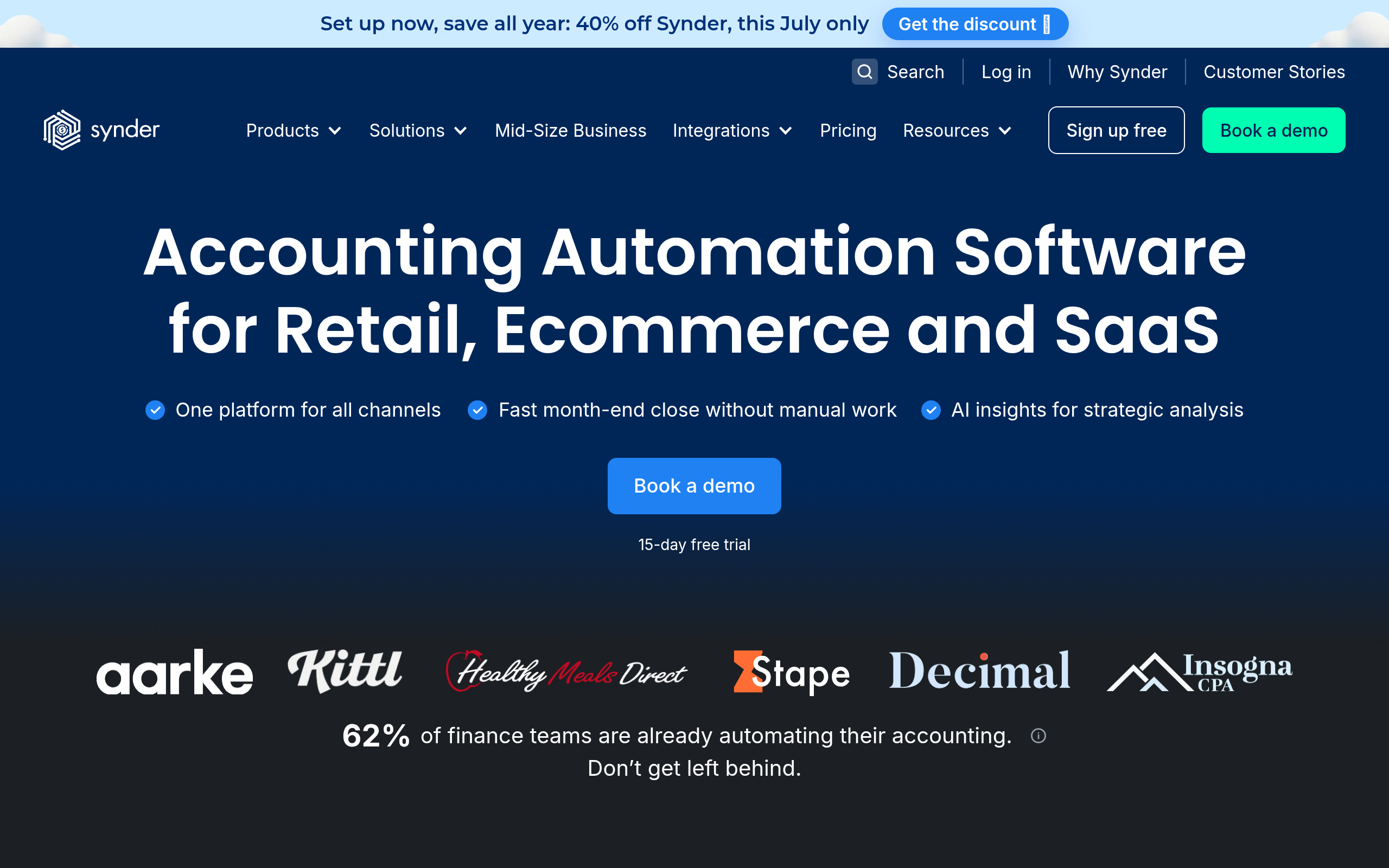
| Synder | Ecommerce and multi-channel sellers | Any | Automated sync from Stripe, Shopify, Amazon, PayPal, and 30+ other platforms |
| Tipalti AI Invoice Processing | Mid-market AP teams processing large invoice volumes | Growth / enterprise | End-to-end AP automation with global payments and built-in compliance |
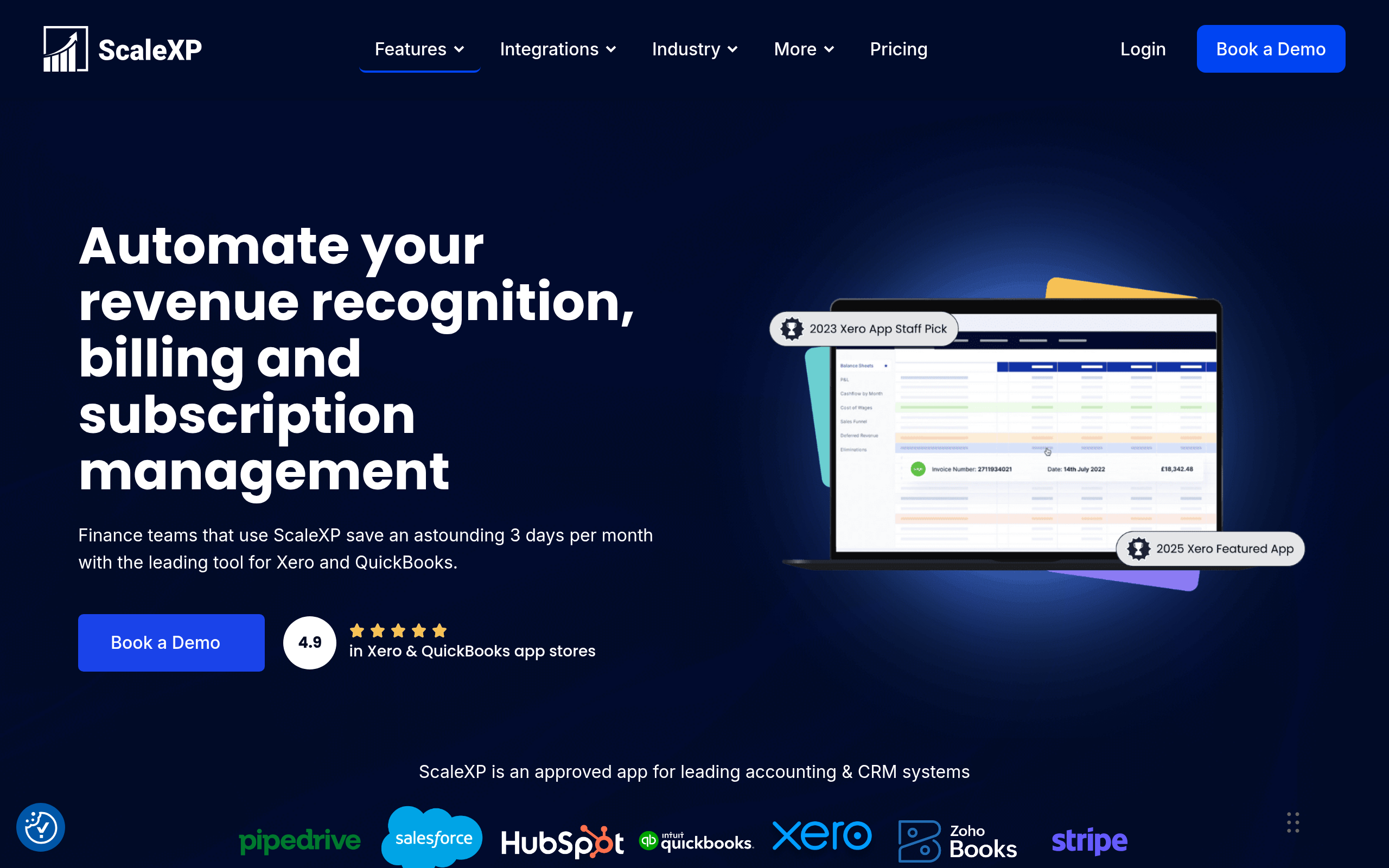
| ScaleXP | Finance teams that need automated board and investor reporting | Scale-up / enterprise | AI-generated board decks and SaaS metrics dashboards from your accounting data |
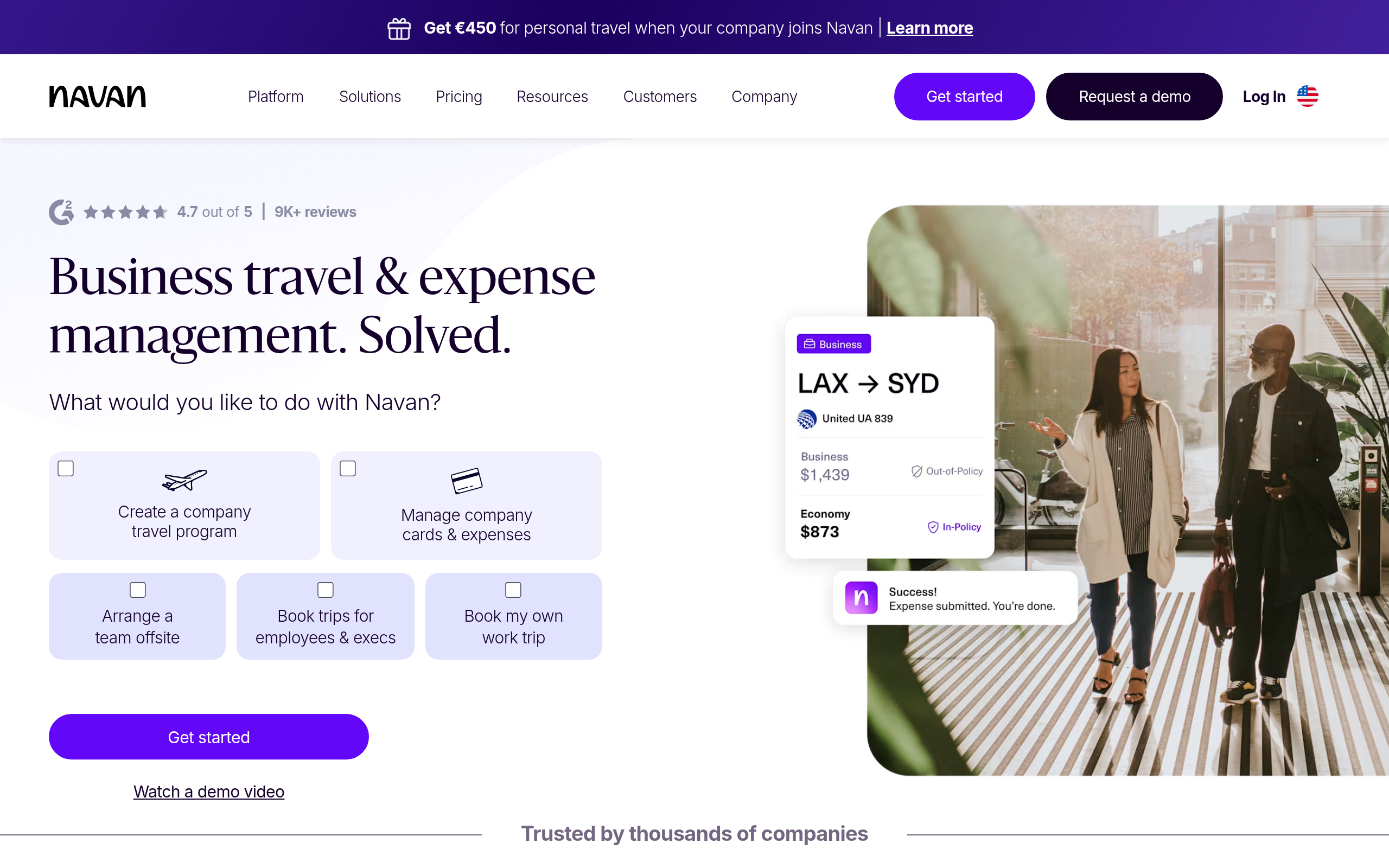
| Navan | Teams with significant travel and expense spend | Growth / enterprise | Integrated travel booking, corporate card, policy enforcement, and reimbursements |
How Does AI Bookkeeping Actually Work?
Understanding the mechanics helps you set realistic expectations and avoid nasty surprises at tax time. Modern AI accounting tools follow a four-step process:
- Connect your data sources. Bank accounts, credit cards, payment processors (Stripe, PayPal), ecommerce platforms, payroll providers — the tool pulls in raw transaction data via direct API connections or bank feeds. The more sources you connect, the more complete your picture.
- Classify and categorize. A machine learning model assigns each transaction to a category (e.g., a SaaS subscription charge gets tagged as a Software & Tools expense). The model improves over time as you correct its mistakes, so accuracy increases after the first few months.
- Match and reconcile. The system matches transactions against invoices, receipts, and existing ledger entries — flagging anything that doesn't balance for human review. This is what eliminates hours of manual reconciliation work every month.
- Generate outputs. Clean reports, tax summaries, cash flow forecasts, or board-ready dashboards are generated from the reconciled data on demand or on a schedule.
Tools like Zeni add a layer of review by trained accountants before finalizing your books each month — a hybrid approach that catches edge cases AI misses. Bench Accounting takes a similar approach, pairing AI processing with a dedicated human bookkeeper who knows your account. Pure-AI tools like Puzzle and Synder rely more on your corrections during the categorization phase, which requires a bit more engagement from you but keeps costs lower.
How Do the Top AI Accounting Tools Compare on Core Features?
Here's a side-by-side breakdown across the eight tools. Note that pricing models change — treat the final column as directional guidance, not a quote.
| Tool | Bookkeeping | AP / Invoicing | Expense Mgmt | Financial Reporting | Human Support Included | Pricing Model |
|---|---|---|---|---|---|---|
| QuickBooks | AI-assisted | Basic invoicing + bills | Add-on (QuickBooks Payroll) | Strong built-in reports | Phone and chat support | Monthly subscription tiers |
| Bench Accounting | AI + dedicated human | Not included | Not included | Monthly financial statements | Dedicated bookkeeper | Monthly, scales with transaction volume |
| Zeni | AI + human finance team | Basic bill pay | Partial (card tracking) | Real-time CFO dashboards | Finance team included in plan | Monthly, startup-focused tiers |
| Puzzle | AI-only (GAAP) | Not included | Not included | GAAP-compliant reports | Community forum and async support | Monthly subscription |
| Synder | Sync-focused (partial) | Not included | Not included | Revenue and channel analytics | Chat and email support | Per-transaction or monthly plans |
| Tipalti AI Invoice Processing | Not included | Full AP automation | Not included | AP and payment dashboards | Enterprise-level support | Usage and volume-based |
| ScaleXP | Not included | Not included | Not included | Auto board decks and SaaS metrics | Customer success manager | Monthly SaaS subscription |
| Navan | Not included | Receipt capture only | Full T&E suite | Spend analytics and policy reports | Enterprise support tier | Free base plan + card; premium tiers |
Most teams end up running two or three of these tools together rather than finding one monolithic solution. A common stack for a 20-50 person company: QuickBooks as the general ledger, Navan for travel and expenses, and Tipalti AI Invoice Processing for AP — all feeding reconciled data into the same books.
How Do You Automate Invoicing and Accounts Payable with AI?
Invoicing and AP are two distinct problems that often get lumped together — and they need different tools.
Outbound invoicing (billing your clients) is best handled through your core accounting platform. QuickBooks generates, sends, and follows up on invoices automatically — including configurable payment reminders and late-fee rules. For recurring billing or subscription models, connect a billing tool that integrates directly with your books to keep revenue recognition clean.
Inbound AP (paying your vendors) is where the complexity — and the cost savings potential — are much larger. Tipalti AI Invoice Processing is the specialist here. It ingests invoices from email, supplier portals, or direct upload; uses AI to extract line items, PO numbers, and approval routing data; matches against purchase orders; routes for multi-level approval based on rules you define; and executes global payments in multiple currencies. For finance teams processing dozens to hundreds of invoices per month, this workflow automation alone can justify the investment and reduce payment errors significantly.
Smaller operations can use QuickBooks or Bench Accounting's bill management to handle inbound invoices, though with considerably less automation depth and no global payment rails.
Which Tool Fits Which Accounting Workflow?
| Pain Point / Workflow | Recommended Tool(s) | Why It Works |
|---|---|---|
| Messy ecommerce books with multi-channel sales | Synder → feeds into QuickBooks | Native integrations with Stripe, Shopify, Amazon, PayPal; auto-syncs clean entries into your ledger |
| No bookkeeper, need reliable monthly close | Bench Accounting | You get a dedicated human bookkeeper backed by AI — tax season won't be a disaster |
| Startup needing investor-ready financials fast | Puzzle (cost-conscious) or Zeni (concierge) | Puzzle for technical founders comfortable with self-service; Zeni for CFO-grade support included |
| High AP volume, many vendors, global payments | Tipalti AI Invoice Processing | Purpose-built for AP at scale; compliance, tax forms, and multi-currency payment rails included |
| Team travel and expense chaos | Navan | Cards, receipts, policy enforcement, and reimbursements in one integrated platform |
| Automating board and investor reporting | ScaleXP | Pulls from your accounting data to auto-generate board decks and SaaS metrics (ARR, MRR, churn) |
| General SMB wanting one reliable all-rounder | QuickBooks | Broadest feature set, largest accountant partner ecosystem, deep integrations across payroll and HR |
What Are the Real Limits of AI Accounting Automation?
Before you restructure your finance team entirely, understand where AI accounting breaks down:
- Novel transactions confuse it. A new revenue stream, an unusual vendor structure, or a complex deal will get miscategorized until you train the model on corrections. Budget time for this in the first few months — typically several hours in month one, dropping to minutes by month three.
- Tax complexity remains a human job. AI tools prepare and organize your data beautifully, but applying R&D tax credits, depreciation strategies, multi-state nexus rules, or international tax obligations correctly still requires a qualified CPA or tax advisor.
- Garbage in, garbage out. If your bank connections are inconsistent, your chart of accounts is a mess, or employees submit receipts weeks late, AI will automate the chaos rather than fix it. Clean processes upstream are a prerequisite for AI to deliver value downstream.
- Data privacy is a real concern. You are feeding highly sensitive financial data into third-party platforms. Before connecting, verify each tool's SOC 2 Type II certification, data residency options, and access control model.
- Integration gaps can block you. Not every tool integrates with every payroll provider, ERP, or legacy system. Map your full tech stack before committing to any platform — ask vendors directly about your specific integrations.
Comparee's Verdict: Which Tool Should You Actually Pick?
Here's what we'd recommend based on your specific situation — no vague hedging:
- Solo founder or very small business (under 10 employees), no financial background: Start with Bench Accounting. A real human bookkeeper backed by AI, monthly statements, and tax-ready records. The peace of mind is worth the price at this stage.
- Seed or Series A startup with investors expecting clean GAAP books: Puzzle if you're technical and cost-conscious; Zeni if you want a dedicated finance team included and can justify the higher spend.
- Ecommerce business selling on multiple platforms: Synder is non-negotiable for keeping your books clean across channels. Pair it with QuickBooks as your ledger backbone.
- Finance team processing high volumes of vendor invoices: Tipalti AI Invoice Processing is the category leader for AP automation. Nothing else comes close for global, high-volume operations.
- Team with frequent travel and expense reports: Navan replaces your standalone expense tool, corporate card, and travel booking in a single platform — and it integrates with your accounting system.
- CFO or finance lead needing to automate investor and board reporting: ScaleXP was built precisely for this. It pulls from your existing accounting data and delivers polished, consistent reports without hours of spreadsheet work.
- Established SMB that just wants a reliable all-rounder: QuickBooks remains the gold standard — deep integrations, a massive accountant partner network, and AI-assisted categorization that gets better the longer you use it.
For most small businesses, the optimal approach is to start with one bookkeeping tool (QuickBooks, Bench Accounting, or Puzzle depending on your stage), get your core books automated and clean, then layer in a specialist tool for your biggest secondary pain point. Trying to automate everything simultaneously is a recipe for a messy migration and frustrated staff.
Browse the full list of AI tools in the Finance & Accounting category on Comparee to compare features and current pricing across the complete landscape of AI accounting platforms.
Tools mentioned in this guide
Pricing, features and model availability can change over time. Always verify current details on each tool's official website before deciding.
Frequently Asked Questions
What is the best AI accounting software for small businesses in 2026?
What is the best AI accounting software for small businesses in 2026?
Can AI fully replace a bookkeeper or accountant?
Can AI fully replace a bookkeeper or accountant?
How do I automate bank reconciliation with AI?
How do I automate bank reconciliation with AI?
What is the difference between Zeni and Bench Accounting?
What is the difference between Zeni and Bench Accounting?
How does Tipalti AI Invoice Processing work?
How does Tipalti AI Invoice Processing work?
Can I automate accounting for an ecommerce store selling on multiple platforms?
Can I automate accounting for an ecommerce store selling on multiple platforms?
What does ScaleXP do and who is it for?
What does ScaleXP do and who is it for?
Is Navan only for travel, or does it handle general expenses too?
Is Navan only for travel, or does it handle general expenses too?
Don't just pick a tool — get the whole workflow
Tell Comparee your goal and get a complete step-by-step AI workflow with the right tool for every step.