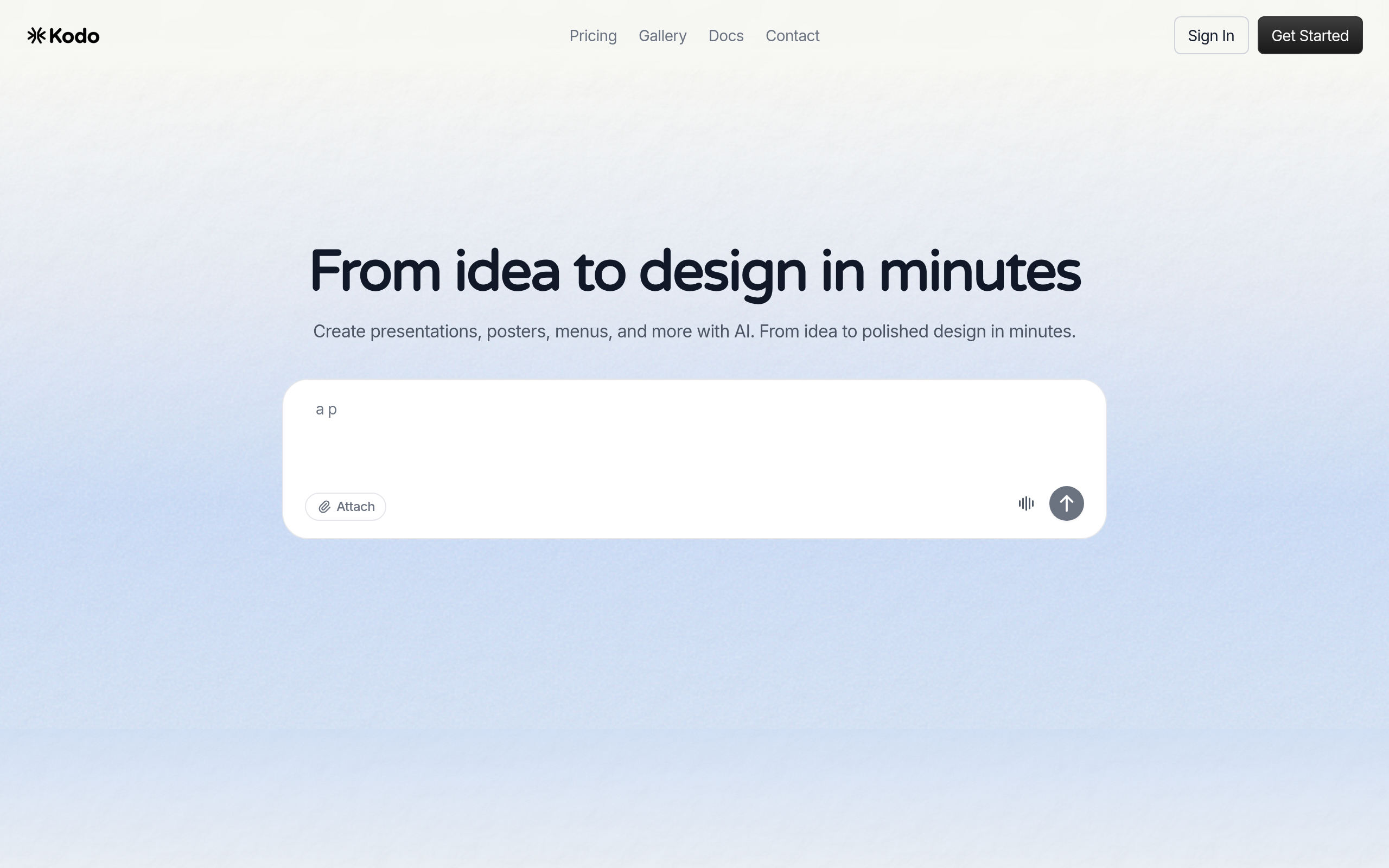
Kodo
80Comparee ScoreAI-powered design tool for creating presentations, posters, logos, menus, and social media graphics instantly with real-time collaboration.
Comparee rates Kodo 80/100 in Design & Branding — based on catalog data as of July 2026. Methodology.
About Kodo
Pros & cons
✓ Pros
- ✓Free plan available with 40 credits
- ✓Fast design generation (1-2 minutes for most designs)
- ✓User-friendly for non-designers
- ✓Real-time collaboration features
- ✓Multiple export formats including PPTX for PowerPoint
- ✓Full ownership of generated designs with no restrictions
- ✓AI refinement through natural language prompts
- ✓Positioned as affordable Canva alternative
✗ Cons
- ✗Credit-based system requires monitoring usage
- ✗Complex designs may take longer to generate
- ✗Limited free plan (40 credits, 5 projects)
- ✗Paid plans required for substantial usage
Frequently asked questions
What is Kodo?
Kodo is a Design & Branding tool: AI-powered design tool for creating presentations, posters, logos, menus, and social media graphics instantly with real-time collaboration.
Is Kodo free?
Kodo offers a free option.
What are the best Kodo alternatives?
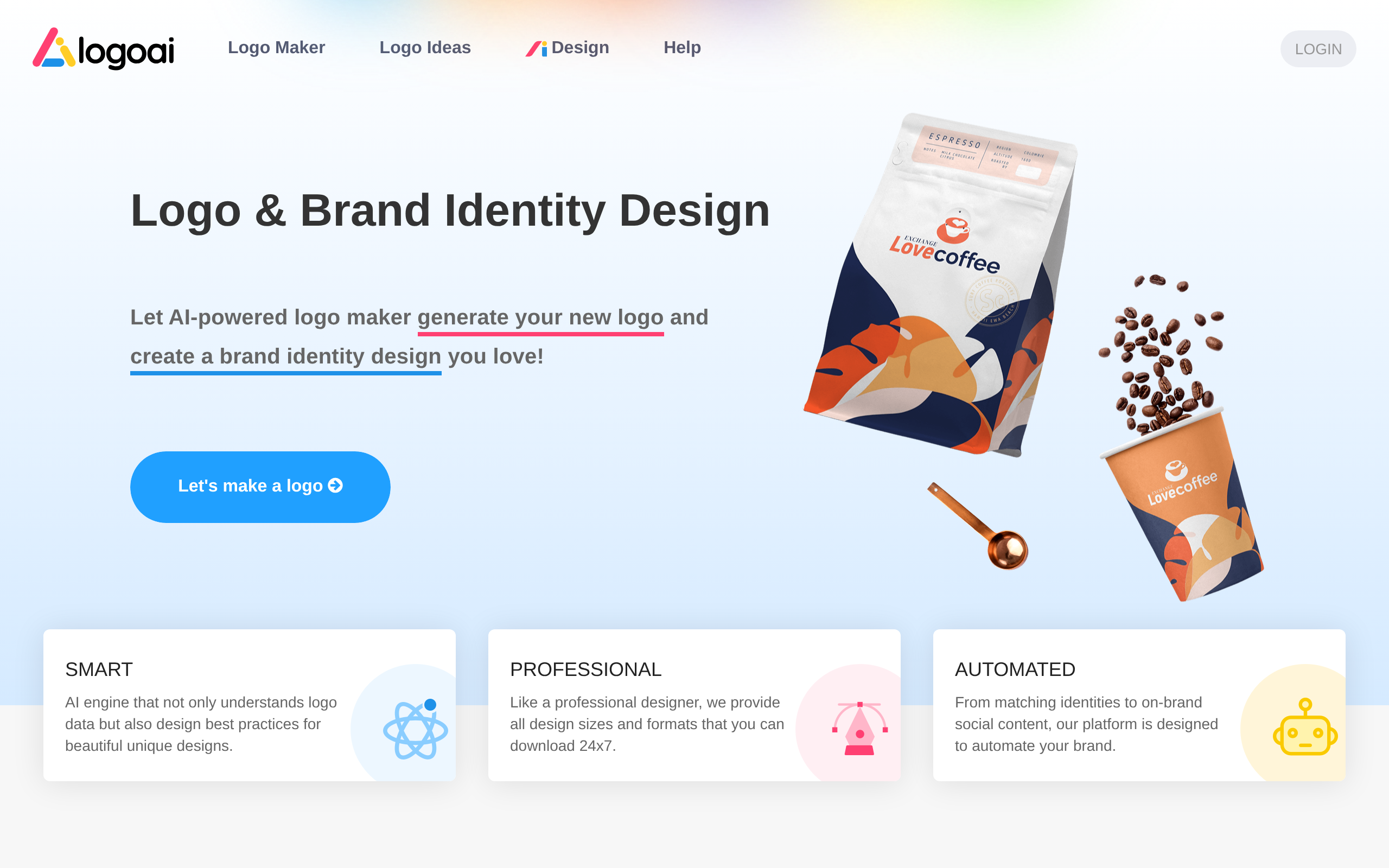
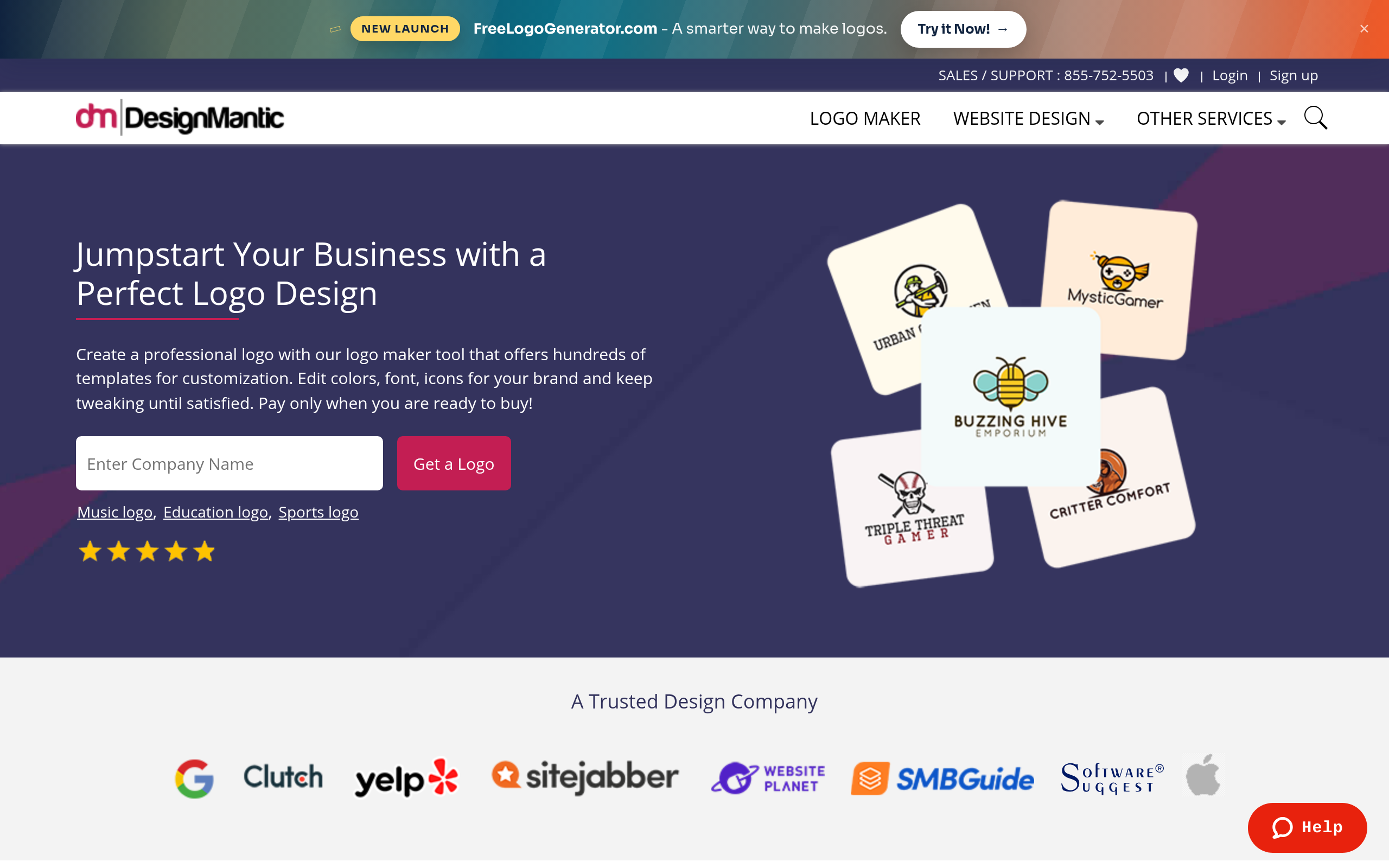
Based on Comparee's ranking, top alternatives include LogoAI, VERTU, DesignMantic. See the full ranked list on our Kodo alternatives page.
How does Comparee rate Kodo?
Kodo has a Comparee Score of 80/100 — a transparent, rule-based rating from catalog signals (data completeness, pricing transparency, category fit). Affiliate partnerships never influence the score.
Comparee Score: 80/100
Transparent, rule-based — never influenced by partnerships. How it works
Top Kodo alternatives


Try Kodo
Visit the official website for details.
Visit Kodo ↗