AI for Designers: The Complete Guide for 2026
AI for designers in 2026 — how AI speeds up image generation, editing, branding and assets, what stays human, and the best tools (Pixelcut, getimg.ai).
Key takeaways
- AI accelerates design work — generating images and assets, editing, removing backgrounds, and producing brand elements — freeing designers for higher-value creative work.
- AI is a tool that amplifies designers, not a replacement: taste, strategy and craft stay human.
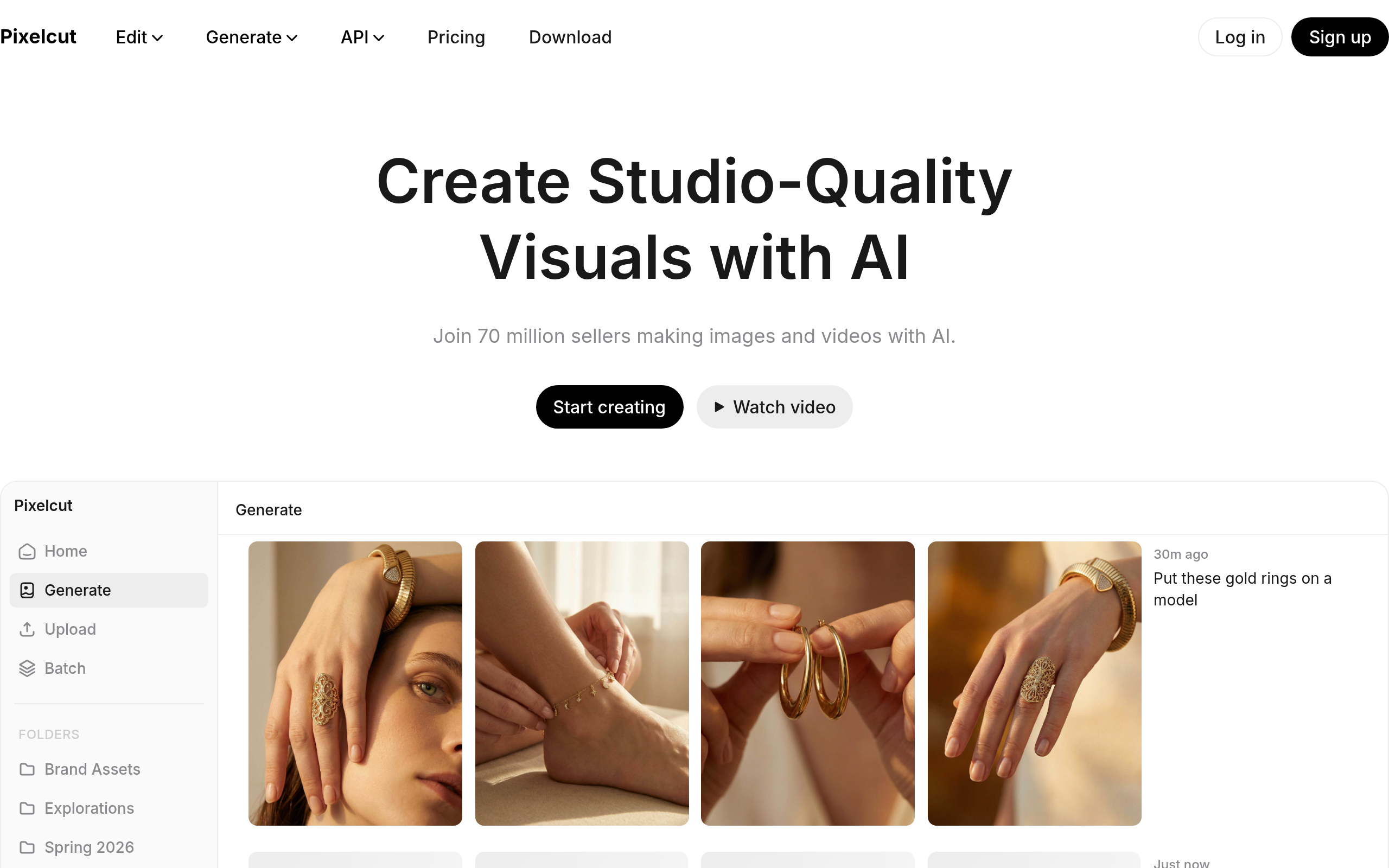
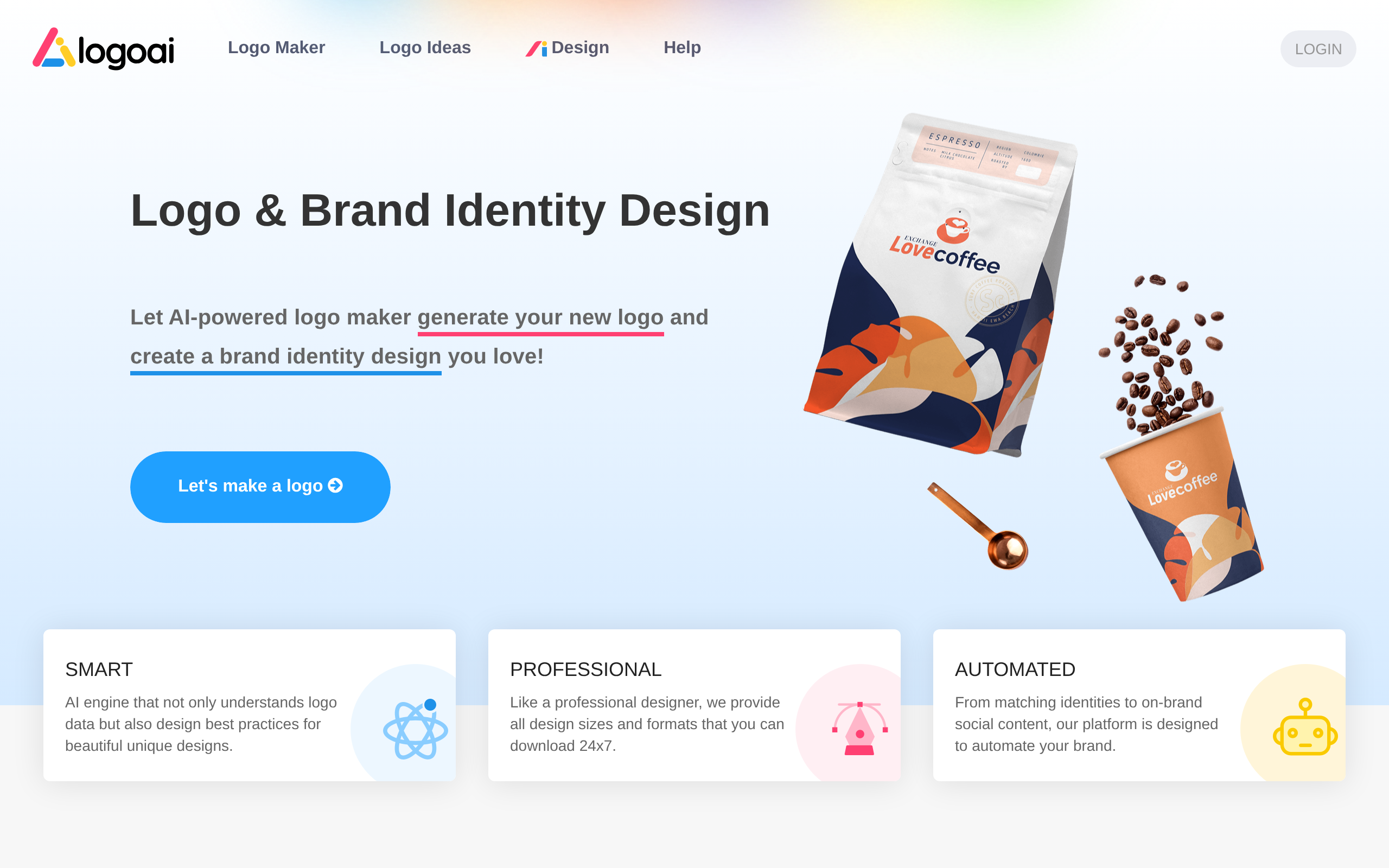
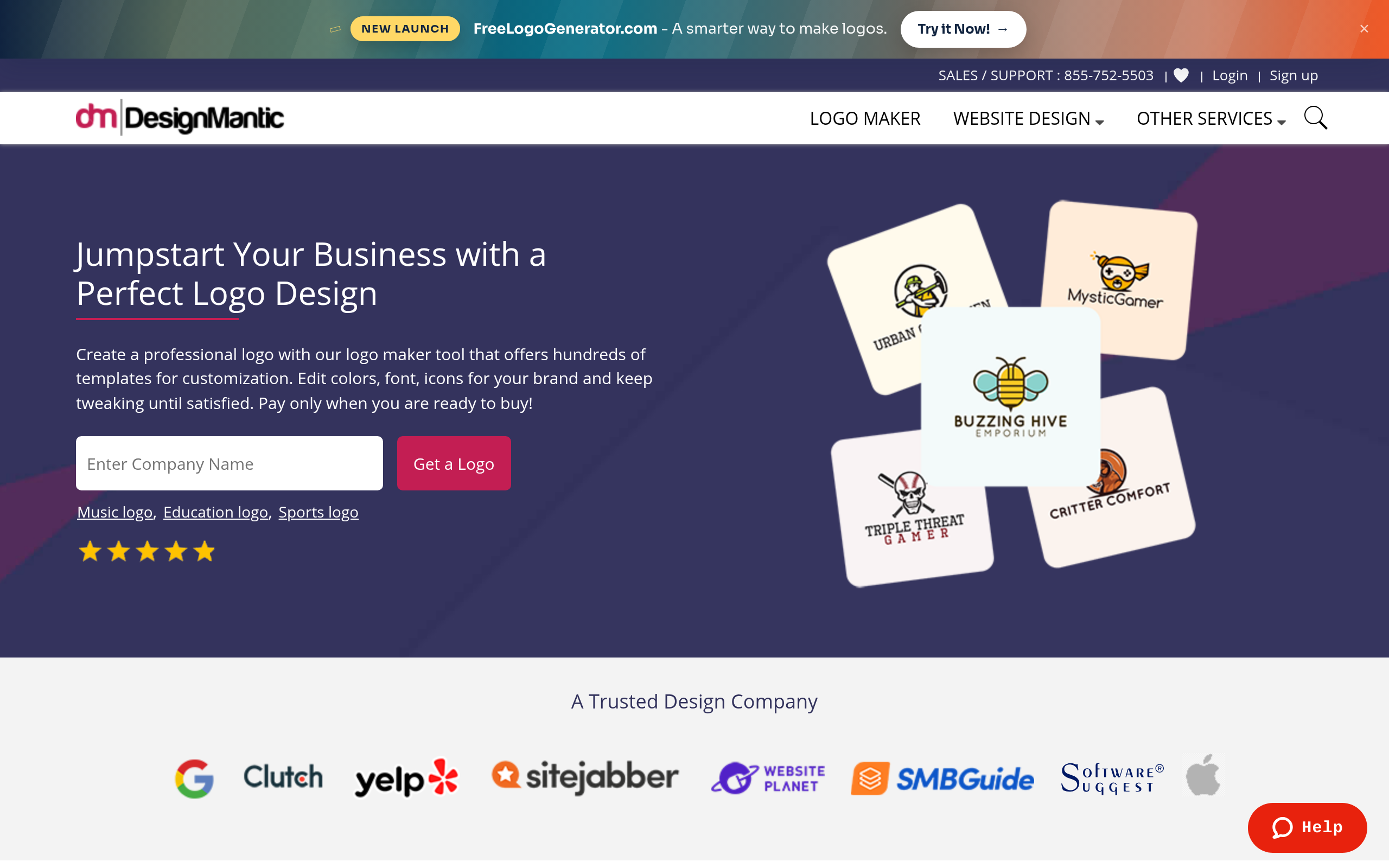
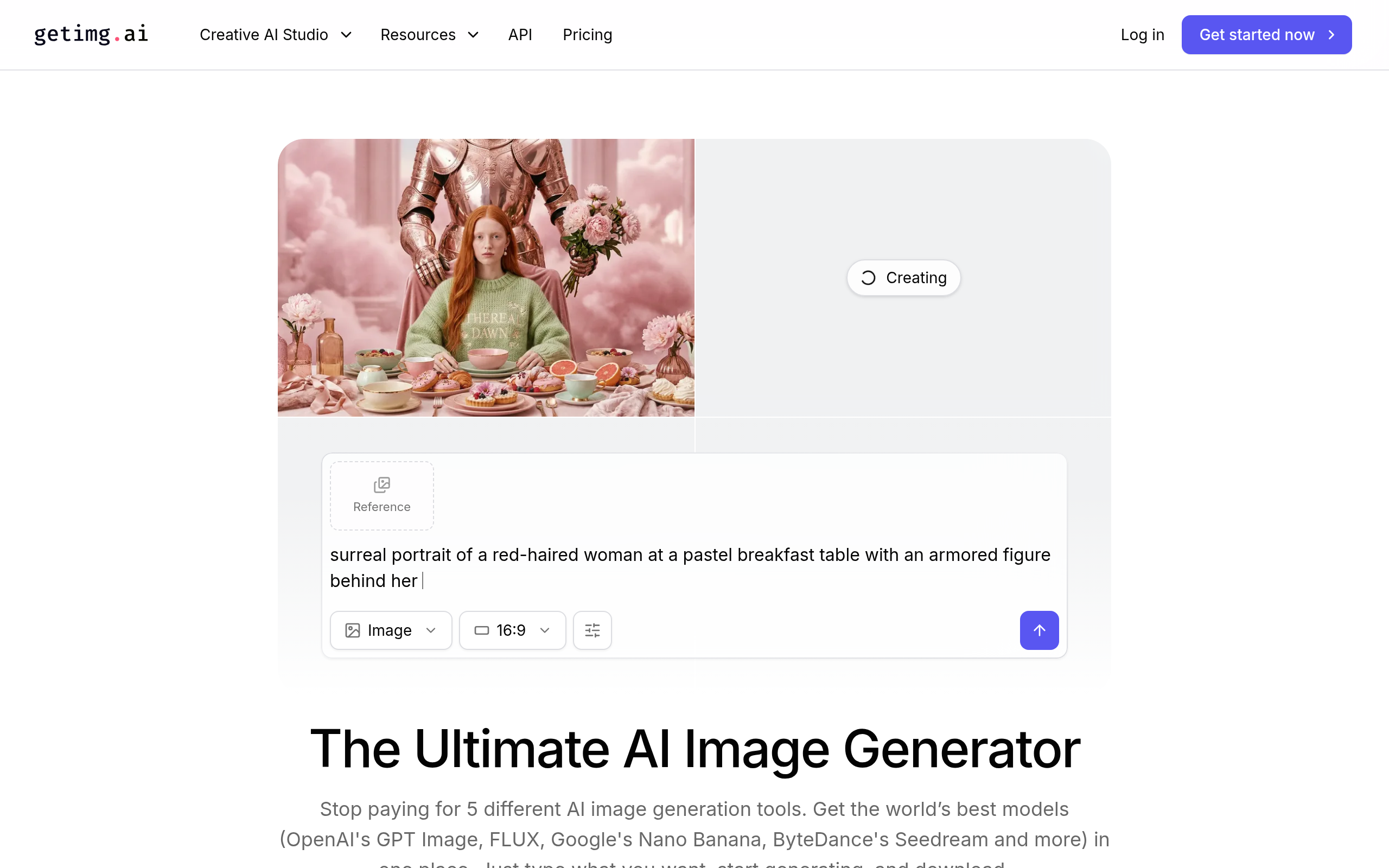
- Best tools: getimg.ai for AI generation + editing, Pixelcut for product/social visuals, DesignMantic and LogoAI for logos and brand, Penji for design-as-a-service.
- Embrace AI for ideation, iteration and grunt work; keep human judgement on craft and direction.
- Review outputs and check licensing for commercial design work.
AI for designers accelerates the production side of design — generating images and assets, editing and retouching, removing backgrounds, and producing brand elements — freeing designers to spend more time on the strategy, taste and craft that AI cannot replicate. Far from making designers obsolete, AI is becoming a powerful part of the design toolkit: it handles the repetitive and the exploratory, letting designers iterate faster and focus on higher-value work. The designers who thrive treat it as an amplifier of their skill. This guide covers how AI helps designers, what to embrace and what stays human, and the best tools in 2026.
How AI helps designers
AI now assists across much of the design workflow. Ideation — generating concepts, moodboards and variations to explore directions fast. Image generation — creating custom visuals and assets from prompts. Editing and retouching — background removal, enhancement, object removal in a click. Asset production — generating the many sizes, formats and variations a project needs. And branding elements — logos, colour palettes and brand assets. The pattern is that AI takes over the time-consuming, repetitive production work, dramatically speeding up iteration, while the designer directs the vision. Used well, it does not lower the bar on design — it raises a designer's output and lets them spend time where their skill matters most.
What to embrace vs what stays human
The healthiest way for designers to think about AI is as a division of labour. Embrace AI for ideation and exploration (rapidly generating options), for grunt work (resizing, background removal, asset variations), and for first drafts you then refine. Keep human the things that define great design: taste and judgement about what actually works, strategy and understanding the problem and audience, craft and the refinement that separates good from great, and originality and a genuine creative point of view. AI can generate a thousand options, but knowing which one is right — and why — is the designer's value. The designers who win pair AI's speed with human judgement rather than treating AI as a replacement for either.
Best AI tools for designers in 2026
| Job | Best tool |
|---|---|
| AI generation + editing | getimg.ai |
| Product & social visuals | Pixelcut |
| Logos & brand identity | DesignMantic, LogoAI |
| Design-as-a-service | Penji |
For generating and editing custom visuals, getimg.ai pairs AI image generation with editing in one place. For fast product and social graphics — clean shots, backgrounds, assets — Pixelcut. For logos and brand identity, DesignMantic and LogoAI generate marks and brand kits. And when you want professional design delivered as a service rather than DIY, Penji. Compare more in our guides to AI image generation, AI photo editing and AI logo & branding, and the design & branding category.
How designers should adopt AI (step by step)
- Use AI to explore fast — generate concepts and variations to find directions, then choose with your judgement.
- Offload the grunt work — background removal, resizing, asset variations with Pixelcut or getimg.ai.
- Generate first drafts of assets, then refine them with your craft.
- Keep the vision and taste human — you direct; AI executes.
- Review outputs for artefacts and quality before delivering.
- Check licensing for any AI-generated assets used in commercial work.
Quality, licensing and originality
Two practical cautions apply to AI in professional design. First, review and refine — AI outputs can contain artefacts and rarely match a brief perfectly on the first try, so a designer's eye and refinement are what make them client-ready. Second, licensing and originality — usage rights for AI-generated assets can be nuanced for commercial work, and for things like logos, AI does not guarantee a mark is original or trademark-clear. So check licensing for commercial use, and verify originality where it matters. Handled with a designer's judgement, AI is a genuine accelerator; used as a hands-off replacement for craft and diligence, it produces work that looks generic and risks rights problems.
Why AI is a designer's tool, not a threat
The fear that AI would make designers obsolete has not borne out, and understanding why clarifies how to use it well. AI is extraordinary at production — generating options, creating assets, removing backgrounds, producing variations — but design is far more than production. It is the judgement to know which of a thousand generated options actually solves the problem, the strategy to understand what a client or audience truly needs, the craft to refine something from good to great, and the originality to bring a genuine point of view. AI can do none of these; it can only execute faster. What it changes is where a designer spends their time: less on the repetitive grunt work that never showcased their skill anyway, and more on the high-value thinking and refinement that does. In that sense AI is less a threat than a promotion, freeing designers from the tedium and letting them operate more like creative directors of their own work — provided they embrace the tool rather than resist it.
Avoiding the pitfalls of AI in design
Using AI well in professional design means sidestepping two common traps. The first is treating AI output as finished work. Generated images and assets routinely contain artefacts, miss the brief in subtle ways, or look generic, and shipping them unrefined produces exactly the bland, obviously-AI design that erodes a designer's reputation — the refinement is what makes them client-ready, and that refinement is the designer's craft. The second trap is ignoring rights. Licensing for AI-generated assets can be nuanced for commercial use, and for logos in particular, AI offers no guarantee that a mark is original or free of trademark conflict, which is a real risk when a client builds a brand on it. The designers who use AI successfully treat its output as a fast first draft to be elevated by their judgement, and they do the diligence on licensing and originality that protects both their work and their clients. Handled this way, AI is a genuine accelerator; handled carelessly, it undermines the very quality that makes design valuable.
The bottom line
AI is not replacing designers — it is becoming one of their most powerful tools, handling the repetitive production work so they can focus on the taste, strategy and craft that define great design. Use getimg.ai for generation and editing, Pixelcut for visuals, DesignMantic or LogoAI for branding, and Penji for design-as-a-service. Embrace AI for ideation, iteration and grunt work, keep judgement and direction human, and review outputs and licensing — and you get the speed of AI with the quality only a designer brings.
Disclaimer: AI design outputs can contain artefacts and their licensing can be nuanced for commercial use. Review and refine outputs, verify originality (especially for logos), and confirm commercial usage rights.
Tools mentioned in this guide
Pricing, features and model availability can change over time. Always verify current details on each tool's official website before deciding.
Frequently Asked Questions
How does AI help designers?
How does AI help designers?
What are the best AI tools for designers?
What are the best AI tools for designers?
Will AI replace graphic designers?
Will AI replace graphic designers?
What should designers use AI for?
What should designers use AI for?
Can I use AI-generated designs commercially?
Can I use AI-generated designs commercially?
Is AI design good enough for professional work?
Is AI design good enough for professional work?
Don't just pick a tool — get the whole workflow
Tell Comparee your goal and get a complete step-by-step AI workflow with the right tool for every step.