Best AI Tools for Deep Research & Literature Review in 2026
The 7 best AI tools for deep research and literature review in 2026: ResearchRabbit, Consensus, Litmaps, LightPDF, and more — compared by use case.
- ResearchRabbit is the top pick for mapping connected academic literature — it builds paper networks from a single seed article and is fully free for individual researchers.
- Consensus is the best tool for fast evidence synthesis — it queries thousands of peer-reviewed studies and returns a synthesized answer with source links and a consensus meter.
- Litmaps excels at visualizing the temporal evolution of citation networks, making it essential for systematic reviews and intellectual history.
- R Discovery shines at personalized daily paper recommendations — it learns what you read and surfaces relevant new work automatically.
- LightPDF is the practical choice for PDF-heavy workflows — upload a paper, ask questions, get structured answers with page references.
- All seven tools reviewed here offer free access. The smartest move is testing at least two in parallel to find the stack that fits your workflow.
The best AI tool for deep research and literature review in 2026 depends on your workflow — but if you want one answer: ResearchRabbit for literature mapping, Consensus for evidence synthesis, and LightPDF for PDF extraction are the three highest-impact starting points. This guide breaks down seven tools across every research task — from initial discovery to final fact-checking — so you can build a stack that actually works rather than a collection of tabs you never open.
Quick Verdict: Best AI Research Tool for Every Use Case
| Use Case | Best Tool | Runner-Up | Why It Wins |
|---|---|---|---|
| Literature discovery & network mapping | ResearchRabbit | Litmaps | Finds connected papers across disciplines from a single seed paper; fully free |
| Evidence synthesis & claim checking | Consensus | ScholarAI | Searches peer-reviewed sources and summarizes what the collective evidence says |
| Personalized paper recommendations | R Discovery | ResearchRabbit | Learns your reading history and delivers a calibrated daily feed of relevant papers |
| PDF Q&A and document extraction | LightPDF | ScholarAI | Chat with any PDF, extract tables and figures, get structured summaries on demand |
| Academic AI assistant / conversational Q&A | ScholarAI | AI Research Assistant | Purpose-built for academic queries; cites actual papers in its responses |
| Citation network visualization | Litmaps | ResearchRabbit | Interactive temporal maps showing how papers cite each other across decades |
| Broad orientation in an unfamiliar field | AI Research Assistant | Consensus | Good generalist entry point before you know the key terms or landmark papers |
What Should You Actually Look For in an AI Research Tool?
Not every tool labeled "AI research assistant" delivers the same value. Some are search engines with a chat interface bolted on; others fundamentally change how you discover and process knowledge. Before picking a tool, identify which part of your workflow is the actual bottleneck:
- Discovery bottleneck: You struggle to find relevant papers beyond obvious keyword searches. You need citation network mapping and lateral discovery — tools that surface work you didn't know to look for.
- Synthesis bottleneck: You find plenty of papers but can't quickly establish what they collectively conclude. You need evidence aggregation, not more papers to add to a pile.
- Reading bottleneck: You have a stack of PDFs and not enough time. You need document Q&A that extracts specific information with page-level references you can verify.
- Recall bottleneck: You've read papers but lose track of which paper said what. You need tagging, notes, and a connected knowledge graph that preserves context over time.
The tools reviewed here are evaluated on four core dimensions: discovery power (how well they surface relevant literature you wouldn't otherwise find), synthesis quality (how accurately they summarize evidence without hallucinating), workflow integration (Zotero compatibility, citation export, API access), and free-tier generosity (whether the tool is actually usable before you pay). You can explore the full set of tools at the Research & Knowledge category on Comparee.
Which AI Tool Is Best for Discovering and Mapping Academic Literature?
This is where the sharpest product differentiation lives in 2026. Three tools stand out for literature discovery, each with a distinct approach.
ResearchRabbit
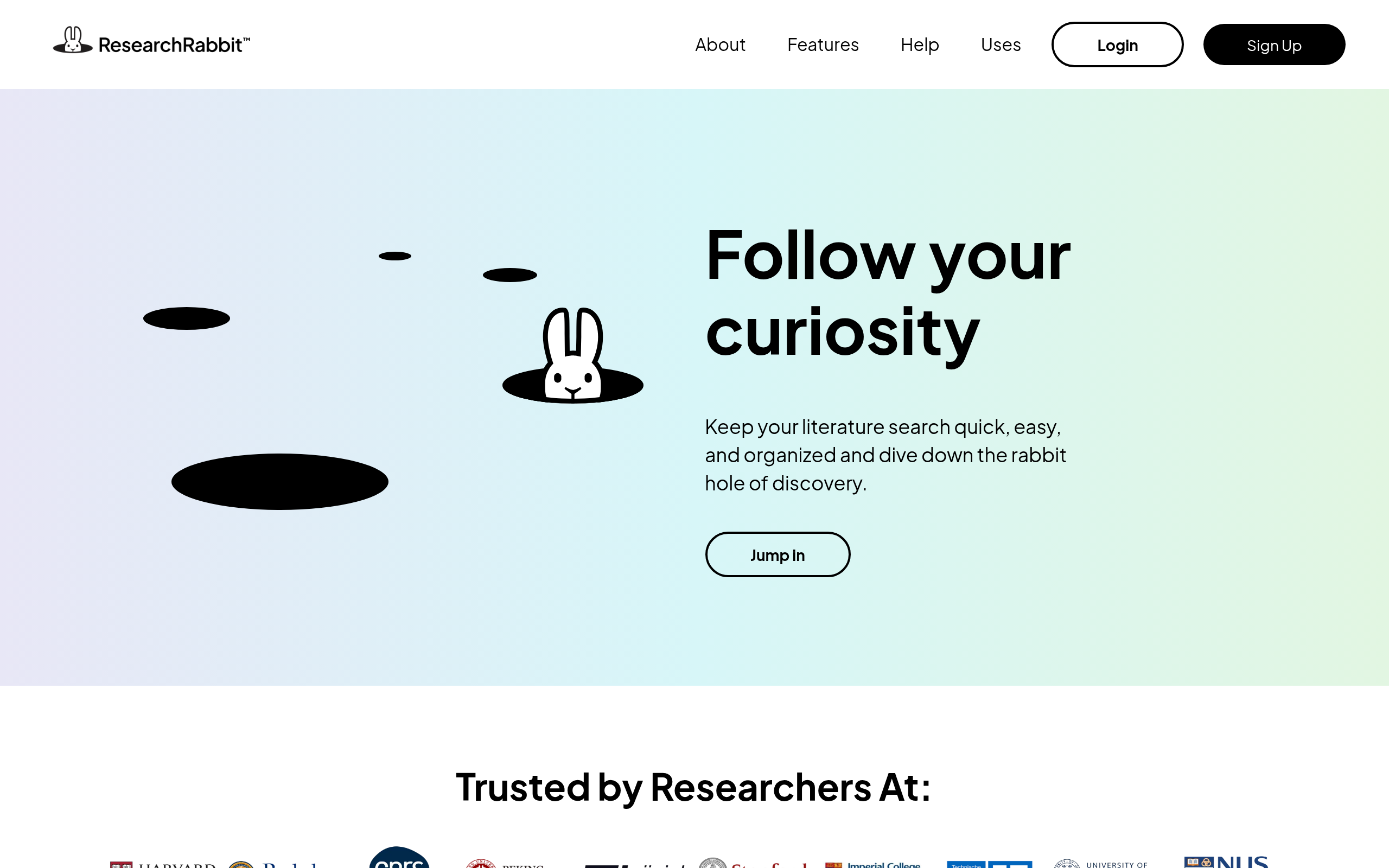
ResearchRabbit is the strongest literature mapping tool available. Drop in a single seed paper — or sync a Zotero collection — and it builds an interactive graph showing related work: papers that cite your seed, papers your seed cites, and papers that share an intellectual lineage without direct citation overlap. The visual interface lets you see the shape of a field at once rather than scrolling through a flat search result list. New-paper alerts notify you when work connecting to your graph appears, which means ongoing literature monitoring is largely automated once you've set it up.
What makes ResearchRabbit especially powerful is its cross-disciplinary reach: the "similar papers" algorithm surfaces thematically related work even when citation overlap is low. This is critical for researchers working at intersections of fields, or on emerging topics that haven't yet built up the citation density to appear in traditional database searches. And it remains completely free for individual researchers — a rare combination of quality and accessibility.
Litmaps
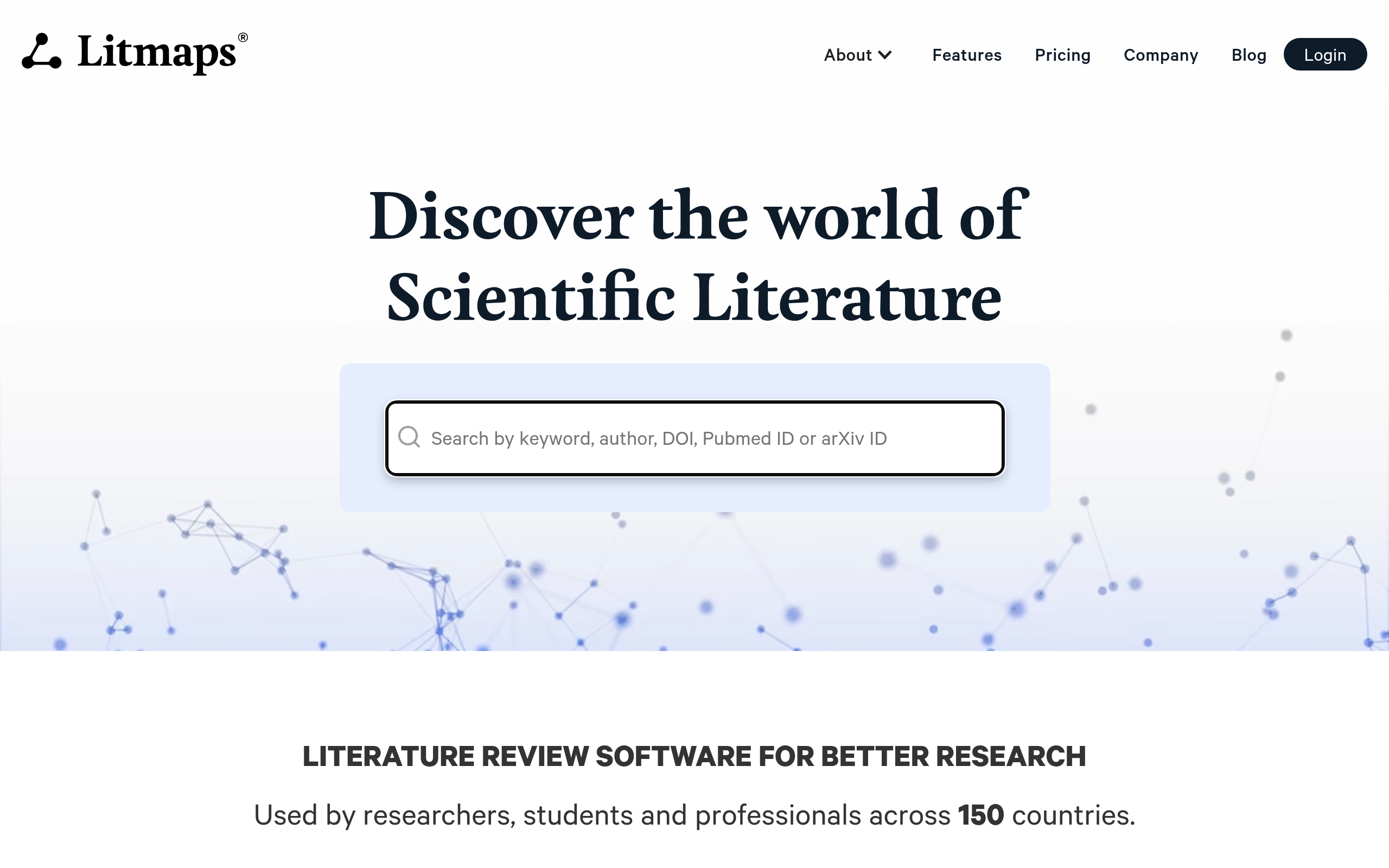
Litmaps focuses on the temporal dimension of citation networks. Its maps show not just what papers are connected, but how the conversation evolved over time — which papers started a field, where major citation clusters formed, and which recent work is gaining traction. This temporal view is particularly valuable for systematic reviewers who need to demonstrate comprehensive coverage of a topic's intellectual history, and for anyone trying to understand how a field reached its current consensus (or controversy). The free tier is functional; the pro plan unlocks larger map sizes and more seed papers per project.
R Discovery
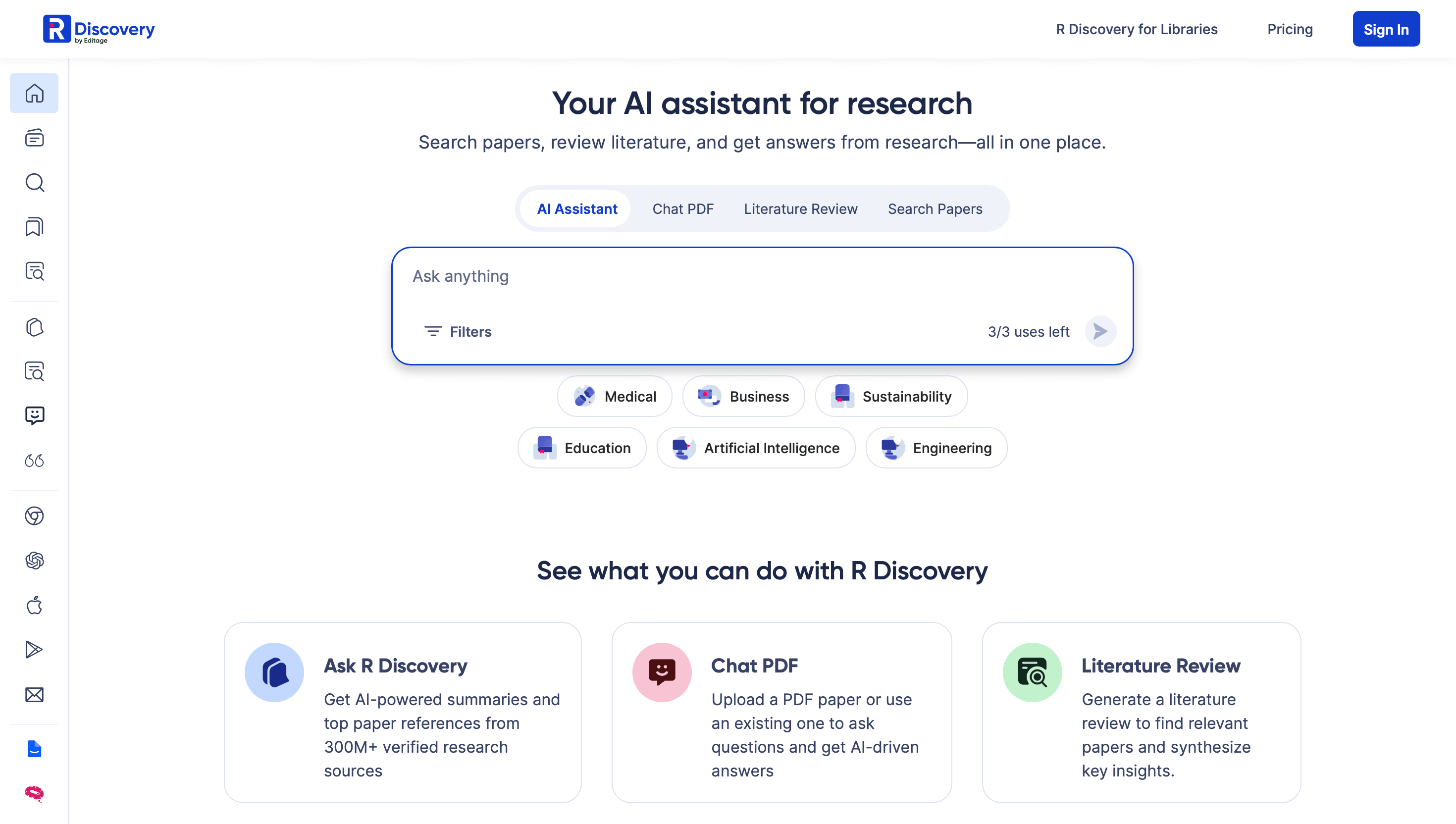
R Discovery approaches discovery from the opposite direction. Instead of starting from a paper you already have, you define your research interests — or let the system learn from your reading history — and it delivers a curated daily feed of relevant papers. It's effectively a personalized academic news feed. Once calibrated, it reliably surfaces papers you would have missed in manual journal browsing, with a particular strength in multi-disciplinary recommendations. For researchers in fast-moving fields who need to stay current without spending hours on database searches, R Discovery is a genuine time-saver.
Which AI Tool Is Best for Synthesizing Evidence and Checking Claims?
Evidence synthesis is where AI tools offer the most dramatic productivity gains — and also where hallucination risk is highest. The tools below handle it reliably enough to trust as a first pass, with the caveat that you should always verify key claims against the original sources.
Consensus
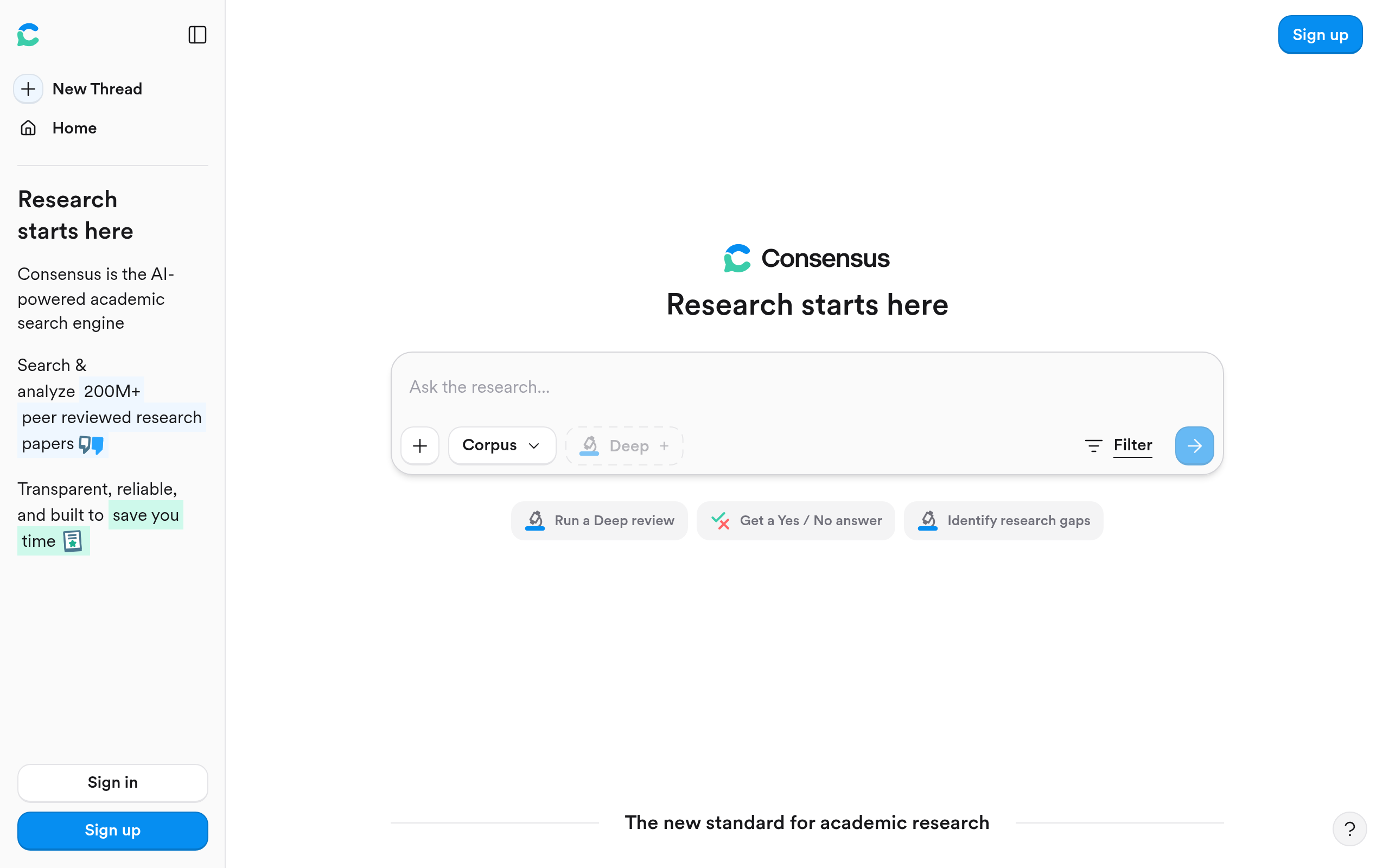
Consensus is the most direct evidence-answering tool in the research AI space. Type a research question in natural language — "Does intermittent fasting improve metabolic markers?" — and it queries a large database of peer-reviewed papers, extracts findings relevant to your question, and returns a "consensus meter" indicating how aligned or split the literature is. Every response links directly to the underlying papers, so verification is immediate rather than requiring a separate search. The approach works especially well for well-studied questions with substantial literature; for emerging topics with sparse evidence, it appropriately flags uncertainty rather than confabulating a false consensus.
The free tier covers a meaningful number of monthly searches — enough to validate the tool before paying. Power users doing daily evidence checks will find the paid plan worthwhile.
ScholarAI
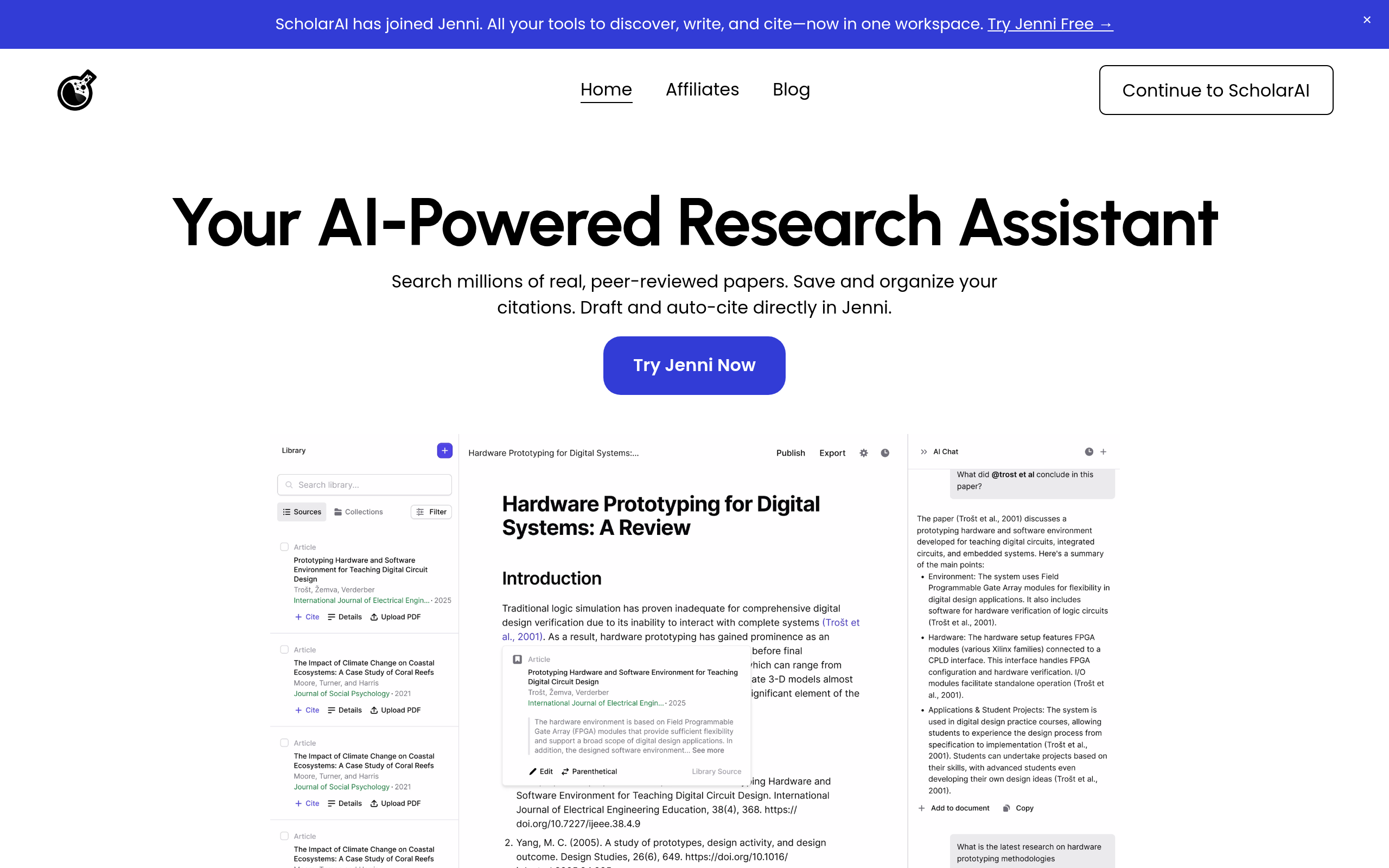
ScholarAI takes a more conversational approach to academic research. Where Consensus gives you a synthesized verdict on a specific question, ScholarAI lets you have an extended dialogue: ask follow-up questions, drill into a specific paper's methodology, request a comparison of findings across three studies, or ask for a plain-language explanation of a technical result. It's better suited for researchers who want to explore a topic iteratively rather than answer a discrete question. Citation accuracy is generally solid — a non-negotiable requirement for any research use case.
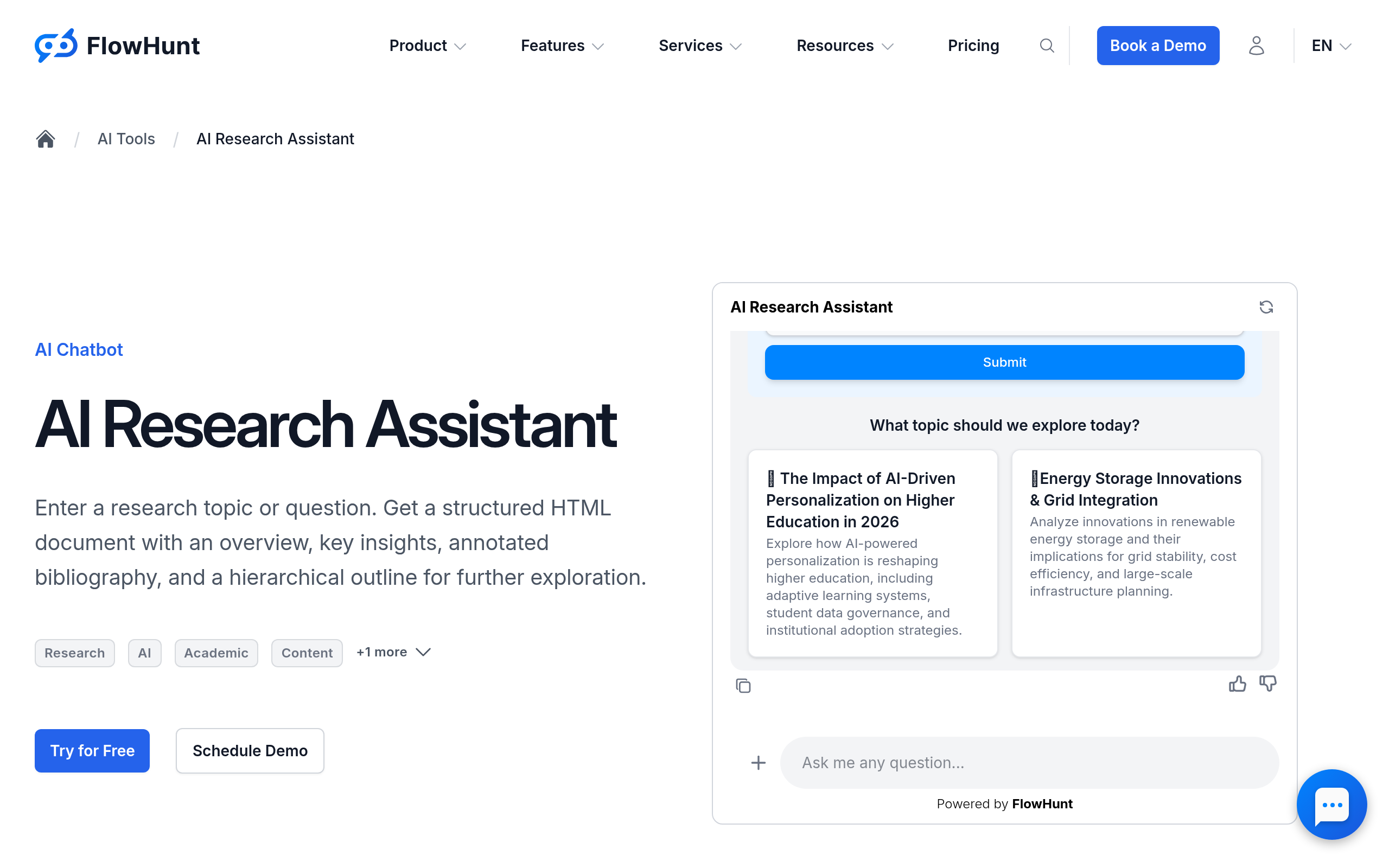
AI Research Assistant
AI Research Assistant covers the orientation end of the synthesis spectrum. If you're at the very start of a literature review — when you don't yet know the key terminology, the landmark papers, or the major ongoing debates in a field — this tool helps you build a working mental model quickly. It won't replace a deep synthesis, but it compresses the orientation phase from days to hours for researchers entering unfamiliar territory.
How Do AI Tools Speed Up PDF-Heavy Research Workflows?
Most research eventually comes down to reading papers. And most papers are PDFs. The question is which tool extracts information reliably without misrepresenting findings or inventing citations — a real risk with general-purpose AI assistants used on scientific documents.
LightPDF
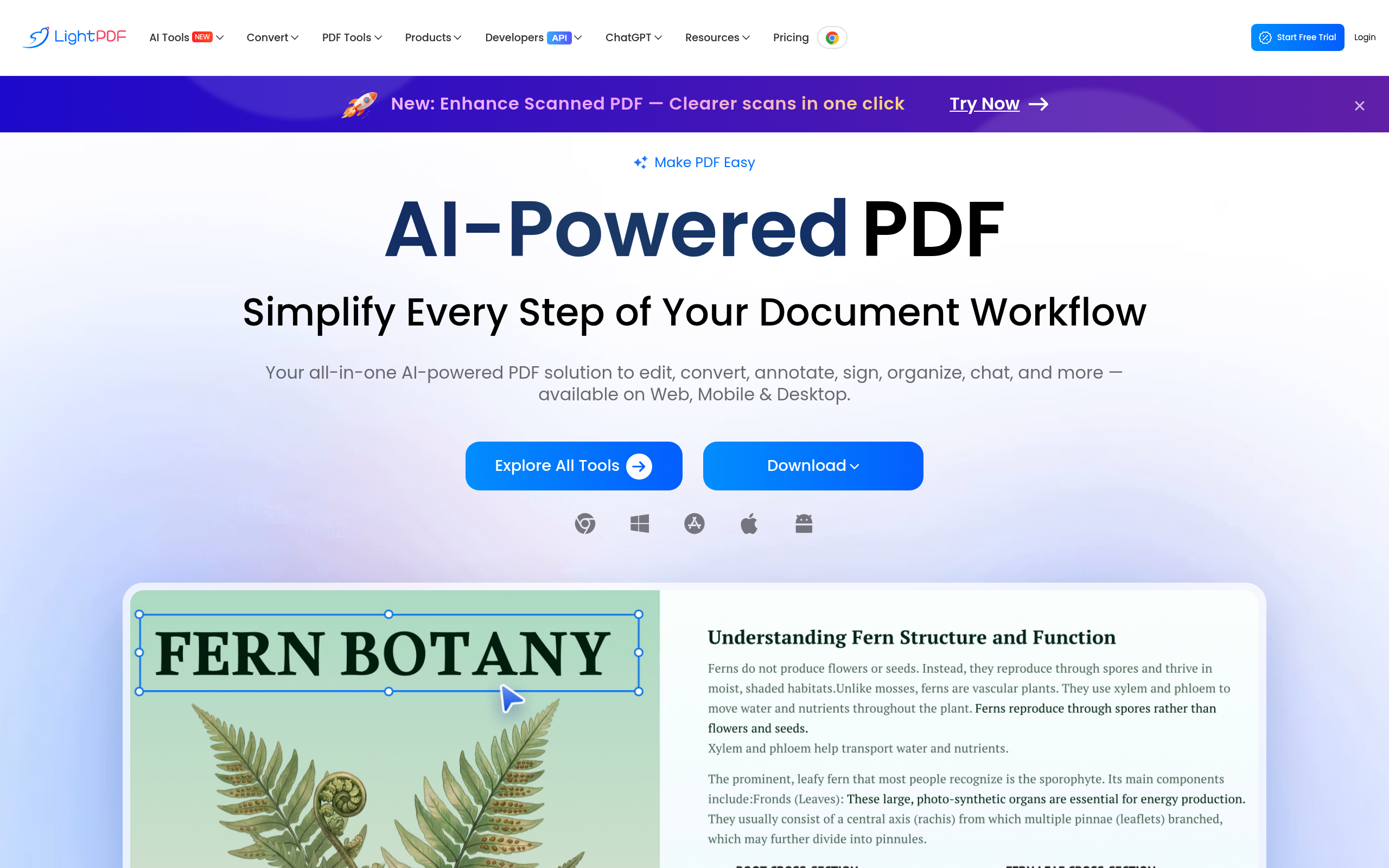
LightPDF is the most accessible PDF Q&A tool for researchers processing large document volumes. Upload a paper — or a batch of papers — and ask specific questions: "What was the primary outcome measure?", "What statistical method did they use for controlling confounders?", "Summarize the limitations section." Responses include page references, which means you can jump directly to the source to verify context rather than trusting the AI's extraction blindly. It handles tables and figures better than most alternatives — important in fields like biomedicine, economics, or materials science where critical data lives in non-text elements.
The free tier includes a daily document interaction limit that's generous enough for occasional use. Researchers processing 20+ papers per week will likely exhaust it and need a paid plan, but the upgrade is straightforward and reasonably priced relative to the time it saves.
For a lean but powerful research stack: ResearchRabbit for discovery + LightPDF for document extraction covers the majority of a standard literature review workflow with no mandatory subscription cost.
How Do These Tools Compare Head-to-Head?
| Tool | Discovery | Evidence Synthesis | PDF Q&A | Citation Export | Free Tier Quality |
|---|---|---|---|---|---|
| ResearchRabbit | Excellent | None | No | Yes (Zotero) | Fully free — no limits |
| Consensus | Good | Excellent | No | Limited | Generous monthly quota |
| Litmaps | Good | None | No | Yes | Functional, limited seeds |
| R Discovery | Good | None | No | Yes | Generous daily feed |
| LightPDF | None | Moderate | Excellent | No | Daily interaction limit |
| ScholarAI | Good | Good | Good | Yes | Limited monthly queries |
| AI Research Assistant | Moderate | Moderate | No | No | Generous |
What Does Each Tool Cost — and Is There a Usable Free Tier?
| Tool | Free Access? | Paid Plan | Key Free-Tier Limit | Worth Upgrading? |
|---|---|---|---|---|
| ResearchRabbit | Yes — fully free | None (institution-funded model) | No meaningful limits for individuals | N/A |
| Consensus | Yes — capped searches | Subscription available | Monthly search quota | Yes, for daily use |
| Litmaps | Yes — limited seeds | Pro plan available | Map size and seed count | Yes, for systematic reviews |
| R Discovery | Yes — core features free | Pro plan available | Daily recommendation depth | Optional for most users |
| LightPDF | Yes — daily page limit | Subscription tiers | Daily document interactions | Yes, for 20+ PDFs per week |
| ScholarAI | Yes — limited queries | Subscription | Monthly query cap | Yes, for heavy academic use |
| AI Research Assistant | Yes — generous | Available | Query volume at high usage | Depends on scale |
Pricing tiers change frequently — always verify current plans on each tool's own website before committing to a subscription.
Which AI Research Tool Fits Your Workflow Best?
| Researcher Profile | Primary Tool | Add This Second | Skip |
|---|---|---|---|
| PhD student starting a new literature review | ResearchRabbit | Consensus | LightPDF (too early — find papers first) |
| Systematic reviewer needing full coverage | Litmaps | ResearchRabbit | AI Research Assistant (too surface-level) |
| Journalist or policy analyst fact-checking claims | Consensus | ScholarAI | Litmaps (overkill for single claim verification) |
| Researcher processing 50+ PDFs per week | LightPDF | ScholarAI | R Discovery (different problem) |
| Scientist staying current in a fast-moving field | R Discovery | ResearchRabbit | LightPDF (doesn't help with new-paper discovery) |
| Non-academic exploring an unfamiliar topic | AI Research Assistant | Consensus | Litmaps (too technical for initial orientation) |
Comparee's Verdict: Which Research AI Tool Should You Actually Use?
Comparee's verdict: ResearchRabbit is the best choice for any researcher starting a literature review from scratch. Its network-based discovery, native Zotero integration, and fully free individual pricing make it a zero-risk first move — add it to your workflow today, not after evaluating it for a month. Consensus is the best choice for evidence synthesis: when you need to know what the collective literature says about a question without reading fifty abstracts yourself, nothing currently competes with its combination of coverage and clarity. LightPDF is the best choice for PDF-intensive workflows — it's the most practical tool for extracting structured information from large document volumes quickly and with verifiable sources.
For a complete research stack, Comparee recommends building in layers: start discovery with ResearchRabbit, validate your evidence base with Consensus, go deep on individual documents with LightPDF, add R Discovery for an ongoing paper feed, and use ScholarAI when you want a conversational research partner rather than a point-and-click interface.
The most common mistake researchers make is expecting one tool to cover the full workflow. These tools are complementary, not alternatives. A two-tool stack already outperforms manual research significantly. A three-tool stack with good habits beats what was possible even five years ago. Explore and compare the full directory at Comparee's Research & Knowledge hub.
One final note: no AI tool replaces critical thinking about methodology, study design, or research quality. These tools surface, filter, and synthesize — the judgment call about whether evidence is strong enough to act on still belongs to a human researcher. Use them to work faster, not to skip the thinking that makes research worth doing.
Tools mentioned in this guide
Pricing, features and model availability can change over time. Always verify current details on each tool's official website before deciding.
Frequently Asked Questions
What is the best AI tool for literature review in 2026?
What is the best AI tool for literature review in 2026?
Is ResearchRabbit actually free, or is there a catch?
Is ResearchRabbit actually free, or is there a catch?
How does Consensus AI work for research?
How does Consensus AI work for research?
What is the difference between ResearchRabbit and Litmaps?
What is the difference between ResearchRabbit and Litmaps?
Can AI tools replace a systematic literature review?
Can AI tools replace a systematic literature review?
What is R Discovery and who is it best for?
What is R Discovery and who is it best for?
How does LightPDF help with academic research specifically?
How does LightPDF help with academic research specifically?
Which AI research tool is best for PhD students?
Which AI research tool is best for PhD students?
Don't just pick a tool — get the whole workflow
Tell Comparee your goal and get a complete step-by-step AI workflow with the right tool for every step.