Best AI Tools for Video Localization and Dubbing in 2026
The best AI video dubbing and localization tools in 2026, compared by use case — creators, YouTube, business, professional localization — plus a step-by-step wo
Key takeaways
- The AI dubbing workflow is: upload → transcribe → translate → generate dub → review pronunciation → export.
- For creators, Rask AI and Murf AI Dubbing are strong starting points.
- For business and training localization, Wistia and Verbit fit better.
- For fast, browser-based dubbing, Flixier and Dubverse are lighter options.
Translating and dubbing video used to mean hiring voice talent for every language. In 2026, AI does it from your original file: transcribe, translate, generate a natural dub, and export — in minutes. But the tools differ a lot by use case. This guide compares the best AI video localization and dubbing tools, names the best one for each kind of user, and gives you the workflow to follow. All picks are real tools from the Comparee catalog.
The AI dubbing workflow, in one line
Save this: upload video → transcribe → translate → generate dub → review pronunciation → export/publish. Most AI dubbing tools run this whole chain; the differences are accuracy, voice quality, supported languages and how much review they need.
Best AI dubbing tools by use case
| Tool | Best for | Why |
|---|---|---|
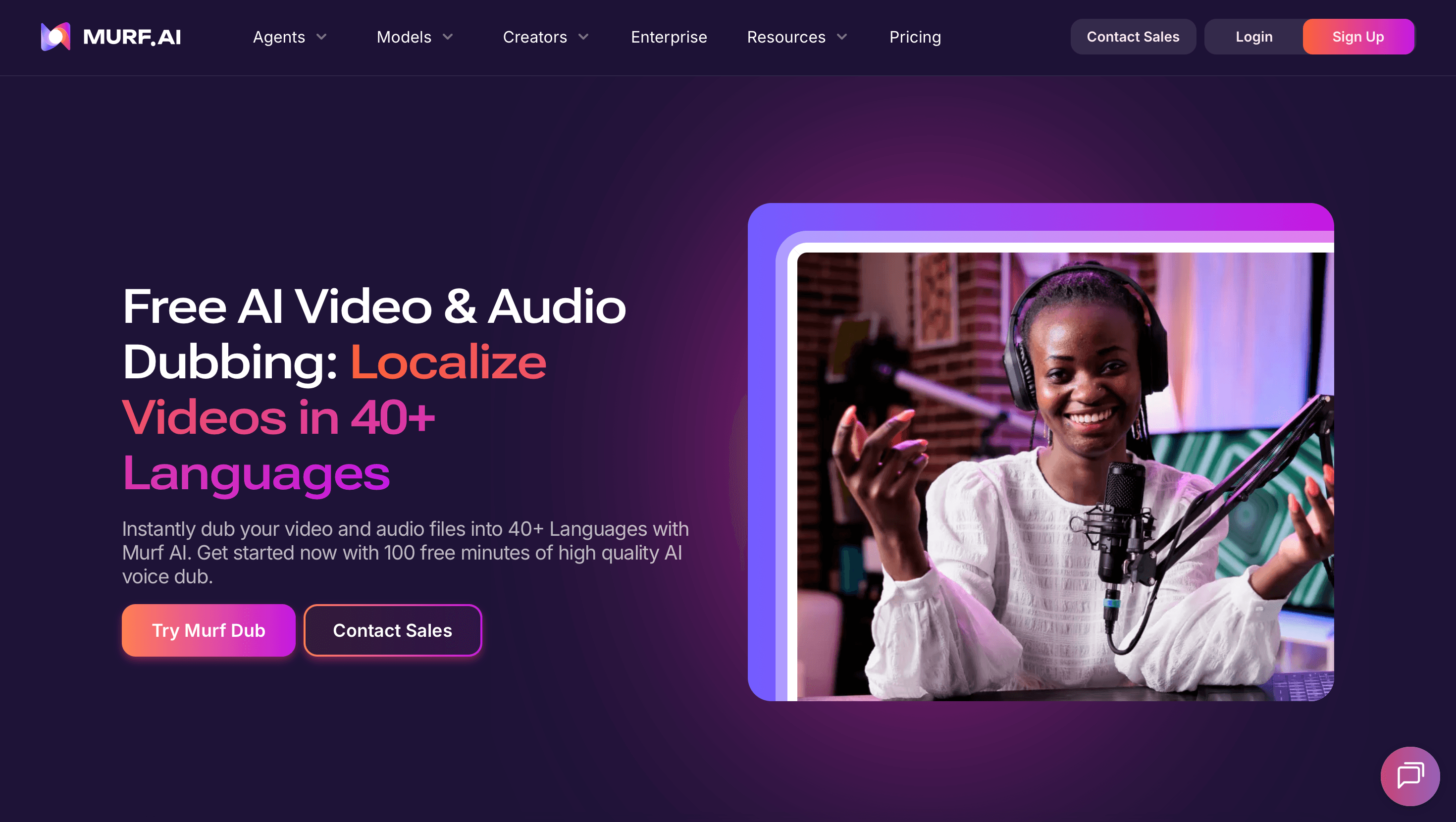
| Rask AI | Creators / YouTube | Fast multilingual dubbing for creators |
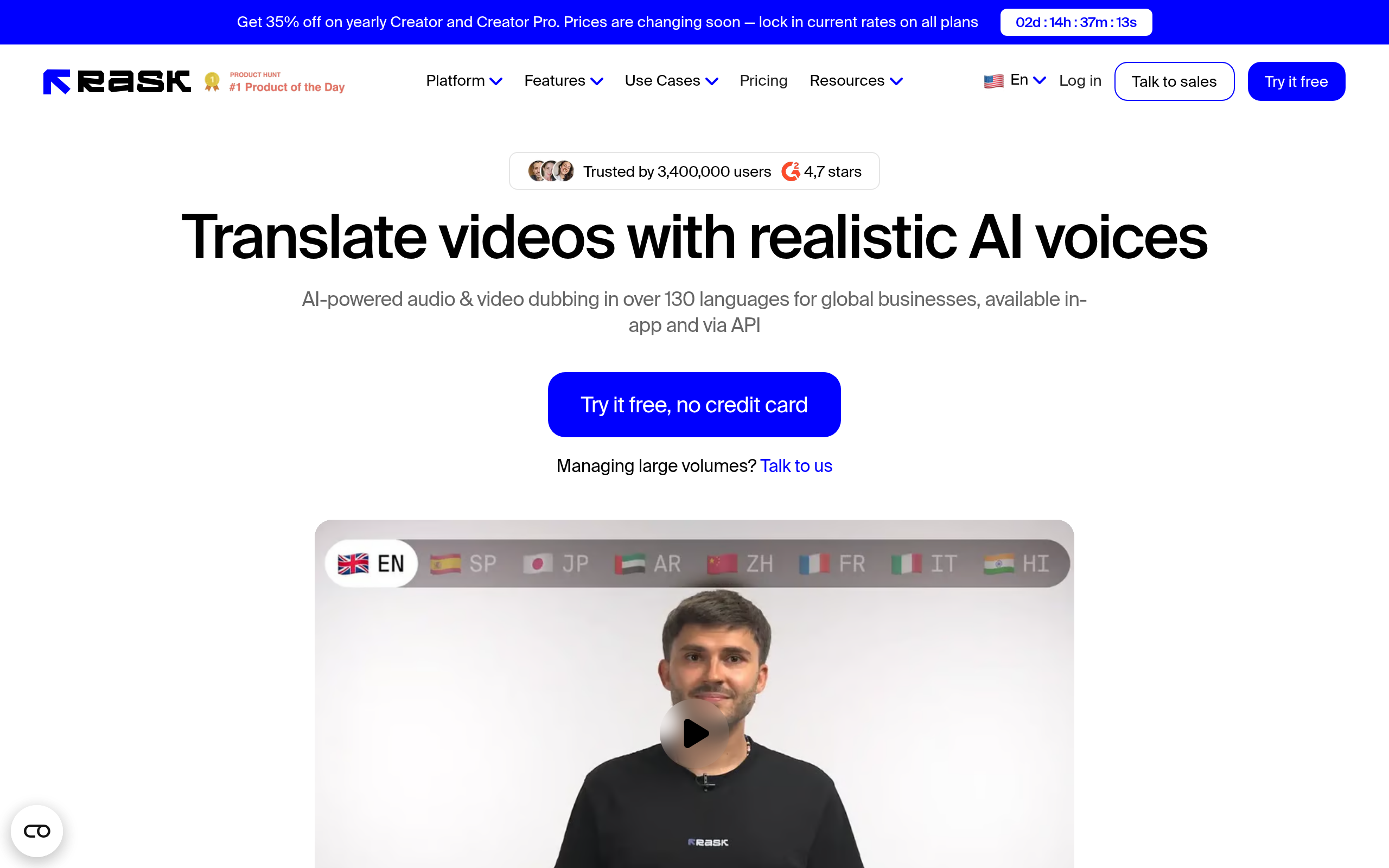
| Murf AI Dubbing | Creators / narration | Natural AI voices for dubbing |
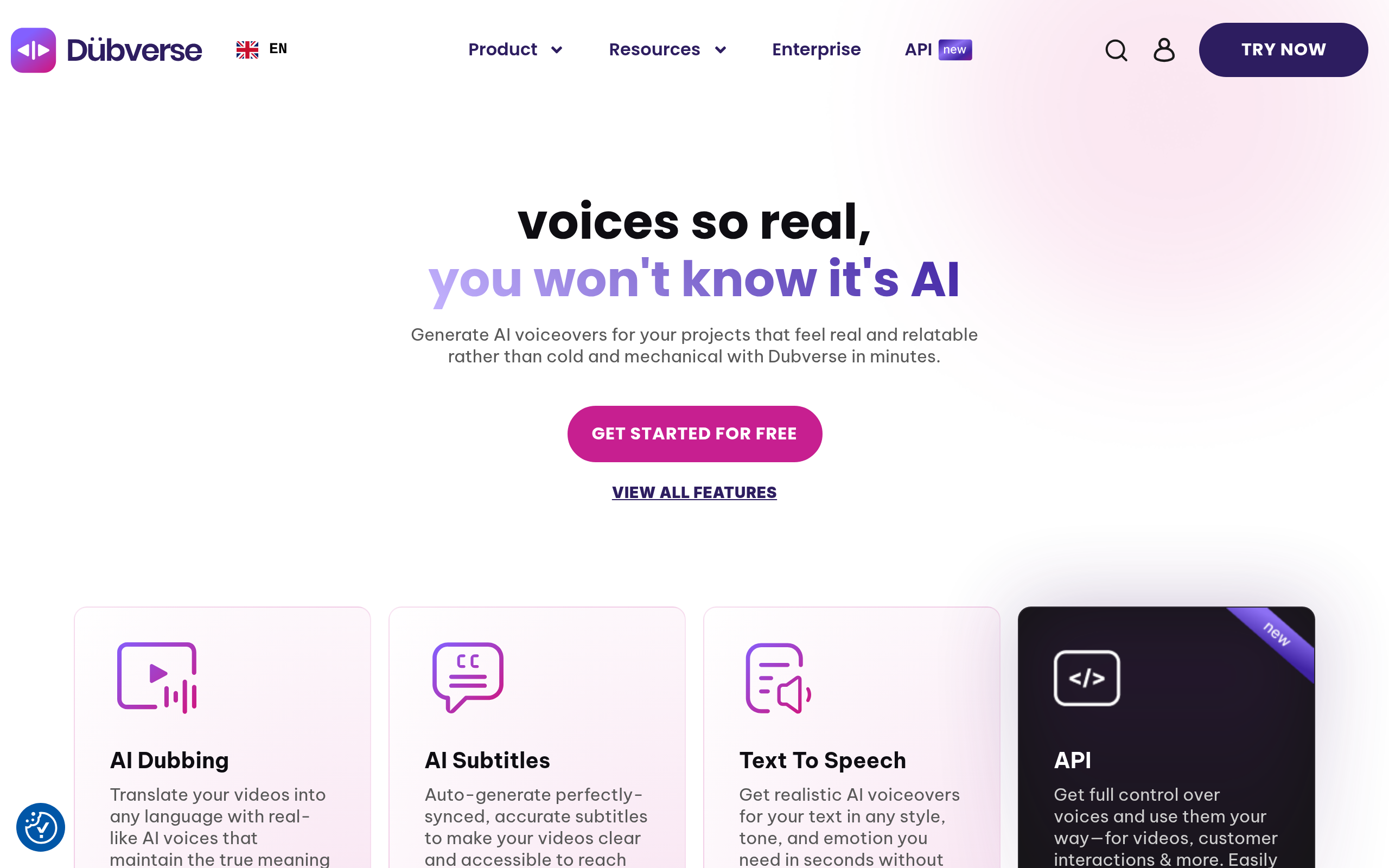
| Dubverse | Fast localization | Quick browser-based dubbing |
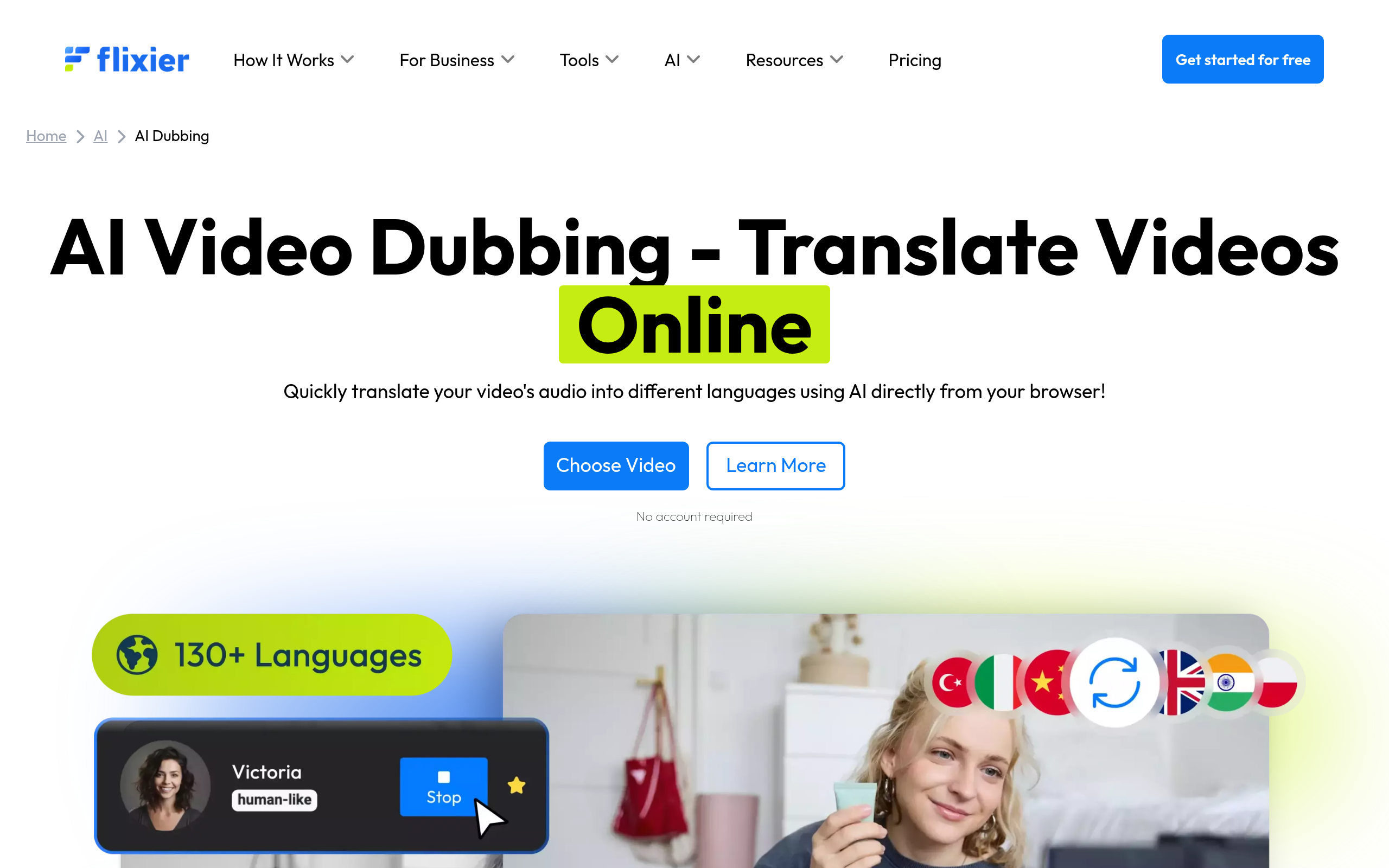
| Flixier AI Dubbing | Fast edit + dub | Lightweight browser dub + edit |
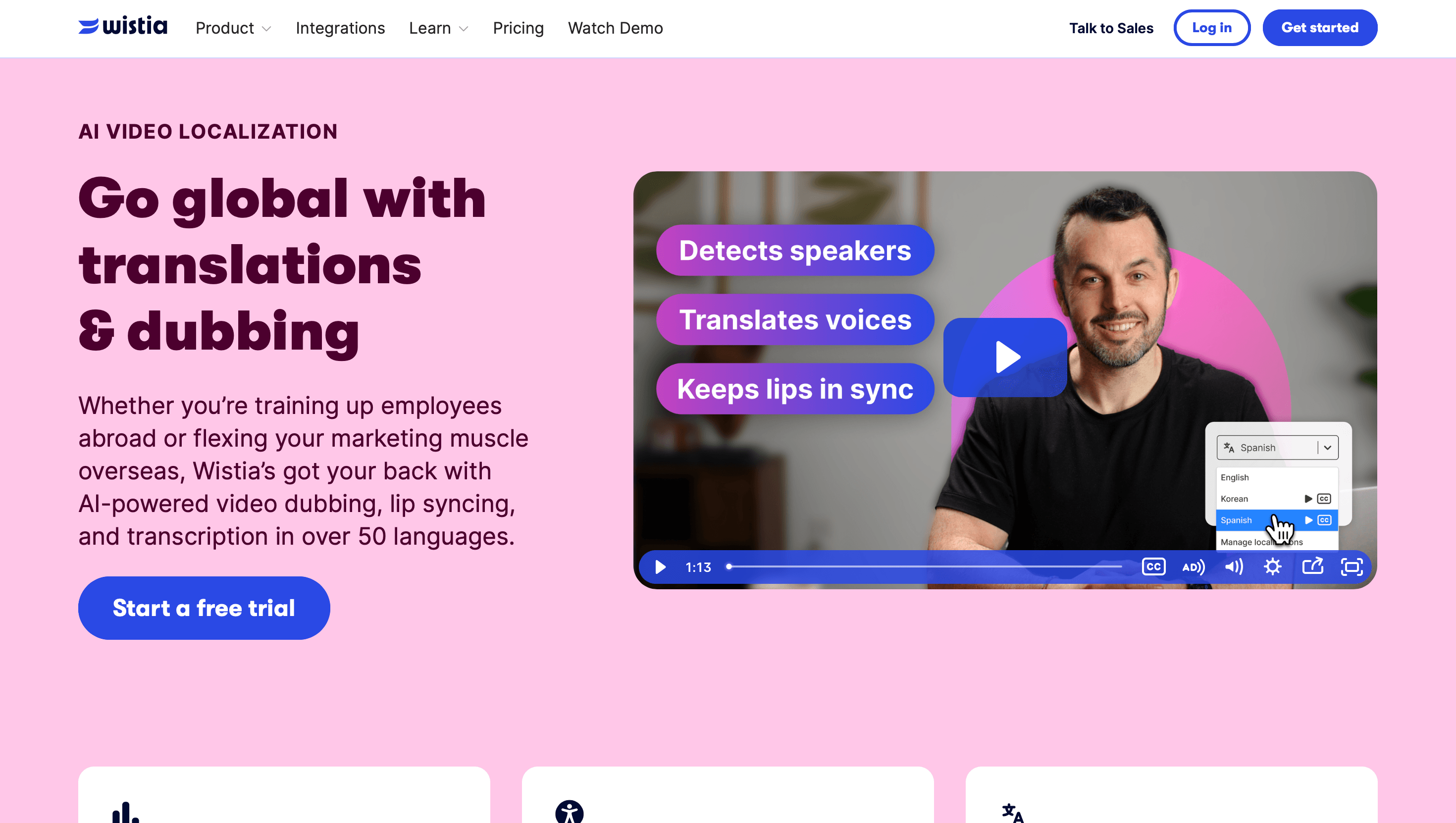
| Wistia Video Localization | Business | Localization in a business video platform |
| Verbit | Professional / training | Accuracy-focused transcription & localization |
Best for creators and YouTube: Rask AI and Murf AI Dubbing
Rask AI is built for creators who want to dub videos into many languages quickly — ideal for growing a YouTube channel across markets. Murf AI Dubbing brings natural AI voices to the dub, which matters when voice quality is the difference between a watchable localized video and an off-putting one.
Best for fast localization: Dubverse and Flixier
Dubverse focuses on quick browser-based dubbing when speed matters more than fine control. Flixier AI Dubbing combines lightweight editing with dubbing in the browser, a good fit when you want to trim and localize in one place without heavy software.
Best for business & professional localization: Wistia and Verbit
For companies, Wistia Video Localization brings localization into a business video platform, keeping hosting, analytics and translation together. Verbit leans on accuracy-focused transcription and localization, which suits training, compliance and professional content where getting the words exactly right is non-negotiable.
The dubbing workflow, step by step
- Upload your original video to the tool.
- Transcribe — the AI generates a transcript of the original audio.
- Translate the transcript into your target language(s).
- Generate the dub — AI voices speak the translation, ideally matched to timing.
- Review pronunciation — check names, terms and emphasis; fix anything off.
- Export / publish the localized version.
The review step is the one people skip and regret — AI pronunciation of names and technical terms is the most common weak point, so a quick human pass protects quality.
Pricing and accuracy disclaimer
Dubbing quality, supported languages and pricing change frequently and vary by plan. Translation and AI pronunciation are not perfect — always review the output, especially for names, brand terms and anything customer-facing, and verify current pricing and language support on each tool's official site before committing.
How to get the best dubbing quality
The quality of an AI dub is decided mostly before you press the dub button. Start with clean source audio: AI transcription is the foundation of the whole chain, and a noisy original produces a flawed transcript, which produces a flawed translation, which produces a flawed dub. If you control the recording, capture clear speech with minimal background noise and you will save hours of correction downstream. Second, give the tool context where you can — a glossary of product names, brand terms and technical vocabulary prevents the most common and most embarrassing errors, because AI mispronouncing your own brand name in front of customers is the failure people remember.
Third, match the voice to the content. A fast, energetic creator video and a calm corporate training module need different vocal styles, and most tools let you pick — so do not accept the default voice if it fights the tone of your video. Fourth, never skip the pronunciation review. This is the step that separates a dub that builds trust from one that feels cheap: names, numbers, dates and acronyms are where AI stumbles, so a quick human pass on exactly those elements protects the whole video. Finally, test one language end to end before you commit to ten. Run your real content through the full workflow once, judge the result honestly, and only then scale — it is far cheaper to discover a tool's weakness on one video than on a whole library.
Comparee recommendation
- Creators / YouTube → Rask AI or Murf AI Dubbing.
- Marketers wanting fast localization → Flixier or Dubverse.
- Business / training → Wistia or Verbit.
- Fast, lightweight dubbing workflow → Dubverse or Rask AI.
Choose by who you are and how much accuracy you need. Compare the voices behind the dubs in our guide to the best AI voice generators, and browse the top voice & audio tools and video tools on Comparee.
The real cost of AI dubbing — and where it saves you
The economics are the reason AI dubbing has taken off, so it is worth understanding them before you pick a tool. Traditional localization means hiring voice talent, booking studio time and managing a translation pass for every single language — costs that scale linearly and put multilingual video out of reach for most creators and small teams. AI collapses that: one tool, a per-minute or per-language price, and minutes instead of weeks. The saving is largest exactly where traditional dubbing is most painful — many languages, frequent updates, or long back-catalogs you want to localize at once. A creator dubbing a weekly video into five languages, or a company localizing a training library, is where AI dubbing pays for itself many times over.
That said, the cheapest tool is rarely the right default. Pricing models differ — some charge by video minute, some by language, some bundle a monthly cap — so the best value depends on your volume and language count, not the headline price. A tool that looks expensive per minute can be cheaper overall if it nails pronunciation and saves you a re-do, while a cheap tool that needs heavy manual correction costs you the thing AI was supposed to save: time. Weigh quality and review effort alongside the sticker price, test on real content, and verify current pricing and language support on each tool's official site before committing, since these change often.
The bottom line
AI makes video localization fast and affordable, but the right tool depends on your goal: creators want Rask AI or Murf AI Dubbing, businesses want Wistia or Verbit, and fast workflows favor Dubverse or Flixier. Follow the workflow (upload → transcribe → translate → dub → review → export), always review pronunciation, and compare the options in the voice & audio category on Comparee.
Tools mentioned in this guide
Pricing, features and model availability can change over time. Always verify current details on each tool's official website before deciding.
Frequently Asked Questions
What is the best AI video dubbing tool in 2026?
What is the best AI video dubbing tool in 2026?
How does AI video dubbing work?
How does AI video dubbing work?
Is AI dubbing accurate enough for business video?
Is AI dubbing accurate enough for business video?
Which AI dubbing tool is best for YouTube creators?
Which AI dubbing tool is best for YouTube creators?
How much do AI dubbing tools cost?
How much do AI dubbing tools cost?
Don't just pick a tool — get the whole workflow
Tell Comparee your goal and get a complete step-by-step AI workflow with the right tool for every step.