How to Use AI for Candidate Screening & Interviews (2026)
Practical guide to AI candidate screening and interview support in 2026 — best tools, bias compliance, step-by-step workflow, and Comparee's verdict by team typ
- AI screening tools can triage hundreds of resumes in the time it takes a recruiter to read five — but human oversight on every hire decision is non-negotiable.
- Top employer-side platforms for 2026: AIHR Screen, recruitRyte, Recruit CRM, and Employ — each suited to different team sizes and workflows.
- Candidate-facing tools like Final Round AI, Careerflow, and Huntr are now mainstream — understanding them helps you design sharper interviews.
- Bias and legal compliance (EU AI Act, EEOC, GDPR) are real obligations that fall on the employer, not the vendor.
- The winning formula: AI narrows the pool, humans make the call.
AI for candidate screening is practical and widely adopted in 2026 — not a future trend. Recruiters using AI tools process large applicant volumes faster, surface better-matched candidates, and spend more interview time on genuine evaluation rather than resume triage. But deploying these tools without a bias audit or human review layer creates real legal and reputational risk. This guide covers the tools, the workflow, the fairness obligations, and a concrete verdict on which platform fits which team.
What Is AI Candidate Screening — and How Does It Actually Work?
AI candidate screening uses machine learning and natural language processing to parse resumes, match skills against job descriptions, rank applicants, and in some cases conduct initial asynchronous assessments. The technology typically works in three layers:
- Resume parsing and matching: Extracts structured data — skills, tenure, education, job titles — from unstructured resume text, then scores each candidate against the job specification.
- Ranking and shortlisting: Aggregates scores into a ranked list so recruiters start with the highest-fit candidates rather than reading every application sequentially.
- Interview assistance: Some platforms generate structured interview questions, provide scoring rubrics, or analyze recorded responses for consistency and completeness.
The core value proposition is throughput. A recruiter manually reviewing 200 applications might spend two full working days on triage alone. An AI screening layer can process the same pile in minutes, surfacing the top 20–30 candidates for human review. The catch: quality of output depends heavily on how well the model was trained and how precisely the job description was written.
Which AI Screening Tools Are Best for Recruiters in 2026?
Here is a quick verdict across the main employer-facing platforms — matched to the use cases where each genuinely excels rather than a generic ranking.
| Tool | Best For | Team Size | Key Strength |
|---|---|---|---|
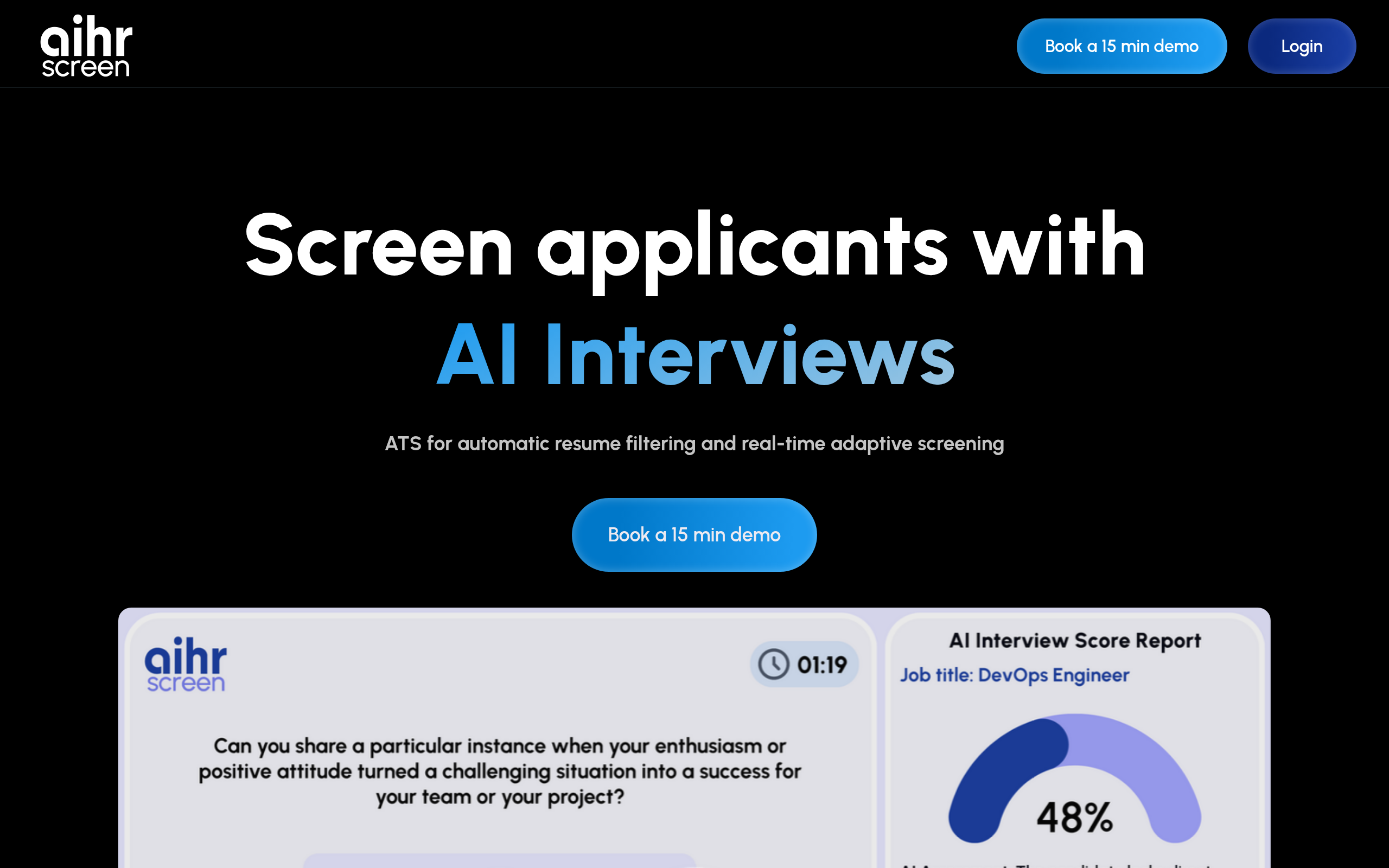
| AIHR Screen | HR teams wanting structured, evidence-based AI screening | Mid-size to enterprise | HR-academic methodology + AI scoring |
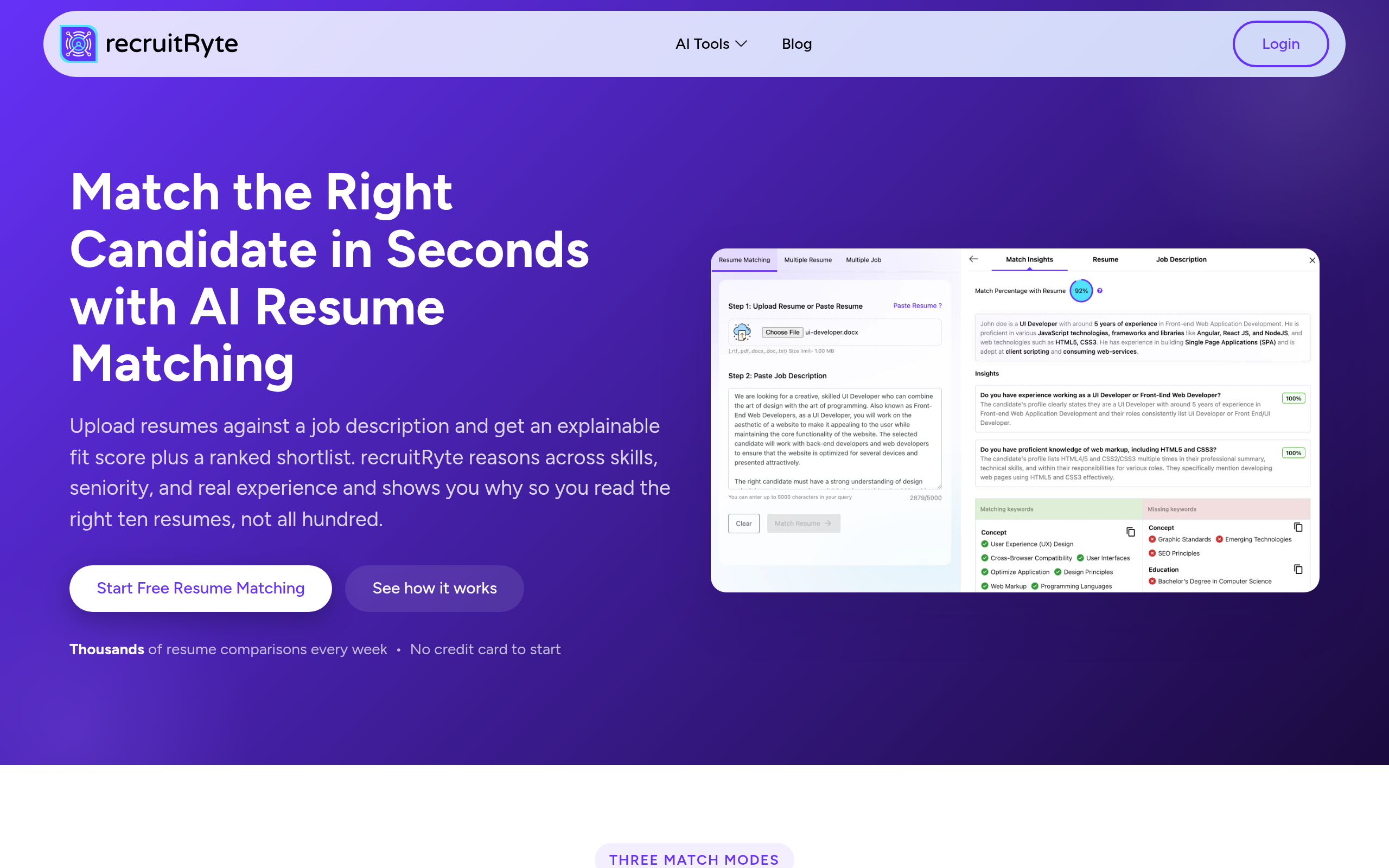
| recruitRyte | High-volume automated resume shortlisting | SMB to mid-size | Fast automated shortlisting at scale |
| Recruit CRM | Recruiting agencies managing multiple client pipelines | Agency, any size | Full ATS + CRM with AI resume parsing |
| Jobright | AI-driven candidate discovery and fit matching | Startups to mid-size | Candidate-job fit intelligence |
| Employ | Teams needing an integrated hiring platform with AI built in | SMB to enterprise | End-to-end recruiting suite |
How Do These Tools Compare on Features?
No single platform covers every need. Here is how the main tools stack up across the features that matter most to recruiting teams:
| Feature | AIHR Screen | recruitRyte | Recruit CRM | Jobright | Employ |
|---|---|---|---|---|---|
| AI resume parsing | Yes | Yes | Yes | Yes | Yes |
| Candidate ranking / scoring | Yes | Yes | Partial | Yes | Yes |
| ATS / pipeline management | Integrates | Partial | Full ATS | Partial | Full ATS |
| Interview question generation | Yes | No | No | No | Partial |
| Multi-client / agency workflows | No | No | Yes | No | No |
| Compliance documentation | Yes | Partial | Yes | Partial | Yes |
| Free tier available | Check vendor | Check vendor | Yes (limited) | Yes (limited) | No |
Feature availability changes frequently — verify directly with the vendor before committing. Prices are not listed here because they change and vary significantly by team size and contract terms.
How Do I Build an AI-Powered Screening Workflow Step by Step?
A practical AI screening setup has five stages. Skipping any of them is where teams run into problems — either with screening quality or with compliance.
Step 1 — Write a precise job description. AI screening is only as good as the criteria you give it. Vague job descriptions produce vague matches. Define required skills, must-have experience levels, and hard disqualifiers explicitly before configuring any tool.
Step 2 — Configure your screening tool against that job description. Tools like recruitRyte and AIHR Screen let you weight different criteria — do not rely on defaults. Tune the scoring to reflect what actually matters for the specific role, not a generic template.
Step 3 — Let AI produce a shortlist, then audit it before acting. Before forwarding any candidates to the next stage, spot-check 10–15 resumes across the score range. Does the ranking match your recruiter's instinct? If not, re-tune the criteria. This audit step also catches early signals of bias.
Step 4 — Use AI for structured interview support. AIHR Screen and Employ can generate role-specific interview questions based on the job description and candidate profile. Structured, consistent questions applied to every candidate are both a quality improvement and a legal protection.
Step 5 — Humans decide. The AI shortlist is a starting point, not an answer. Final hiring decisions require human assessment, and any rejection must be explainable in non-discriminatory terms. Document the reasoning.
What AI Tools Help Recruiters During the Interview Itself?
Screening is only part of the workflow. Several platforms extend AI support into the interview phase:
- AIHR Screen is one of the few tools designed around evidence-based HR methodology, providing structured interview guides aligned with competency frameworks — not just generic question lists.
- Employ offers interview scheduling, collaborative scoring by multiple interviewers, and structured feedback collection within a single platform — valuable when hiring panels are involved.
- Recruit CRM lets recruiting agencies attach interview notes, scorecards, and client feedback directly to candidate profiles, keeping the full pipeline visible across teams and clients.
For asynchronous video interviews specifically, dedicated tools (HireVue, Spark Hire) go beyond the scope of this guide but are worth evaluating if async video is a priority for your process. The platforms featured here focus on text-based screening, matching, and structured interview support.
Does AI Introduce Bias? What Recruiters Must Know About Fairness and Compliance
This is the section that matters most and gets skipped the most. AI hiring tools have a well-documented bias problem: if trained on historical hiring data, they learn to replicate historical patterns — including discriminatory ones. Amazon's widely-reported internal recruiting AI, which penalized resumes mentioning women's organizations, is the most-cited example — but the problem is structural, not exceptional to that case.
In 2026, the regulatory environment has hardened significantly:
- EU AI Act: AI systems used in recruitment are classified as high-risk, subject to mandatory transparency requirements, human oversight obligations, and conformity assessments before deployment.
- EEOC (US): The Equal Employment Opportunity Commission has issued technical assistance making clear that employers — not vendors — bear responsibility for discriminatory outcomes from AI hiring tools.
- NYC Local Law 144: Requires independent bias audits for automated employment decision tools used in New York City, with public disclosure of audit results.
- GDPR (EU): Requires that candidates be informed when automated decision-making affects them and gives them the right to request human review of automated decisions.
Practical steps every team must take before deploying AI screening at scale:
- Ask your vendor for their bias audit methodology and results. If they cannot provide one, do not deploy.
- Review shortlisted pools for demographic distribution before inviting anyone to interview.
- Disclose AI use in your screening process to candidates — required under GDPR, best practice everywhere.
- Never allow the AI to make or formally record a rejection without a human reviewing the reasoning.
- Document your configuration and process decisions — you need to reconstruct them if a decision is challenged.
Recruit CRM and AIHR Screen have compliance documentation built into their platforms. For recruitRyte, verify GDPR and bias-audit features directly with the vendor before deploying in regulated jurisdictions. Jobright and Employ publish data handling policies — review these as part of your vendor due diligence.
What Are Candidates Using — and Why Should It Change How You Interview?
Candidates in 2026 are not showing up unprepared. Candidate-facing AI tools have matured significantly, and understanding them changes how you should design your interview process.
| Tool | Who Uses It | What It Does | Implication for Recruiters |
|---|---|---|---|
| Final Round AI | Job seekers | Real-time interview coaching; mock interview practice with AI feedback | Candidates may be highly rehearsed — go deeper with follow-up probes and scenario questions |
| Careerflow | Job seekers | Resume optimization, LinkedIn profile review, application tracking | Resumes are increasingly keyword-optimized — keyword match alone is not a reliable signal |
| Huntr | Job seekers | Job search tracker with career management features | Active candidates are organized and applying strategically across many openings simultaneously |
The practical implication: AI-optimized resumes make keyword-matching screening less reliable as a differentiator. A strong candidate with an unconventional background may not rank highly on AI keyword matching, while a less-qualified candidate who keyword-stuffed their resume scores better. This is another reason AI shortlists need genuine human review rather than automatic forwarding.
For roles where communication and problem-solving matter, design interview questions that go beyond what Final Round AI can rehearse — company-specific scenarios, improvised follow-up questions, or cases with incomplete information where candidates must reason aloud.
Which AI Screening Tool Fits Your Budget and Use Case?
| Tool | Pricing Model | Best Use Case | Avoid If... |
|---|---|---|---|
| AIHR Screen | Subscription (varies by team size) | In-house HR wanting structured, evidence-based screening | You need a full ATS — AIHR Screen focuses on screening, not pipeline management |
| recruitRyte | Usage-based / subscription | High-volume shortlisting at SMB scale | You need deep compliance tooling or multi-client workflows |
| Recruit CRM | Tiered subscription; free plan available | Recruiting agencies with multiple client pipelines | You are an in-house team with one pipeline — CRM overhead adds unnecessary complexity |
| Jobright | Free tier; paid plans for more volume | Teams wanting AI-driven candidate discovery alongside inbound screening | You have strong inbound volume and need screening, not sourcing |
| Employ | Subscription; enterprise pricing | Growing companies wanting one integrated hiring platform | You are a small team — cost-to-value ratio favors simpler, leaner tools |
Comparee's Verdict: Which AI Screening Tool Should You Actually Use?
There is no universal winner — but there are clear fits based on team type and stage.
For in-house HR teams at mid-size companies: Start with AIHR Screen. It is the most methodologically grounded option for teams that need to defend their process to leadership or legal counsel. Pair it with Employ if you need a full applicant tracking layer alongside it.
For recruiting agencies: Recruit CRM is the clear choice. It handles multi-client pipeline complexity that general HR platforms are not designed for, with AI screening built into a proper CRM structure.
For startups and SMBs with high application volume: recruitRyte is a lean, fast option for shortlisting at scale without enterprise cost. Add Jobright if you want active candidate discovery on top of inbound screening.
For enterprise teams with formal compliance obligations: Employ provides the integration depth, audit trails, and structured workflow you need. Supplement with AIHR Screen for structured interview tooling and bias documentation.
One rule applies to every team regardless of tool: never let the AI be the sole decision-maker. Every rejection should have a human who reviewed it and can explain it. The tools are the assist — your recruiters make the call.
See full feature comparisons and user ratings across these and related platforms in the HR & Recruiting category on Comparee.
Tools mentioned in this guide
Pricing, features and model availability can change over time. Always verify current details on each tool's official website before deciding.
Frequently Asked Questions
Can AI fully replace human recruiters for candidate screening?
Can AI fully replace human recruiters for candidate screening?
What is the best AI tool for resume screening in 2026?
What is the best AI tool for resume screening in 2026?
Is AI candidate screening legal in Europe?
Is AI candidate screening legal in Europe?
How do I prevent bias in AI resume screening?
How do I prevent bias in AI resume screening?
What is the difference between AI screening and traditional ATS keyword matching?
What is the difference between AI screening and traditional ATS keyword matching?
How should I interview candidates who prepared with AI tools like Final Round AI?
How should I interview candidates who prepared with AI tools like Final Round AI?
Do I have to tell candidates that AI is screening their application?
Do I have to tell candidates that AI is screening their application?
What is Recruit CRM best suited for?
What is Recruit CRM best suited for?
Don't just pick a tool — get the whole workflow
Tell Comparee your goal and get a complete step-by-step AI workflow with the right tool for every step.