AI for Inventory Management: Tools & Implementation (2026)
AI inventory management tools compared: BQool, Prisync, SellerApp, Teikametrics & more. Implementation guide, demand forecasting, ERP integration (2026).
- AI inventory management automates demand forecasting, reorder triggers, and safety-stock calculations — reducing both stockouts and excess carrying costs at the same time.
- For Amazon and marketplace sellers, Teikametrics, SellerApp, and Datahawk combine inventory analytics with ad-spend intelligence, giving you a single view of profitability.
- Repricing specialists BQool and Prisync factor inventory pressure and sell-through velocity into their pricing algorithms, turning stock data into margin protection.
- Successful implementation requires at minimum 12 months of clean SKU-level sales history, mapped to a reliable inventory source, before any AI model goes live.
- Start with one channel or product category, validate forecast accuracy over 30–60 days, then expand — AI inventory ROI compounds as the model learns your patterns.
The short answer: the best AI inventory management approach for most e-commerce and retail operators in 2026 combines a demand forecasting layer (predicting what you will sell and when) with an automated replenishment trigger (generating purchase orders before you stock out). For marketplace sellers on Amazon or Walmart, tools like SellerApp, Teikametrics, and Datahawk extend this into ad-adjusted profitability analysis — because your true inventory health is inseparable from your ad spend. If you sell across multiple channels or run your own store, the implementation path is different, and this guide walks through both scenarios.
What Is AI Inventory Management — and What Does It Actually Do?
Traditional inventory management is rules-based: set a reorder point, set a safety stock buffer, fire a purchase order when you hit the threshold. It works until it doesn't — a seasonal spike, a viral product moment, or a supplier delay breaks the static model and you're either stocked out or sitting on a warehouse of slow movers.
AI inventory management replaces static rules with dynamic, data-driven models that adapt in near real time:
- Demand forecasting — ML models trained on your sales history, seasonality, promotions, and external signals (trends, competitor activity) predict future demand at the SKU level.
- Safety stock optimization — instead of a fixed buffer number, AI calculates safety stock dynamically based on lead-time variability and forecast uncertainty for each SKU.
- Automated reorder recommendations — the system flags (or auto-submits) purchase orders based on forecasted demand, current on-hand stock, and supplier lead times.
- Slow-mover and overstock alerts — AI surfaces items accumulating carrying costs so you can markdown or bundle before they become dead stock consuming warehouse space and cash.
- Marketplace sell-through analysis — tools like Datahawk and SellerApp layer BSR (Best Seller Rank) trends and keyword velocity onto inventory data to anticipate demand shifts before they show up in raw sales numbers.
The combined result: fewer stockouts, lower average days-on-hand, and inventory capital freed up for higher-velocity SKUs. For a broader look at tools in the retail stack, browse the E-commerce & Retail AI category on Comparee.
Which AI Tools Are Best for Inventory Management in 2026?
The five tools featured in this guide — BQool, Prisync, SellerApp, Teikametrics, and Datahawk — are all marketplace-native or competitor-intelligence platforms. None are pure standalone WMS or ERP systems. Here is the honest framing of where each fits in an inventory strategy:
| Tool | Primary Use Case | Inventory Angle | Best For |
|---|---|---|---|
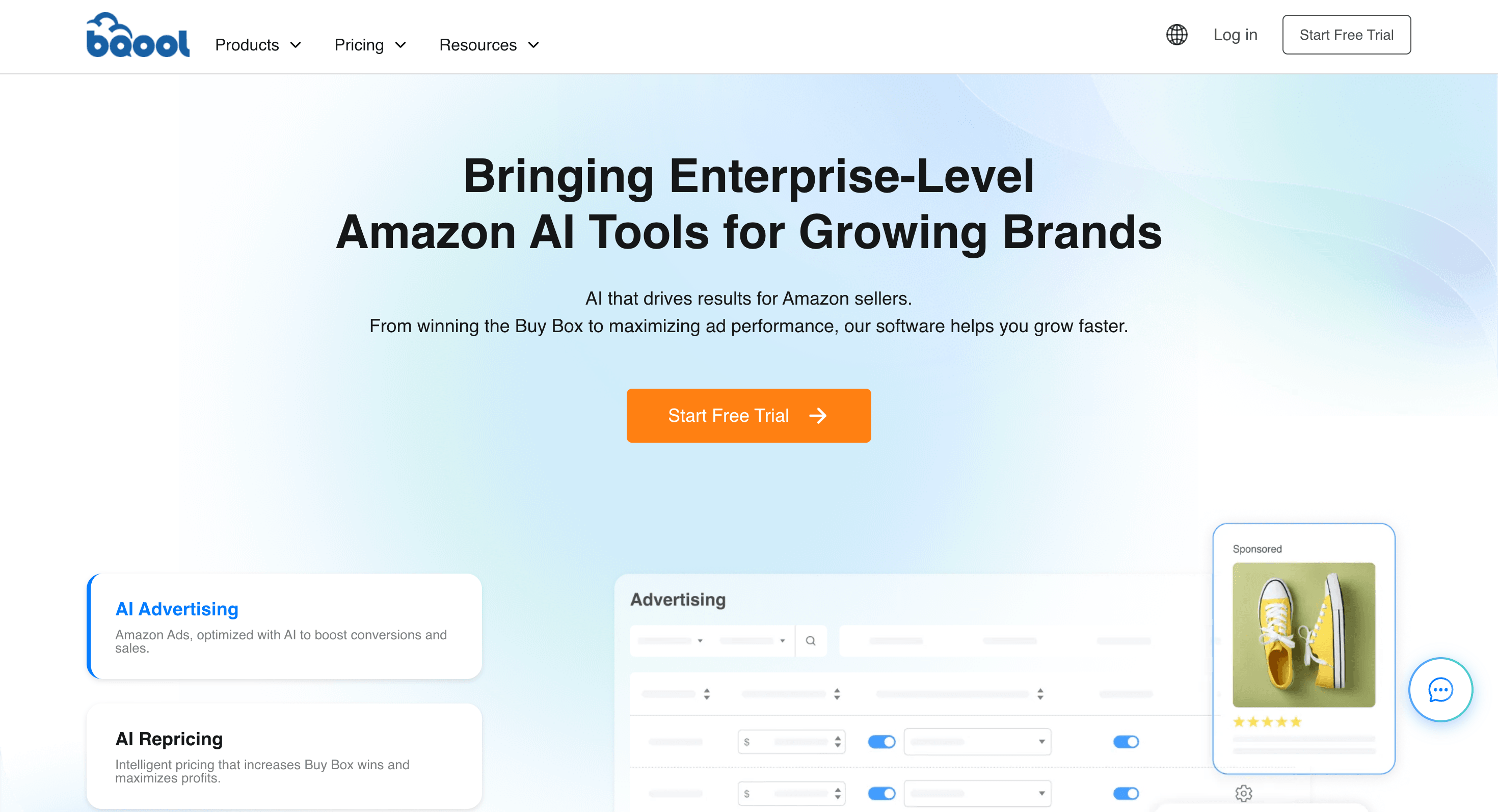
| BQool | Amazon repricing + seller analytics | Inventory-aware pricing rules (sell faster when overstocked, protect margin when stock is low) | Amazon FBA/FBM sellers needing margin protection at scale |
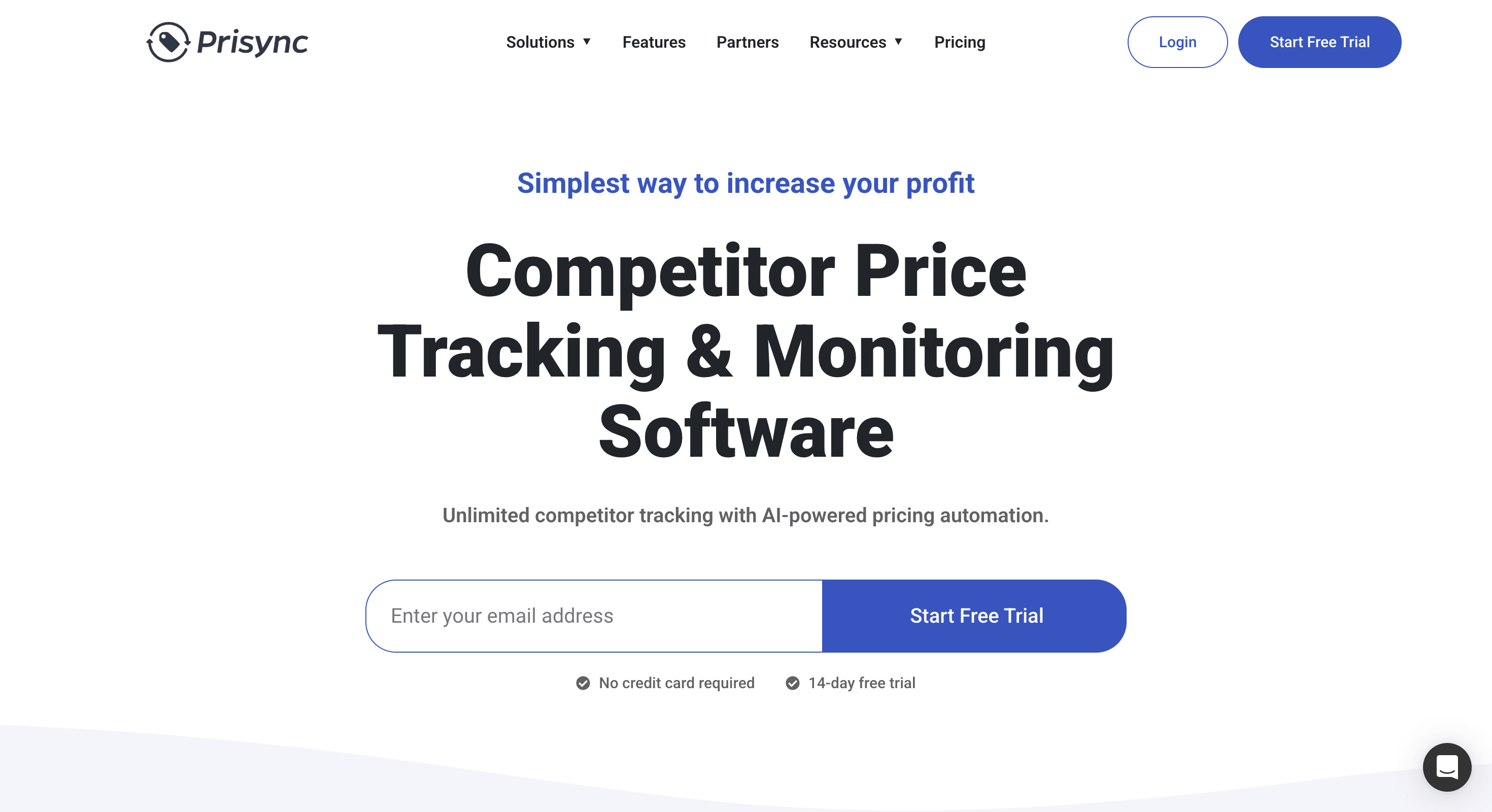
| Prisync | Competitor price tracking + repricing | Price-driven sell-through; monitors competitor stock availability as a demand signal | Multi-channel merchants tracking rivals' price and availability moves |
| SellerApp | Amazon seller analytics + PPC management | Demand signals from keyword trends and BSR; inventory health dashboard | Amazon sellers who want ad and inventory visibility in one place |
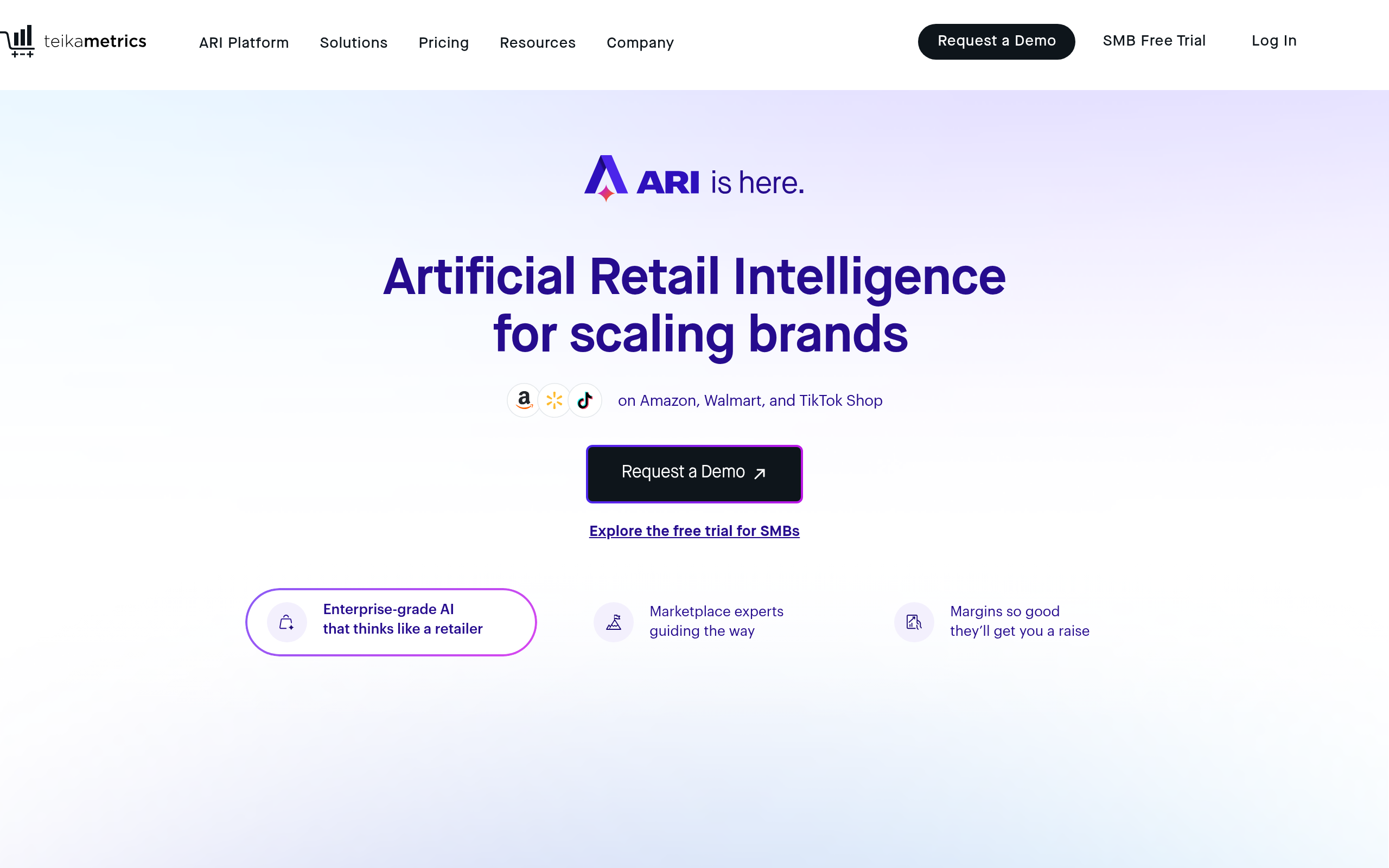
| Teikametrics | Amazon and Walmart ad optimization | Flywheel model: ad spend drives velocity, velocity informs inventory planning | Mid-to-large brands running Amazon Ads alongside inventory planning |
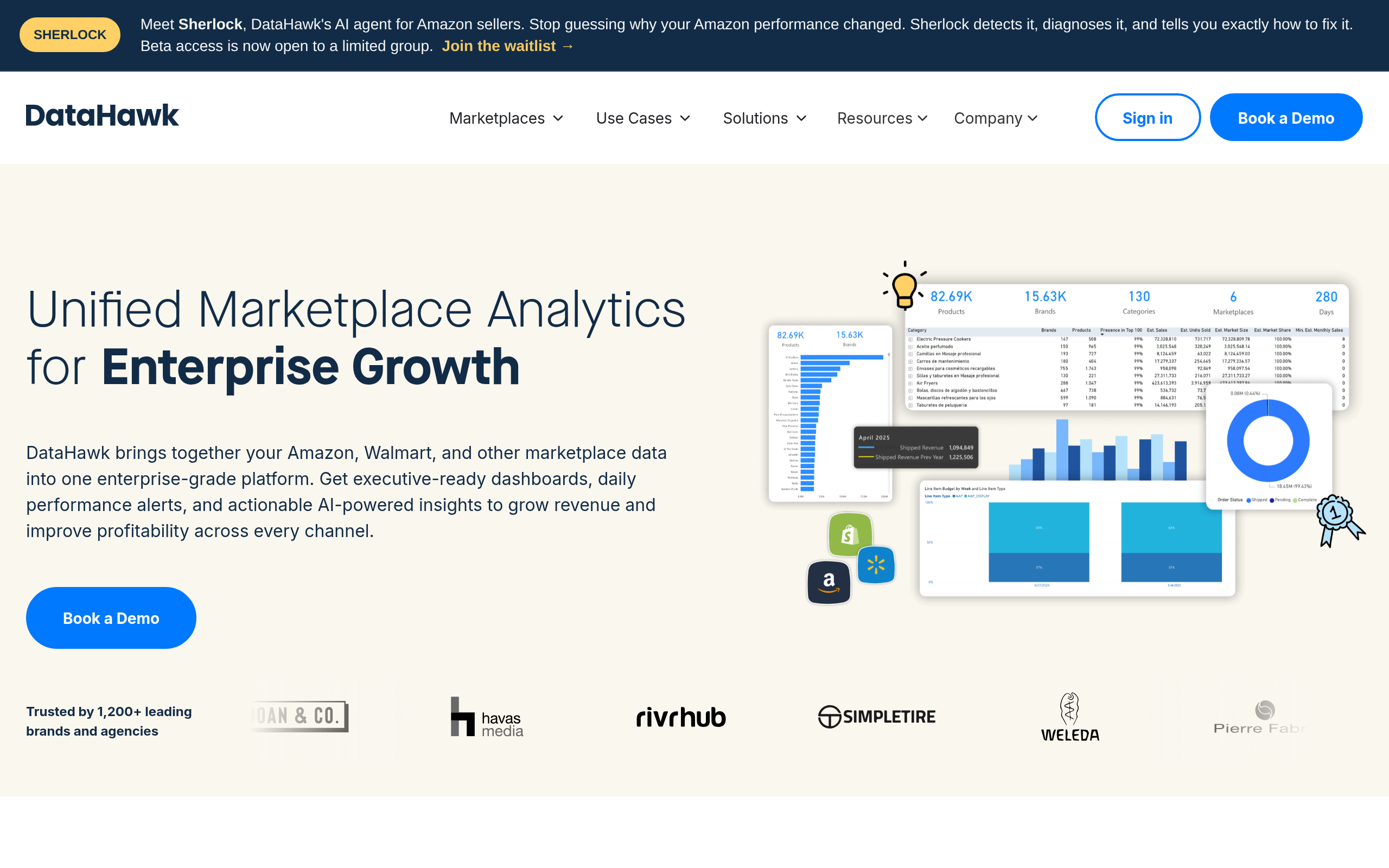
| Datahawk | Amazon SEO + market analytics | BSR tracking, category trend signals, competitor share-of-shelf analysis | Brands using market intelligence to inform buy quantities and forecasts |
If your primary need is pure demand forecasting and automated PO generation for a Shopify or omnichannel store, consider complementing these tools with dedicated inventory planning platforms like Inventory Planner (by Linnworks), Netstock, or Cin7 Omni, which are purpose-built for that workflow and connect to a broader range of sales channels.
How Do These Tools Compare on Key Features?
| Feature | BQool | Prisync | SellerApp | Teikametrics | Datahawk |
|---|---|---|---|---|---|
| AI demand forecasting | Partial (via pricing signals) | Partial (sell-through velocity) | Yes (BSR + keyword trends) | Yes (Flywheel AI) | Yes (BSR + market share) |
| Automated replenishment alerts | No | No | Yes (alerts and recommendations) | Partial (via ad budget ↔ stock link) | No |
| Competitor price tracking | Yes | Yes (core feature) | Yes | Partial | Yes |
| PPC and ad integration | No | No | Yes | Yes (core feature) | No |
| Multi-marketplace support | Amazon | Multi-channel | Amazon, Walmart | Amazon, Walmart | Amazon |
| ERP / 3PL integrations | Limited | Via API / Zapier | Limited | Limited | Via API / data export |
| Free trial available | Yes | Yes | Yes (free plan) | Yes (free self-service tier) | Yes |
What Do These Tools Cost — and Which Pricing Model Fits Your Operation?
| Tool | Pricing Model | Entry Point | Scales By |
|---|---|---|---|
| BQool | Monthly subscription tiers | Entry-level plan available | Number of SKUs or listings repriced |
| Prisync | Monthly subscription tiers | Entry-level plan available | Number of products tracked |
| SellerApp | Subscription + usage tiers | Free plan + paid tiers | Sales volume and feature access |
| Teikametrics | Percentage of ad spend + base fee | Free self-service tier for smaller sellers | Ad spend volume managed |
| Datahawk | Subscription tiers | Free trial + paid plans | ASINs tracked and features accessed |
All five tools offer a free trial or free tier, meaning you can validate fit with your actual data before committing budget. Pricing structures shift frequently, so always check the vendor's current pricing page — but the structural model above (subscription-per-SKU vs. percentage-of-spend) remains stable and should inform which tool aligns with your cost structure.
How Do You Implement AI Inventory Management Step by Step?
The most common failure in AI inventory rollouts is skipping data preparation and going straight to tool configuration. Here is the realistic implementation sequence for marketplace-focused sellers:
Phase 1: Data Audit (Weeks 1–2)
- Pull 12–24 months of SKU-level sales data, including returns and cancellations. Shorter histories are workable but produce weaker seasonal models.
- Map each SKU to its supplier lead time — capture minimum, maximum, and average, not just a single number.
- Flag stockout periods where zero sales does not equal zero demand. AI models need this distinction or they will underforecast recovered demand.
- Clean up duplicate SKUs, bundle components listed separately, and retire delisted items from the active dataset.
Phase 2: Tool Connection and Configuration (Weeks 2–4)
- Connect your marketplace (Amazon Seller Central, Walmart Marketplace) to your chosen tool via its native API integration.
- For SellerApp and Teikametrics, link your ad accounts alongside inventory — their AI models need the combined signal to close the velocity feedback loop.
- For Datahawk, set up ASIN tracking and configure competitor share-of-shelf monitoring for your top 20% of SKUs by revenue first. This is where the signal-to-noise ratio is highest.
- For BQool and Prisync, configure repricing rules that reference inventory levels — for example, tighten margin protection automatically when stock falls below 30 days of supply to avoid stockout-induced BSR collapse.
Phase 3: Parallel Validation (Days 30–60)
- Run AI forecasts in parallel with your existing process for 30 days. Do not act on AI recommendations yet — compare predicted vs. actual sales.
- Measure Mean Absolute Percentage Error (MAPE) on forecasted versus actual unit sales. Under 20% MAPE is workable for most product categories. Above 30% means your data has quality issues that need fixing before you trust the model.
- Note any promotions, stockouts, or external events (Prime Day, Black Friday) that skewed historical data and apply manual adjustments in the model settings.
Phase 4: Go Live and Iterate (Day 60+)
- Enable automated reorder alerts — or auto-generated POs if your supplier workflow supports electronic submission.
- Set exception thresholds: any AI-generated purchase order above a defined value receives human review before submission. Adjust this threshold down as you build confidence in the model.
- Review and recalibrate safety stock settings quarterly. As the AI accumulates more data on your specific SKUs and supplier patterns, buffers can typically be reduced without increasing stockout risk.
How Does AI Inventory Management Integrate with Your ERP or WMS?
The five tools reviewed here are primarily analytics and optimization layers, not ERP or warehouse management system replacements. Integration typically follows one of three paths:
- Native marketplace sync: All five connect directly to Amazon Seller Central or equivalent marketplace APIs to pull real-time inventory levels, sales velocity, and order data. This requires no custom development — just OAuth or API key setup.
- E-commerce platform connectors: For Shopify, WooCommerce, BigCommerce, or Magento, you will typically use a middleware layer such as Zapier, Make (formerly Integromat), or a direct API connection to sync inventory positions back to your ERP or storefront. Prisync has the broadest set of e-commerce platform connectors among the five tools in this guide.
- Data warehouse integration: For high-SKU-count operations (10,000+ active SKUs), the most reliable path is a central data warehouse (BigQuery, Snowflake, Redshift) that ingests from all sources — marketplace APIs, 3PL systems, supplier EDI — and feeds your AI tool via its API or data export. Datahawk and Teikametrics both support enterprise-grade data export workflows suited to this architecture.
One practical note on 3PL integration: if you use a third-party logistics provider, confirm it exposes real-time on-hand quantities via API before selecting any AI inventory tool. Most modern 3PLs (ShipBob, Flexport, Whiplash) support this, but integration setup requires lead time — plan for two to four weeks of configuration alongside your tool onboarding.
What Is the Difference Between Demand Forecasting, Safety Stock, and Automated Replenishment?
These three terms are often treated as synonyms. They are actually sequential steps in the same workflow, and conflating them leads to poor tool selection:
- Demand forecasting answers: how many units will I sell in the next 30, 60, or 90 days? It is a prediction, not an action. Tools like SellerApp and Datahawk contribute here through BSR trend analysis and market share signals that lead raw sales data by several days or weeks.
- Safety stock calculation answers: given forecast uncertainty and lead-time variability, how much buffer inventory should I hold to avoid stockouts? AI calculates this buffer dynamically per SKU rather than applying a single flat multiple across the catalog.
- Automated replenishment answers: given the forecast, the safety stock buffer, current on-hand stock, and my supplier lead time — when do I need to place an order, and for how many units? This is where the action happens — a PO recommendation or an auto-generated order.
The most sophisticated marketplace implementation closes this loop: Teikametrics Flywheel AI, for instance, feeds low-inventory signals back into ad bidding, automatically reducing spend on products running low to slow sell-through and protect BSR ranking ahead of a restock. This is something a static rules-based system cannot do.
Comparee's Verdict: Which Tool Is Right for Your Operation?
Here is our explicit recommendation by operator type — no hedging:
- Amazon-first brand running paid ads: Start with Teikametrics. The Flywheel AI is the most mature system for connecting ad spend to inventory velocity. If you are not running ads yet and just need analytics, SellerApp is the better and more affordable entry point with a usable free tier.
- Amazon seller focused on repricing and margin protection: BQool is purpose-built for this workflow. Its inventory-aware repricing rules mean you will not accidentally accelerate sell-through when you are already running critically low on units.
- Multi-channel merchant tracking competitor pricing: Prisync has the broadest competitor monitoring capabilities and works across marketplaces plus your own website. It is the right choice if competitor pricing and competitor stock availability drive your purchasing decisions.
- Brand analyst or category manager wanting market intelligence: Datahawk's ASIN-level BSR tracking and share-of-shelf analysis makes it the strongest tool for translating market signals into informed buy quantities. Position it as an intelligence input to your inventory decisions, not the execution layer.
- High-volume omnichannel operation needing full demand forecasting and PO automation: None of the five tools replaces a dedicated inventory planning system for this use case. The right architecture is to layer Datahawk or SellerApp for marketplace intelligence on top of a purpose-built forecasting platform (Inventory Planner, Netstock, or Cin7 Omni) that handles the actual PO workflow across all channels.
Browse the full E-commerce & Retail AI tools directory on Comparee to compare additional options and find tools that integrate with your existing stack.
Tools mentioned in this guide
Pricing, features and model availability can change over time. Always verify current details on each tool's official website before deciding.
Frequently Asked Questions
What is AI inventory management?
What is AI inventory management?
Which AI tool is best for Amazon inventory management?
Which AI tool is best for Amazon inventory management?
How much historical data do I need for AI demand forecasting?
How much historical data do I need for AI demand forecasting?
What is safety stock in AI inventory management?
What is safety stock in AI inventory management?
Can BQool help with inventory management beyond repricing?
Can BQool help with inventory management beyond repricing?
What is the difference between Teikametrics and SellerApp?
What is the difference between Teikametrics and SellerApp?
Is Prisync only for pricing, or does it help with inventory decisions?
Is Prisync only for pricing, or does it help with inventory decisions?
How does Datahawk support inventory planning?
How does Datahawk support inventory planning?
Don't just pick a tool — get the whole workflow
Tell Comparee your goal and get a complete step-by-step AI workflow with the right tool for every step.