FREE YOUR SMART PLUG BEFORE THEY SWITCH THE CLOUD OFF
Belkin switched off the Wemo cloud in January 2026 and working smart plugs went dumb overnight—open firmware removes the company from the loop entirely.
by Tasmota community
HomeAutomation
- difficulty
- ●●●○○
- time
- an evening
- license
- GPL-3.0
- repo
- repo ACTIVE24,662 stars
●●●○○ · an evening · GPL-3.0 · 24,662 stars · repo ACTIVE
WHAT YOU’LL NEED
- Dev board / microcontroller — runs the project firmware
Partner
COMPAREE VERDICT
This is not a build. It is a decision about whether you want your smart plugs to survive the next cloud shutdown. Belkin killed Wemo cloud on 31 January 2026, and Best Buy did the same with Insignia Connect in November 2019—people were left with plugs that still switched on and off, but lost schedules, settings and app control. Open firmware runs the device entirely on your own network with no vendor account. Tasmota and ESPHome are the two common choices. Older ESP8266-based plugs need the case opened and a serial adapter clipped or soldered to the board. Many newer Tuya plugs built on Beken or Realtek chips skip that entirely: tuya-cloudcutter converts them over the air with no soldering at all. The single thing most likely to go wrong is buying a plug that is not in the supported device list, or buying one that has been silently revised to a new chip that breaks compatibility. Check the device list first, and expect to spend an evening reading the docs before you start. This is mains voltage—unplug it, and if a board looks like it carries line voltage where you want to clip, stop.
IN THE REPO
NOT IN THE REPO
- —Tasmota is GPL-3.0 licensed, no commercial restrictions.
- —ESPHome is dual licensed: GPLv3 for the C++ runtime, MIT for the Python codebase.
- —tuya-cloudcutter is MIT licensed.
- —The Tasmota device template list states 2,861 supported devices submitted by users.
- —tuya-cloudcutter ships 777 device profiles and converts many Tuya plugs over the air with no soldering.
- —After conversion, the original Tuya apps and servers no longer work—that is the point.
Can I build this?
Build at your own risk. Projects involve tools, electronics and sometimes mains voltage — follow the creator’s safety notes.
 Partner · Kickstarter
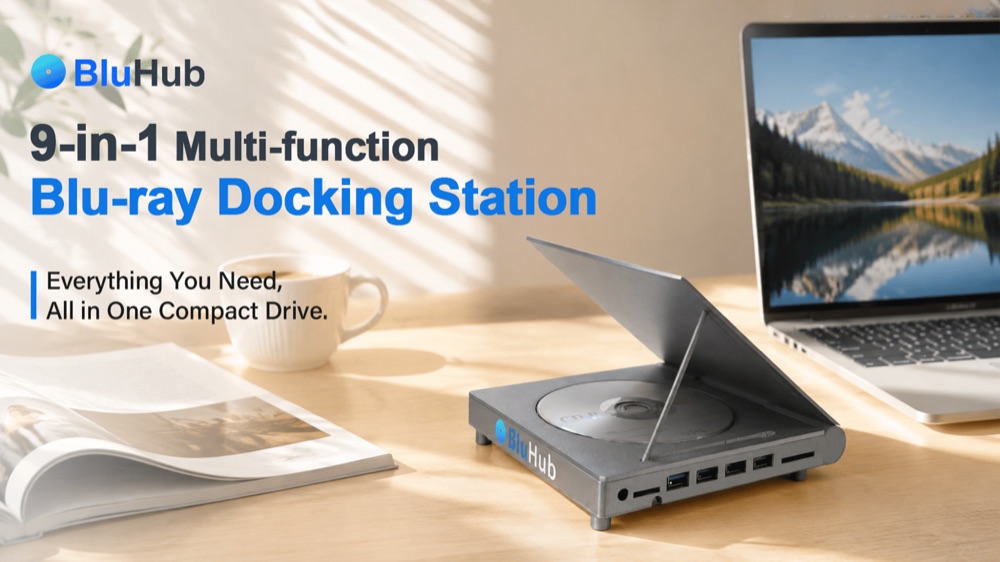
BluHub reads and burns Blu-ray/DVD/CD, adds USB-C, USB-A, SD/TF and 10 Gbps data — plug and play, grand-piano finish.
Videos
Smart plug teardown and firmware flashing
No official video from Tasmota or tuya-cloudcutter. Community walkthroughs exist but are device-specific.
Gallery
Start here
Navigation into the creator’s own docs — we don’t rewrite the guide, we route you to the source.
- 1.Check the Tasmota device template list or tuya-cloudcutter device profile list to confirm your plug is supported. (Many plugs have been silently revised to incompatible chips. The model number is not always enough—check the chip inside if you can.)
- 2.If your plug is Tuya-based and in the tuya-cloudcutter profile list, flash it over the air with no soldering.(tuya-cloudcutter converts the plug via a local web exploit. After conversion, the Tuya app stops working.)
- 3.If your plug is ESP8266-based, open the case, locate the serial header, and connect a USB-to-serial adapter at 3.3V.(Most boards have the header labelled TX, RX, GND, VCC and GPIO0. You may need to solder header pins or use pogo pins.)
- 4.Flash Tasmota or ESPHome firmware using the instructions in the documentation. (Tasmota has a web installer for ESP8266 and ESP32. ESPHome requires Python and a YAML config file.)
Resources
Documentation, files and community threads for this build — we link straight to the original sources and never rehost the creator’s files.

KNOWN ISSUES
- Buying a plug that is not in the supported device list, or buying one that has been silently revised to a different chip. The model number alone is not enough—the exact PCB revision matters.
- Attempting to flash a Tuya plug with tuya-cloudcutter when it has already received a firmware update that patches the exploit. Older stock is more likely to work.
- Connecting the serial adapter while the plug is powered from mains. Always unplug it first.
- Using a 5V serial adapter on a 3.3V chip—this can destroy the ESP8266. Check the adapter voltage before connecting.
- Assuming that Wemo or Insignia plugs can be flashed with Tasmota. They cannot. Those brands are the evidence that cloud shutdowns happen, not the devices you flash.
- Flashing a plug without writing down the GPIO pin assignments from the original template. If the relay or LED pins are wrong, the plug will not switch.
Can I flash a Wemo plug with Tasmota?
No. Wemo plugs do not use ESP8266 or compatible chips. Wemo is the example of a cloud shutdown, not the plug you flash. Look for ESP8266 or Tuya-based plugs instead.
What is the difference between Tasmota and ESPHome?
Tasmota has a web interface and works standalone. ESPHome is designed to integrate with Home Assistant and uses YAML config files. Both are open source and run locally with no cloud.
Will tuya-cloudcutter work on my plug if it is not in the profile list?
Unlikely. The exploit depends on a specific firmware version and chip. If the plug is not in the list, you will need to open it and check if it can be flashed via serial instead.
What happens after I flash the plug?
The original app stops working. The plug runs entirely on your local network. You control it via the Tasmota web interface, Home Assistant, or MQTT.
Community builds
No community builds yet — be the first, we feature the best ones.
Discussion1
FROM THE COMPAREE TEAM
Belkin shut down the Wemo cloud in January 2026, and Best Buy killed Insignia Connect back in 2019—both times, working plugs went dumb overnight. Have you already flashed any of your plugs, and if so, which firmware did you pick?
Tasmota community
Tasmota is a community-maintained open firmware project for ESP8266 and ESP32 devices. It has been active since 2017 and the device template list now includes 2,861 user-submitted configurations.
Keep building — related projects
Same category, picked by how close they are to this build.
 NO CAD FILES
CasaOS: turn a retired office laptop into a private home server that replaces cloud storage
HomeAutomation●●○○○starter
 NO CAD FILES
Take your router back from its maker in ninety seconds
HomeAutomation●●○○○starter
 Partner · Kickstarter
CodeeBot: build the robot from Lego-compatible bricks and program it by hand; a GPT tutor explains each step.
 NO CAD FILES
Tasmota: replace the cloud firmware in a smart plug so it runs entirely on your own network
HomeAutomation●●●●○advanced
 NO CAD FILES
WLED runs addressable LED strips from a cheap board with no app, no account and no cloud
HomeAutomation●●○○○starter
DISCLAIMER
- Comparee is not the author of the projects featured here. All rights to each project belong to its creator — every page links to the original source, and we never host creators’ files.
- Information is provided without warranty and may become outdated as projects evolve. Prices are indicative bands only — always check the creator’s parts list for current costs.
- Building and operating any project is at your own responsibility. Protective equipment, safe workshop practice and compliance with local regulations are the builder’s responsibility.
CompareeTEAM16d agoedited
Practical notes from our verification: the footage shows a Beken BK7231N-based plug being disassembled and soldered, but Tasmota does not support Beken chips—tuya-cloudcutter or OpenBeken are the correct tools for that hardware. The Tasmota device count of 2,861 is current as of the payload date. The single biggest trap is not the flashing—it is buying a plug that looks supported but has been silently revised to a different chip, or buying new stock that has already received a firmware update blocking the tuya-cloudcutter exploit. If you are buying a plug specifically to flash it, buy used or old stock, and check the exact PCB revision before you pay. Mains voltage is the real safety issue here: unplug the device before you open it, and if the board has exposed line-voltage traces near the serial header, choose a different plug.