How to Build an AI Workflow in 2026: A Step-by-Step Guide
How to build an AI workflow in 2026 — a step-by-step guide from mapping the process to choosing the right automation tool (n8n, StackAI, Relay.app) for each ste
Key takeaways
- A good AI workflow follows: map the process → pick a trigger → add AI steps → connect tools → add review → ship and monitor.
- For flexible workflow automation, n8n; for AI agent steps, StackAI; for simple team automations, Relay.app.
- For enterprise integrations, Workato Enterprise MCP; for process workflows, Kissflow.
- Keep a human review step where mistakes are costly — automation should assist, not run blind.
An AI workflow turns a repetitive process — handling leads, processing documents, generating content — into an automated chain where AI does the thinking and tools do the moving. The trick isn't one magic app; it's chaining the right tools by step. This guide walks through how to build an AI workflow in 2026 and names the best tool for each part, using real tools from the Comparee catalog.
The reason most "AI workflow" attempts stall is that people start with the tool instead of the process. They sign up for a powerful platform, stare at a blank canvas, and try to automate something they've never actually mapped. A workflow is just a process with the boring parts handed to software, so the work that determines success happens before any tool is opened: writing down, step by step, what a person does today and where a decision or a piece of writing is needed. Do that, and the tools below slot naturally into the steps. Skip it, and even the best platform produces a fragile automation nobody trusts.
The short answer
Build it in this order: map the process → pick a trigger → add the AI steps → connect your tools → add a review step → ship and monitor. For the automation backbone, n8n is the most flexible; for AI agent steps, StackAI; and for simple team automations, Relay.app.
The build steps, with the right tool
| Step | What you do | Best tool |
|---|---|---|
| 1. Map the process | Write the steps a human does today | (pen and paper) |
| 2. Pick a trigger | What starts the workflow | n8n |
| 3. Add AI steps | Reasoning, generation, classification | StackAI |
| 4. Connect tools | Move data between apps | n8n / Relay.app |
| 5. Enterprise integrations | Wire in business systems | Workato Enterprise MCP |
| 6. Review step | Human checks risky output | Relay.app |
| 7. Ship & monitor | Run it, watch for errors | n8n |
Step 1–2: Map the process and pick a trigger
Before any tool, write down exactly what a person does today, step by step. This reveals where AI helps (decisions, writing, extraction) and where it doesn't (judgement calls). Then pick the trigger — what starts the workflow, like a new form, email or row. n8n is the most flexible backbone for this: it connects hundreds of apps, supports custom logic, and can be self-hosted, so it adapts to almost any trigger and process.
Step 3–4: Add AI steps and connect tools
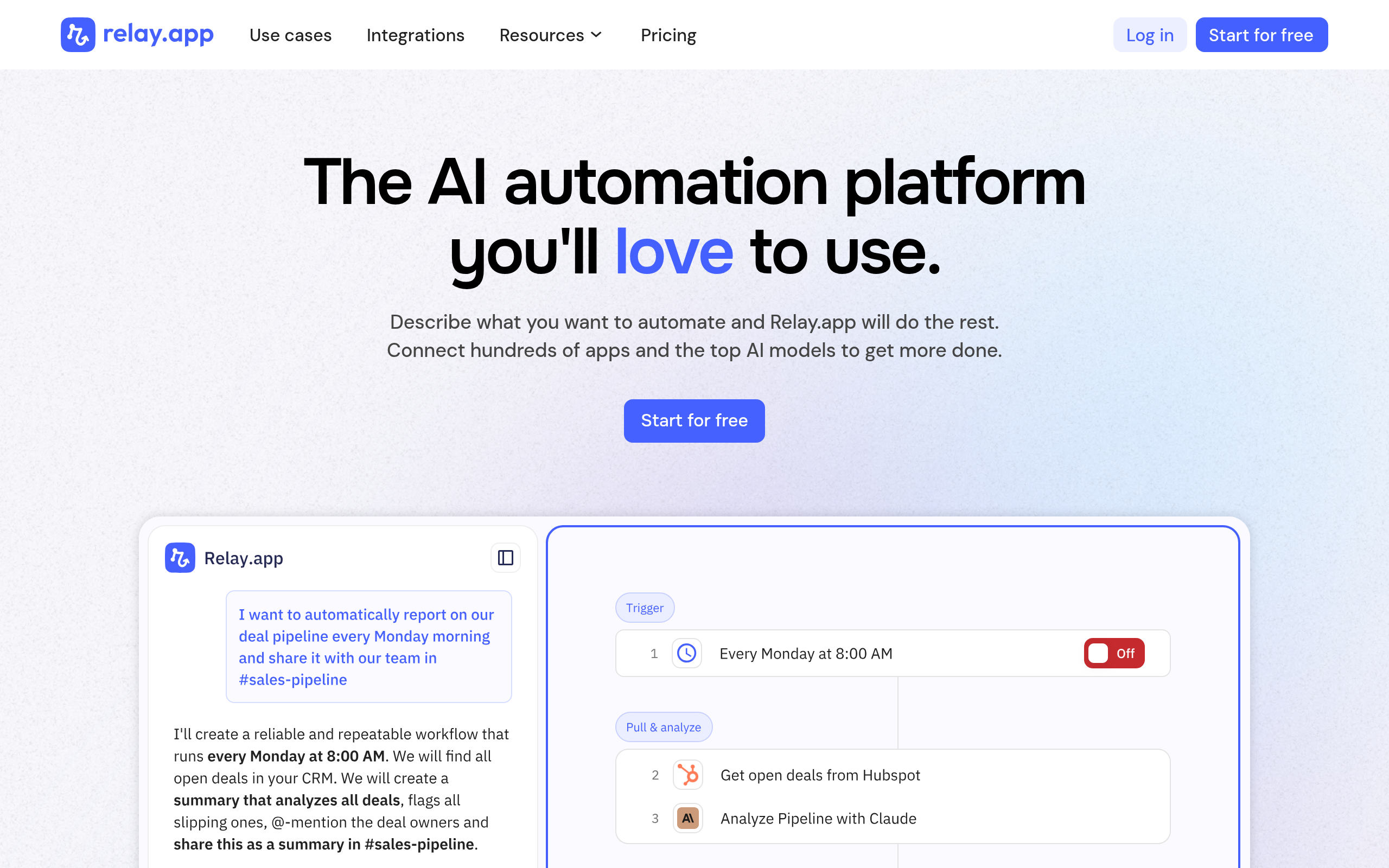
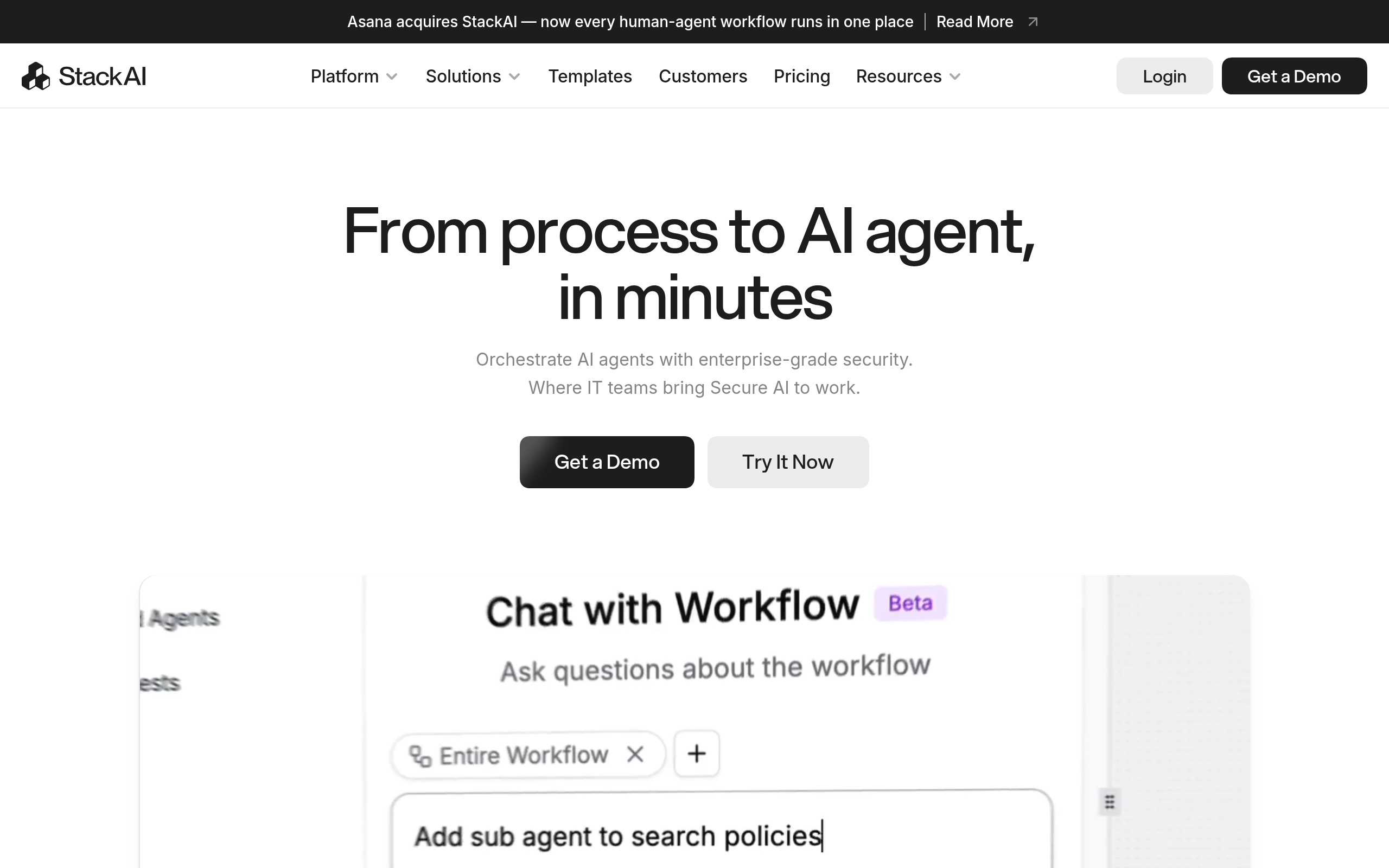
The AI steps are where reasoning, generation or classification happen — summarising a document, drafting a reply, scoring a lead. StackAI is built for these agentic steps inside a workflow. Then connect the tools so data flows between them; n8n handles complex chains, while Relay.app is a simpler option for straightforward team automations that don't need heavy logic.
Step 5–7: Integrations, review and shipping
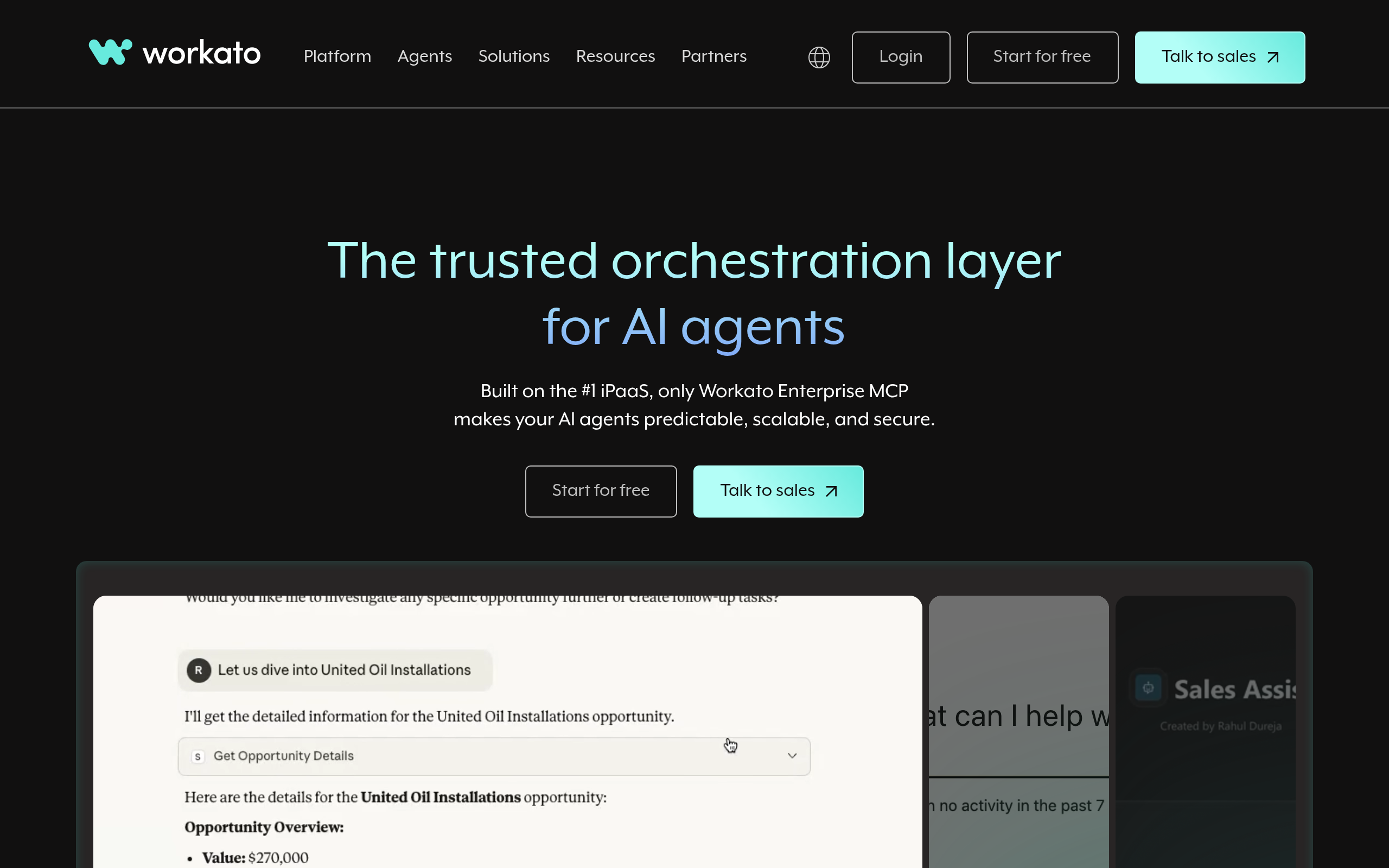
If your workflow touches enterprise systems, Workato Enterprise MCP handles those integrations reliably, and Kissflow covers structured business processes with forms and approvals. Crucially, add a review step where mistakes are costly — Relay.app supports human-in-the-loop approvals so a person checks risky output before it goes out. Finally, ship and monitor: run the workflow, watch for errors, and fix the weak steps. Automation that runs blind eventually breaks loudly.
A worked example
Say you want to automate inbound leads. The trigger is a new form submission (n8n). An AI step classifies the lead and drafts a personalised reply (StackAI). The workflow enriches and routes the lead to your CRM (n8n connects the apps). A human reviews high-value leads before the reply sends (Relay.app). Finally it logs everything and alerts you on errors (n8n). Five steps, each handled by the tool that does it best — that's an AI workflow, and it beats any single all-in-one app.
Comparee recommendation
- Backbone / triggers / connections? → n8n.
- AI agent steps? → StackAI.
- Simple team automations + review? → Relay.app.
- Enterprise integrations? → Workato Enterprise MCP; processes → Kissflow.
Build one workflow end to end before scaling. Compare the tools in the top automation tools and the automation category on Comparee.
Common mistakes when building AI workflows
The first mistake is automating a process you don't fully understand. If you can't write down the steps a human takes today, you can't reliably automate them — map it first, then build. The second is removing the human entirely from steps where mistakes are costly. AI is probabilistic; it will occasionally be confidently wrong, so a review step in Relay.app on high-stakes output is insurance, not friction. The third is building one giant, brittle workflow instead of small, testable pieces. A long chain that fails silently in step seven is hard to debug; smaller workflows that each do one thing are easier to fix and reuse. Start small, keep a human where it matters, and grow the system as it proves itself.
How to scale once it works
Once your first workflow runs reliably for a week or two, you have a template — and a set of skills — to reuse. Look for the next repetitive, well-defined task and apply the same pattern: trigger, AI step, connections, review, monitor. Reuse the connections and logic you already built in n8n rather than starting from scratch each time. As complexity grows, that's when agent platforms like StackAI and, at the enterprise level, integration tools like Workato Enterprise MCP earn their place. The teams that build real automation leverage don't attempt a giant transformation up front — they ship one workflow, learn from it, and compound small reliable wins into a system that quietly runs a meaningful share of the work. Momentum beats ambition here.
The mindset that makes this work is to treat your first workflow as a learning project, not a finished product. You'll discover edge cases you didn't anticipate, steps that need a human, and connections that break — and each of those teaches you how to build the next one better. Ship something small, watch how it behaves on real data, and improve it. Automation maturity is built from a series of small, reliable wins that compound, not from one ambitious build that tries to do everything and trusts nothing to oversight.
Pick one repetitive, well-understood task, build it end to end with a human review step, and run it on real data before trusting it — the confidence and the reusable building blocks you gain make every workflow after it faster to ship.
And remember that the best automation is invisible — it quietly does its job, alerts you only when something needs attention, and frees your team for work that genuinely requires human judgement. That's the standard worth building toward.
The bottom line
Building an AI workflow is about chaining specialist tools by step: map the process, trigger it, add AI, connect tools, review, and ship. n8n is the flexible backbone, StackAI adds AI reasoning, and Relay.app keeps a human in the loop. Start with one real process and expand once it works.
Tools mentioned in this guide
Pricing, features and model availability can change over time. Always verify current details on each tool's official website before deciding.
Frequently Asked Questions
How do I build an AI workflow?
How do I build an AI workflow?
What is the best tool to build an AI workflow?
What is the best tool to build an AI workflow?
Do I need coding to build an AI workflow?
Do I need coding to build an AI workflow?
Should AI workflows run fully automatically?
Should AI workflows run fully automatically?
Are AI workflow tools free?
Are AI workflow tools free?
Don't just pick a tool — get the whole workflow
Tell Comparee your goal and get a complete step-by-step AI workflow with the right tool for every step.