Best AI Tools for Students in 2026: Study Smarter, Stay Honest
The best AI tools for students in 2026 — research, writing help, presentations and study, used ethically to learn faster without crossing academic lines.
Key takeaways
- AI helps students learn faster — research, writing, presentations, study — when used to assist, not to cheat.
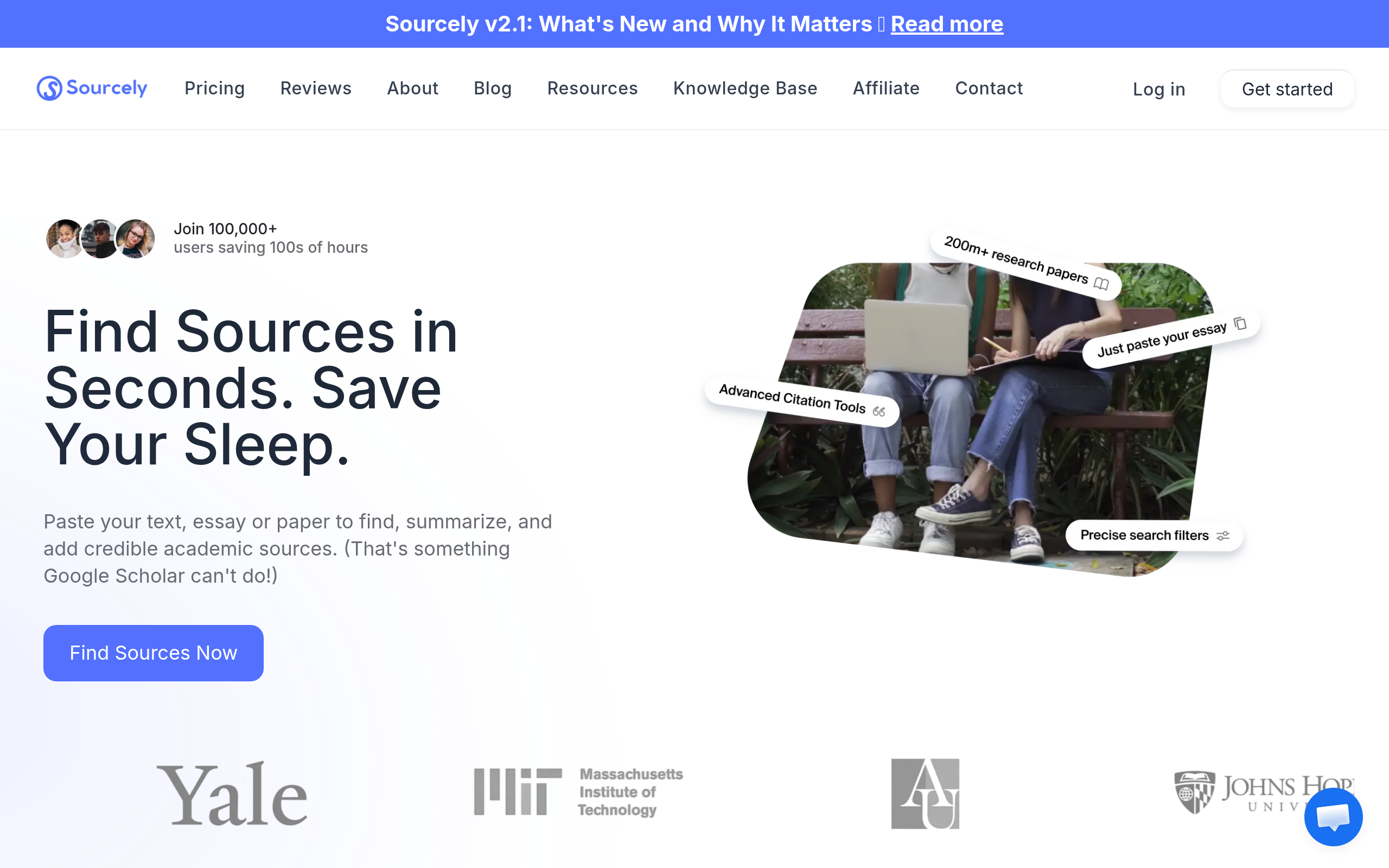
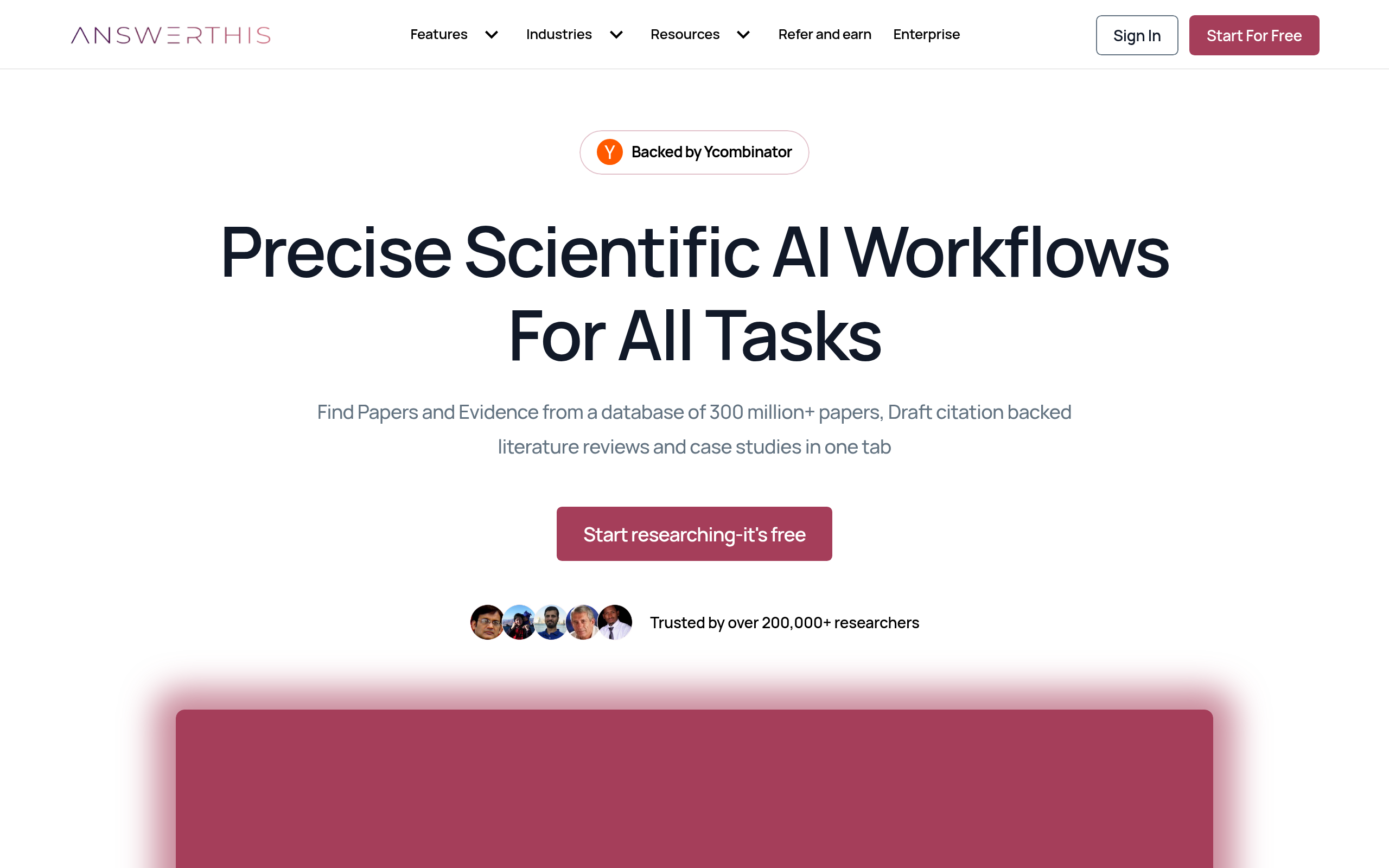
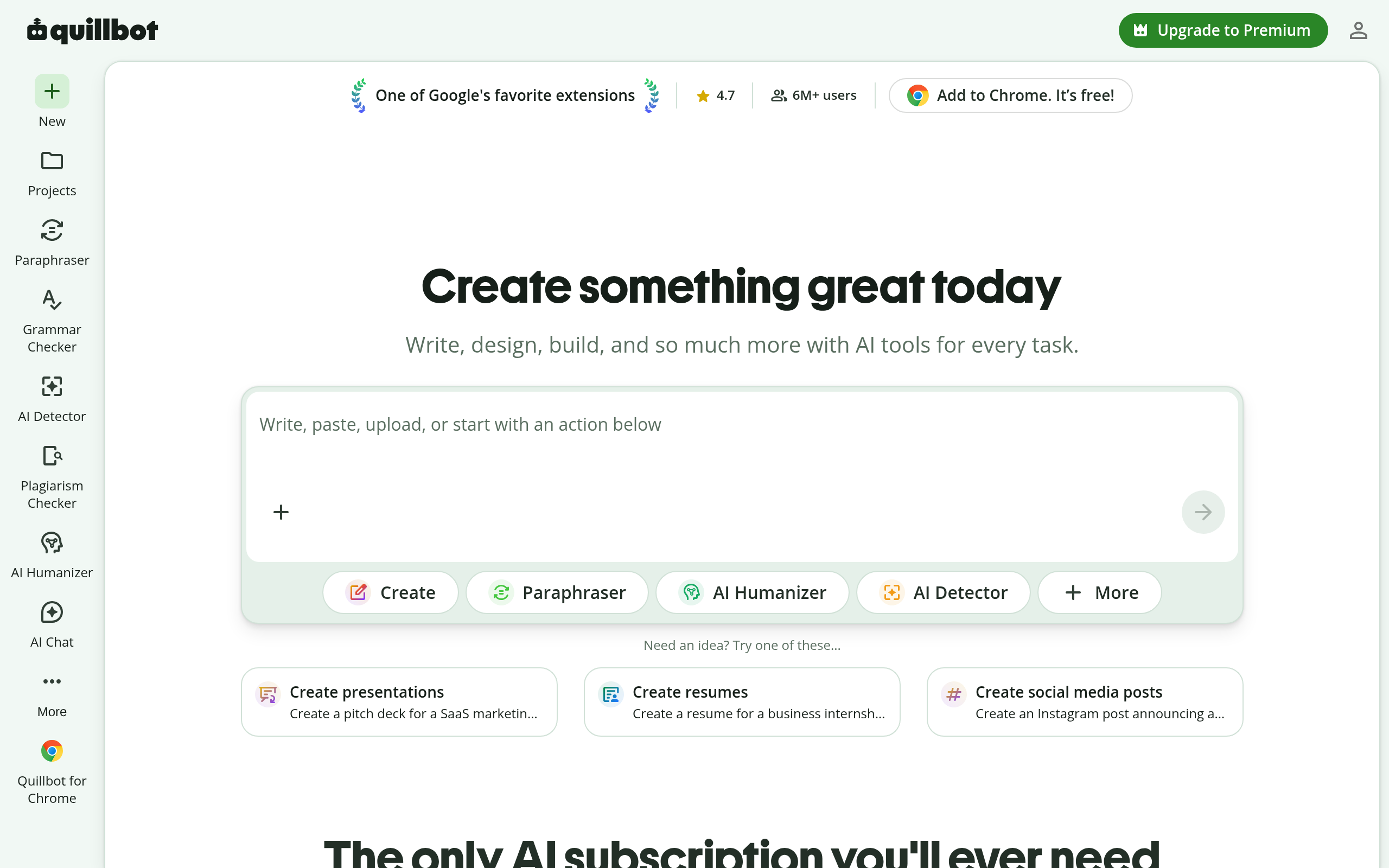
- For research with sources, Sourcely and AnswerThis; for paraphrasing/editing, Quillbot.
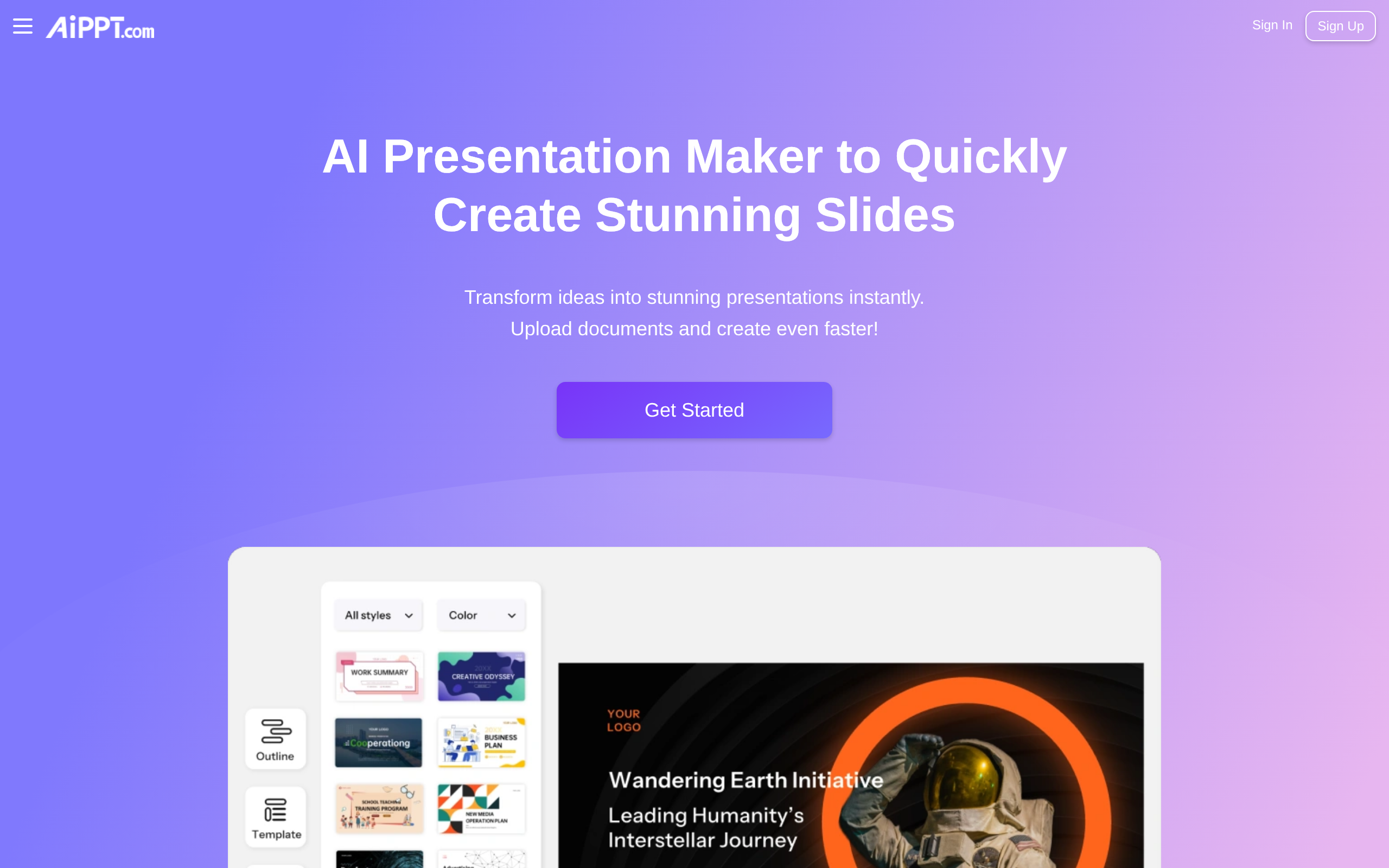
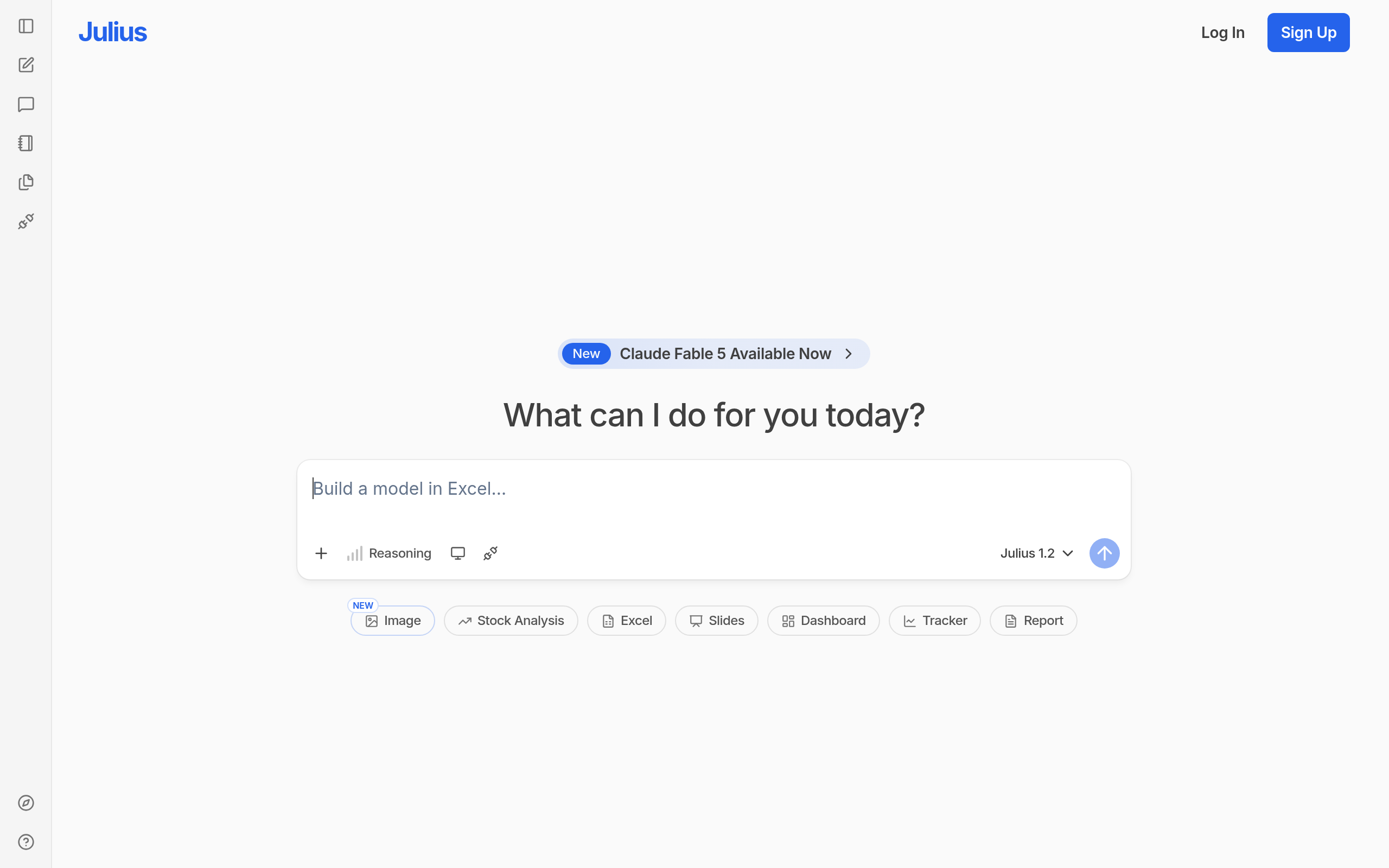
- For presentations, AiPPT; for data/analysis, Julius AI.
- Use AI to understand and draft, then write and verify in your own words — keep it honest.
Used well, AI is a study accelerator — it helps you research faster, understand hard topics, draft and revise, and build presentations in a fraction of the time. Used badly, it's a shortcut to learning nothing (and to academic trouble). This guide covers the best AI tools for students in 2026 and how to use them ethically, using real tools from the Comparee catalog.
For students, AI sits on a genuine fault line. Used one way it's the best study aid ever invented — a patient tutor, a research assistant and an editor available at 2am. Used another way it's a fast track to learning nothing and risking your academic record. The tools themselves are neutral; what matters is whether you point them at understanding or at avoidance. The guide below focuses on the first: tools that help you grasp hard material faster, find real sources, organise your thinking and present it well — paired with clear, honest habits so the help makes you a better student rather than a dependent one.
The short answer
For research with real sources, Sourcely and AnswerThis help you find and cite evidence. For improving your writing, Quillbot paraphrases and edits. For presentations, AiPPT turns a topic into slides. And for data-heavy work, Julius AI analyses numbers and builds charts. Use them to assist your thinking, not replace it.
Best AI tools for students by task
| Task | Best pick | Why |
|---|---|---|
| Research with sources | Sourcely / AnswerThis | Find and cite real evidence |
| Writing help / editing | Quillbot | Paraphrase, clarify, fix grammar |
| Presentations | AiPPT | Topic to slides in minutes |
| Data / analysis | Julius AI | Analyse data, build charts |
Research and writing: Sourcely, AnswerThis and Quillbot
Good academic work starts with evidence. Sourcely and AnswerThis help you find credible sources and citations, which keeps your work grounded rather than made up — and teaches you to back claims properly. For the writing itself, Quillbot is the go-to for paraphrasing and editing: it helps you clarify and tighten your own sentences rather than writing the essay for you. Used this way, these tools strengthen the skills assessors actually reward.
Presentations and data: AiPPT and Julius AI
For class presentations, AiPPT turns a topic into structured slides in minutes, so you spend your time on the content and delivery rather than formatting. For STEM and quantitative work, Julius AI analyses datasets and builds charts from numbers, which helps you understand and present data without wrestling with spreadsheets. Both save time on the mechanical parts so you can focus on learning.
How to use AI ethically as a student
The line is simple: AI should help you learn, not learn for you. Use it to explain concepts you don't understand, find sources, structure an outline, and edit your own drafts — then write the final work in your own words and verify every fact and citation yourself. Don't submit AI-generated text as your own, and check your institution's policy, because rules vary and the consequences are serious. The students who benefit most treat AI like a tutor and a research assistant, not a ghostwriter — they come out understanding the material, which is the entire point.
Comparee recommendation
- Research / sources? → Sourcely or AnswerThis.
- Writing help? → Quillbot.
- Presentations? → AiPPT.
- Data / analysis? → Julius AI.
Use AI to understand and draft, then make the work your own and verify it. Explore more in AI Tools, Comparisons & Workflows and the writing and presentations categories on Comparee.
How to study with AI without losing the learning
The risk with AI as a student isn't getting caught — it's learning nothing. If a tool writes your essay, you've outsourced the exact thinking the assignment was meant to build, and it shows in exams and later work. So use AI at the edges of the task, not the centre: let it explain a concept you're stuck on, suggest an outline structure, find sources with Sourcely or AnswerThis, and tighten your own sentences with Quillbot — then do the actual reasoning and writing yourself. A good test is whether you could explain and defend every line of your work without the tool. If not, you've leaned on it too hard. The students who come out ahead treat AI like a tutor that's always available: it accelerates understanding, but they still do the understanding.
Building an honest, affordable study workflow
A practical workflow looks like this: use AnswerThis or Sourcely to gather and cite credible sources, draft your argument in your own words, use Quillbot to clarify and check grammar, build the presentation with AiPPT, and run any data through Julius AI for charts. At every step, verify facts and citations yourself — AI invents plausible references, and a fabricated source is worse than none. Cost is rarely a barrier: many of these tools have free tiers that cover normal student use, so you can build the whole workflow without spending much. Finally, check your institution's AI policy, because rules differ and the consequences are serious. Used this way, AI makes you a faster, better-organised student who still owns the work — which is exactly the point of studying in the first place.
The students who will thrive in an AI world aren't the ones who avoid these tools or the ones who lean on them to do the work — they're the ones who learn to direct them. Knowing how to ask good questions, judge an AI answer critically, verify a source and turn rough output into your own understanding is itself a skill, and an increasingly valuable one. Treat AI as something to master rather than to hide from or hide behind, and you come out of your studies both better educated and better prepared for the work that follows. That's the honest, durable win.
Use them to understand faster, find real sources and sharpen your own writing — then verify every fact, write the work in your own words, and check your school's policy. Mastered that way, AI makes you a better student, not a dependent one, and that's the only win that lasts.
As AI becomes a normal part of study and work, the students who learn to use it thoughtfully — as an aid to understanding rather than a substitute for it — will have a real and lasting advantage over both those who avoid it and those who misuse it.
Start with one tool for your most painful task — research, writing or presentations — learn to use it well and ethically, and build from there as your needs grow throughout the term.
The bottom line
The best AI tools for students help you learn faster while staying honest: Sourcely and AnswerThis for research, Quillbot for writing help, AiPPT for presentations, and Julius AI for data. Use them to assist your thinking, write in your own words, verify everything, and check your school's policy.
Tools mentioned in this guide
Pricing, features and model availability can change over time. Always verify current details on each tool's official website before deciding.
Frequently Asked Questions
What are the best AI tools for students in 2026?
What are the best AI tools for students in 2026?
What is the best AI tool for research with citations?
What is the best AI tool for research with citations?
Is it cheating to use AI as a student?
Is it cheating to use AI as a student?
What is the best AI tool for student presentations?
What is the best AI tool for student presentations?
Are AI tools for students free?
Are AI tools for students free?
Don't just pick a tool — get the whole workflow
Tell Comparee your goal and get a complete step-by-step AI workflow with the right tool for every step.