Best AI Coding Assistants in 2026: Compared by Use Case
The best AI coding assistants in 2026 by use case — autocomplete, AI-first editors, privacy-focused tools and AI-assisted building. Comparee's verdict.
Key takeaways
- The best AI coding assistant depends on how you work — in-editor autocomplete, an AI-first editor, or AI-assisted building.
- For broad in-editor help, GitHub Copilot; for an AI-first editor, Cursor; for a free, multi-IDE option, Codeium.
- For privacy-conscious teams, Tabnine; for building apps with AI assistance, Replit.
- Match the tool to your editor and workflow — there's no single best, only the best for how you code.
AI coding assistants have gone from novelty to daily driver for a huge number of developers — suggesting code, writing functions, explaining errors and speeding up the grind. But they differ in approach: some live inside your existing editor, some replace it with an AI-first experience, and some focus on privacy or on building whole apps. The right one depends on how you work. This guide compares the best AI coding assistants in 2026 by use case.
What makes this category interesting is how different the tools have become. A few years ago an "AI coding assistant" meant autocomplete; now it spans in-editor suggestions, full AI-first editors that reason across a whole codebase, privacy-controlled enterprise options, and environments built for shipping apps. That range is why there's no single best — a solo developer experimenting on side projects, an enterprise team with strict data rules, and a founder racing to a prototype all want something different. The comparison below is organised by how you work, because that's the only thing that reliably points to the right tool. And whatever you choose, the constant is the same: AI accelerates the writing of code, but a developer still owns whether it's correct and safe.
The short answer
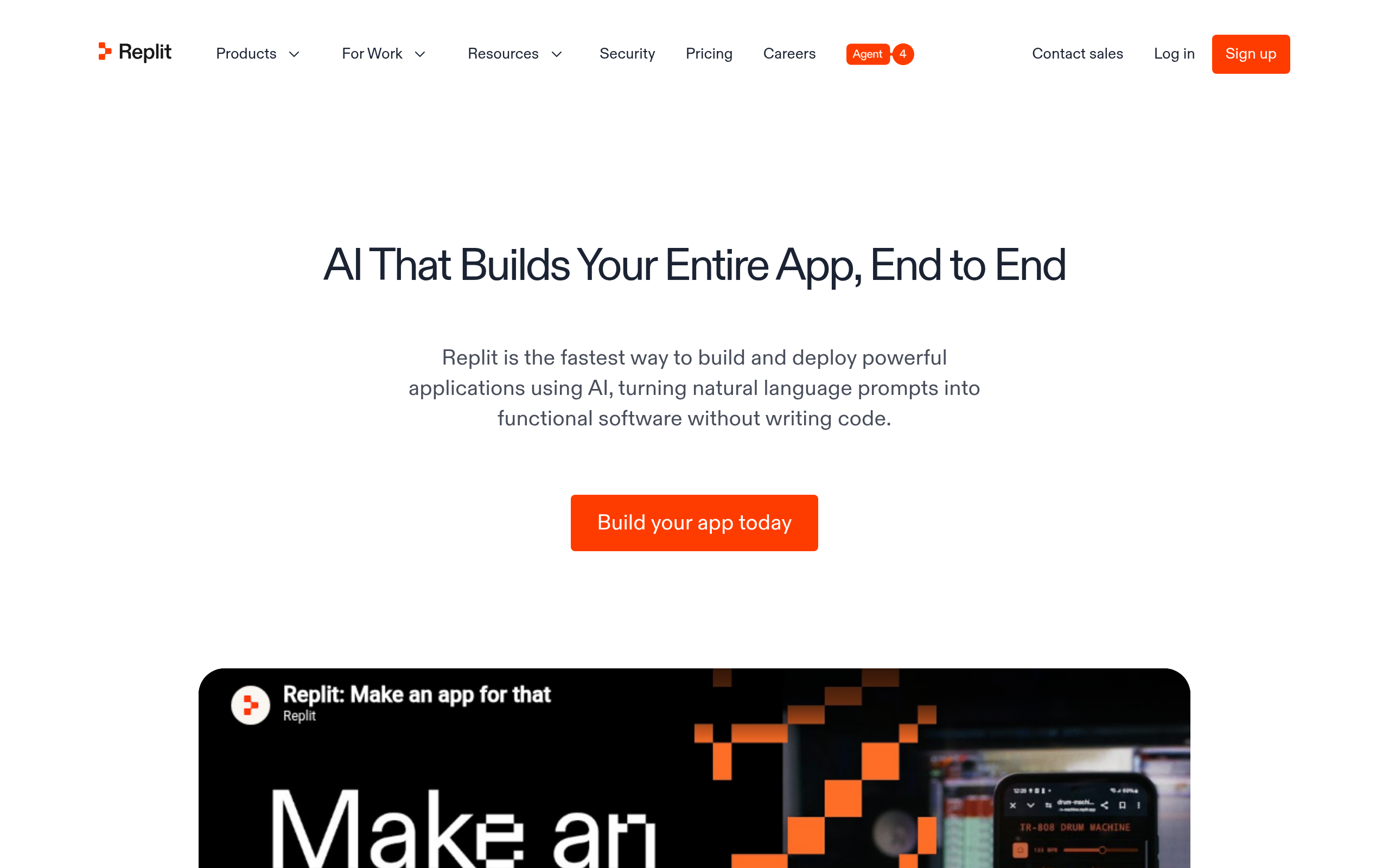
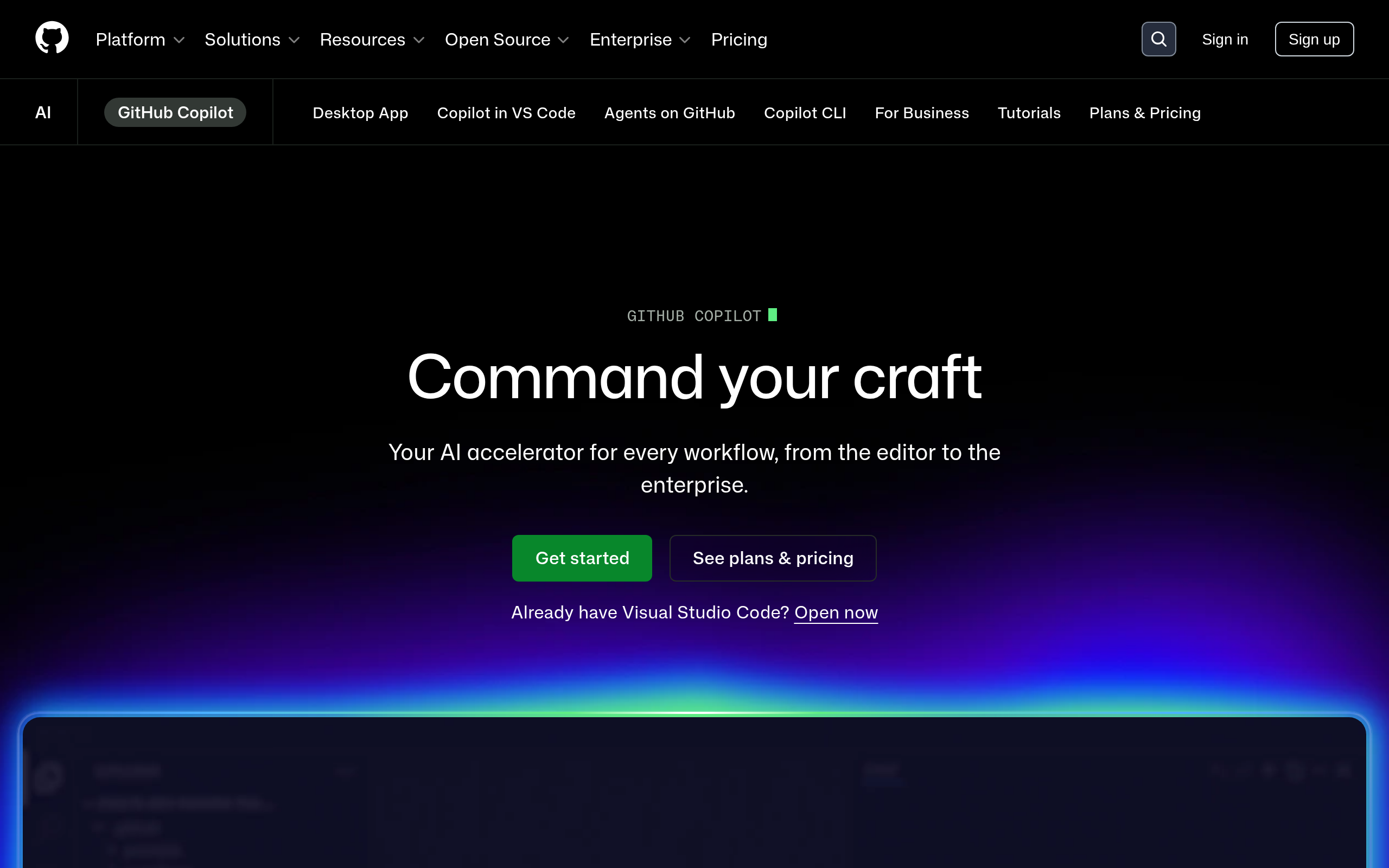
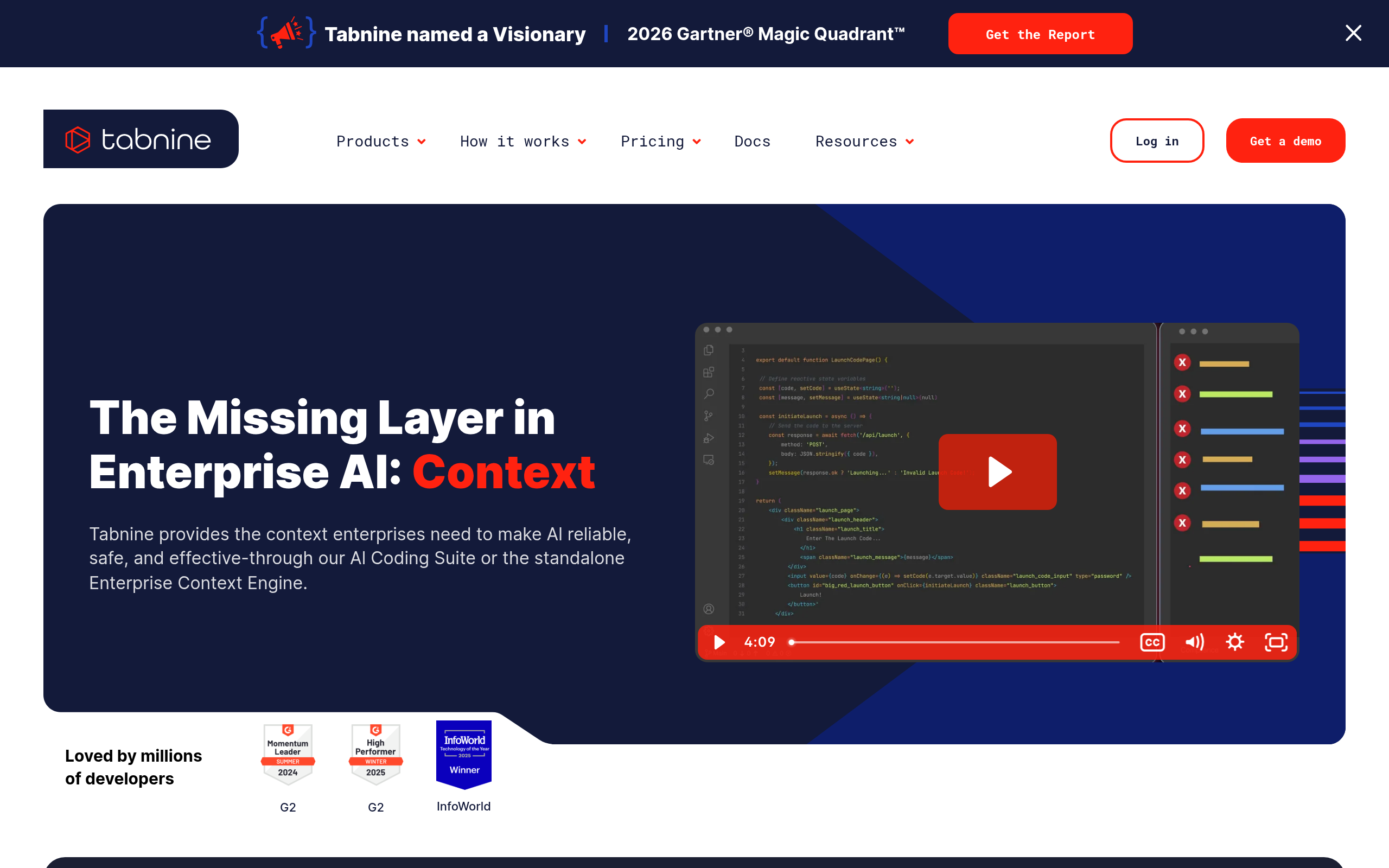
For broad, in-editor assistance across languages, GitHub Copilot is the default many developers reach for. For an AI-first editor built around working with AI across your codebase, Cursor. For a strong free option that works in many IDEs, Codeium. For teams that care about privacy and control, Tabnine. And for building apps with AI assistance rather than just completing code, Replit.
Best AI coding assistants by use case
| Use case | Best pick | Why |
|---|---|---|
| Broad in-editor help | GitHub Copilot | Mature, wide language support |
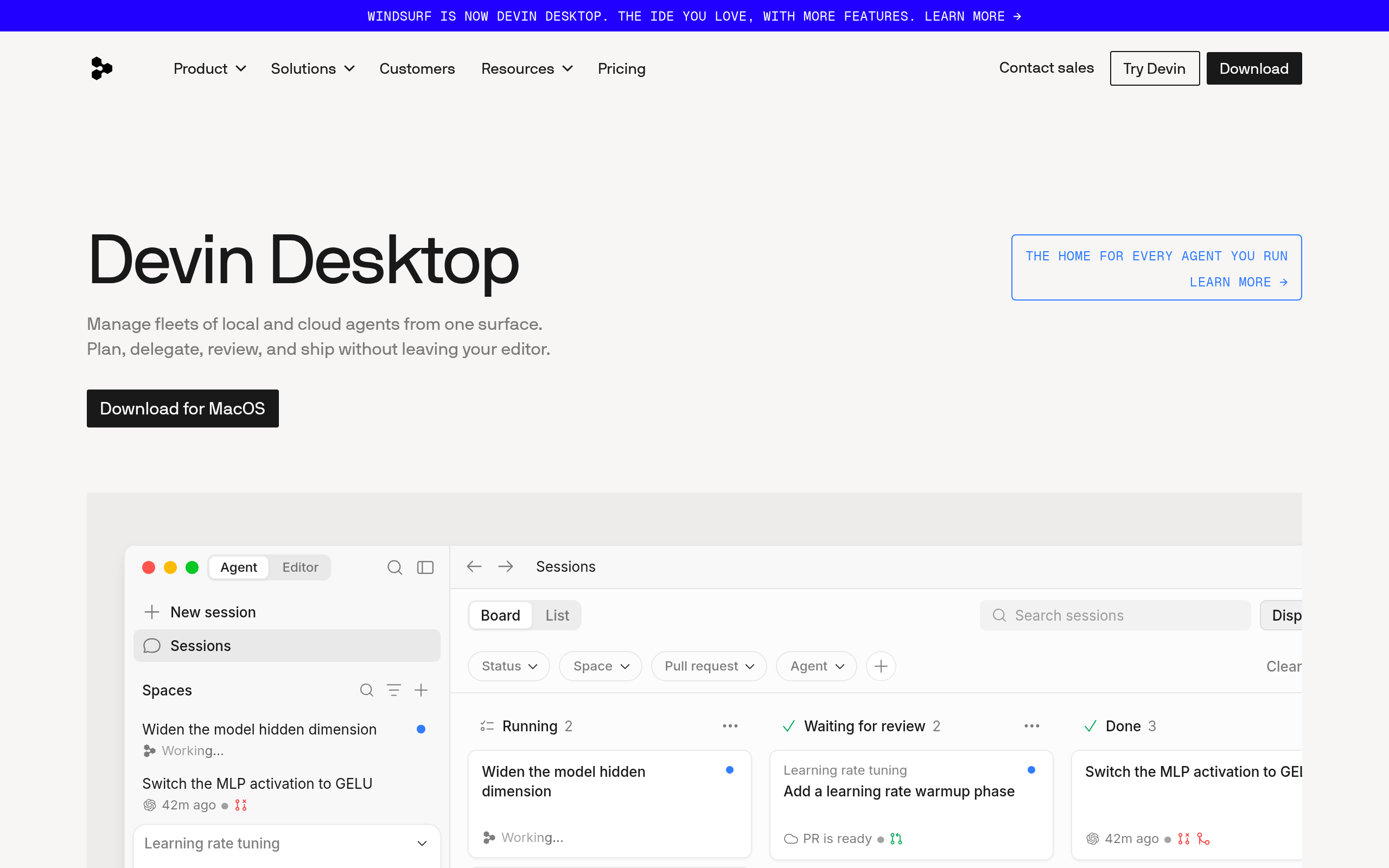
| AI-first editing | Cursor | Editor built around AI + codebase |
| Free / multi-IDE | Codeium | Free tier, works across IDEs |
| Privacy / teams | Tabnine | Privacy and team controls |
| Building apps | Replit | AI-assisted dev environment |
Best for in-editor assistance: GitHub Copilot
GitHub Copilot is the most established AI coding assistant — it integrates into popular editors and suggests everything from single lines to whole functions, with strong support across languages. For most developers who want capable AI help inside the editor they already use, it's the safe, mature default. Its deep integration with the wider GitHub ecosystem is a bonus for teams already living there. If you want one assistant that "just works" in your existing workflow, Copilot is the easy starting point.
Best AI-first editor: Cursor
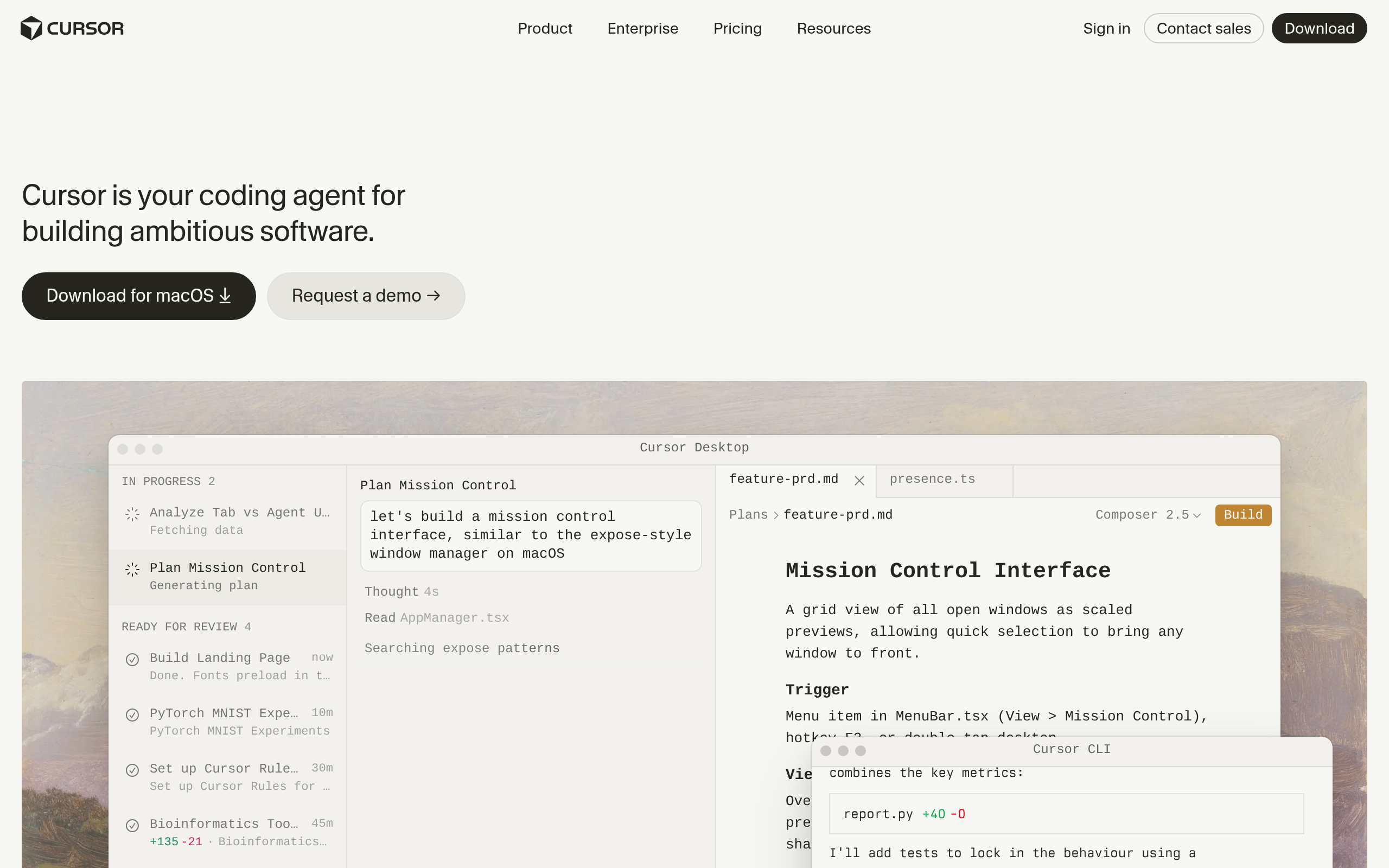
Cursor takes a different approach — instead of adding AI to an existing editor, it's an editor built around AI. That means it can reason across your whole codebase, make multi-file edits, and treat AI as the primary way you work rather than an autocomplete add-on. Developers who want to lean fully into AI-assisted coding — generating, refactoring and navigating large codebases with AI — often prefer it to a bolt-on assistant. If you're ready to change your editor for a deeper AI experience, Cursor is the leading choice.
Best free and privacy-focused: Codeium and Tabnine
If cost matters, Codeium offers strong AI autocomplete and chat with a generous free tier and broad IDE support — a great way to get capable assistance without a subscription. If privacy and control are the priority — common in enterprises and regulated teams — Tabnine focuses on those, with options around how your code is handled and team-level governance. The two cover the "free and accessible" and "private and controlled" ends of the spectrum, which matter to very different developers.
Best for building apps: Replit
Not every coding need is "help me write this code in my editor." Sometimes it's "help me build and run an app." Replit is an AI-assisted development environment where you can build, run and deploy without a complex local setup — useful for technical founders, learners and quick prototypes. It's less a pure autocomplete assistant and more a place to build with AI in the loop. If your goal is shipping something rather than perfecting code in an existing project, Replit fits.
How to choose your AI coding assistant
Start with your editor and workflow. If you're happy in VS Code or JetBrains and just want AI help, GitHub Copilot or Codeium slot right in. If you want AI to be central — reasoning across your codebase and making big edits — Cursor's AI-first design is worth switching for. If your organisation has strict privacy requirements, Tabnine addresses them. And if you want to build and ship apps rather than edit an existing codebase, Replit is the environment for that. Many developers run a couple — an in-editor assistant plus an AI-first editor for heavy work.
Comparee recommendation
- In-editor help? → GitHub Copilot, or Codeium for free.
- AI-first editor? → Cursor.
- Privacy / enterprise? → Tabnine.
- Building apps? → Replit.
Choose by how you code. Compare related tools in the coding & software category and the wider AI Tools, Comparisons & Workflows hub on Comparee.
Common mistakes with AI coding assistants
The first and most serious mistake is trusting AI-generated code without review. GitHub Copilot, Cursor and the others produce code fast, but they can introduce subtle bugs, security issues or logic that looks right and isn't — so every suggestion needs a developer's eye, especially anything touching auth, data or money. The second mistake is letting the assistant erode your understanding: use it to go faster on things you understand, not to ship code you can't explain. The third is ignoring data handling — if your code is sensitive, check how each tool processes it, which is exactly where a privacy-focused option like Tabnine earns its place.
How to get the most from an AI coding assistant
Start by trying the free tiers on a real project rather than a toy example — the difference between tools shows up in your actual codebase. Give the assistant context (clear function names, comments, types) and it suggests far better code; treat it like a pair programmer you brief, not a mind reader. For heavy, multi-file work, an AI-first editor like Cursor tends to pull ahead; for everyday autocomplete in your existing setup, GitHub Copilot or Codeium are enough. And keep reviewing and testing everything it produces — the developers who benefit most use AI to remove the grind while staying firmly in control of correctness.
The bottom line
The best AI coding assistant depends on your workflow: GitHub Copilot for broad in-editor help, Cursor for an AI-first editor, Codeium for a free multi-IDE option, Tabnine for privacy, and Replit for building apps. Most offer free tiers or trials — test your top pick on a real project before committing, and remember to review AI-generated code rather than trusting it blindly.
Disclaimer: AI coding assistants accelerate development but can produce incorrect or insecure code. Always review and test AI-generated code, and confirm each tool's data handling meets your privacy requirements.
Tools mentioned in this guide
Pricing, features and model availability can change over time. Always verify current details on each tool's official website before deciding.
Frequently Asked Questions
What is the best AI coding assistant in 2026?
What is the best AI coding assistant in 2026?
What is the difference between GitHub Copilot and Cursor?
What is the difference between GitHub Copilot and Cursor?
Is there a free AI coding assistant?
Is there a free AI coding assistant?
Which AI coding assistant is best for privacy?
Which AI coding assistant is best for privacy?
Should I trust AI-generated code?
Should I trust AI-generated code?
Don't just pick a tool — get the whole workflow
Tell Comparee your goal and get a complete step-by-step AI workflow with the right tool for every step.